minecraftschem.com

The Future of
Minecraft Build Sharing

The most transparent and creator-friendly platform for Minecraft builds, schematics, and maps.
No hidden rules. No senseless limits. Just freedom.

Follow development on Discord
2000+Builds Created
22K+Community Members
3000Builds Target 2026
100%Creator First

Why MinecraftSchem — Built differently. For creators.

No Hidden Rules

Every policy is public, readable, and written in plain language. No surprises, no silent changes, no arbitrary removals.

Instant Downloads

No unnecessary friction, no forced extra accounts. Creators choose how to share — direct downloads or external links.

Open Platform

We're evaluating making the entire codebase open source. Public APIs, shared data, and the freedom to build on top of it.

Every Format

Java schematics, Bedrock .mcstructure, maps, resource packs, and future support for Hytale prefabs. All in one place.

Massive Library

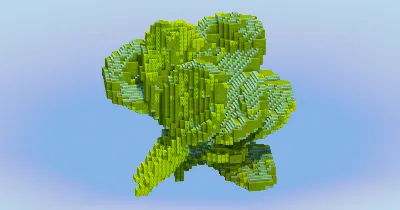
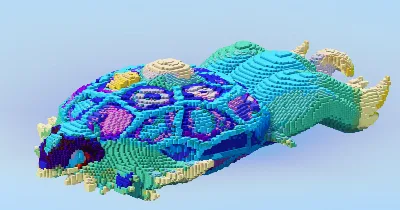
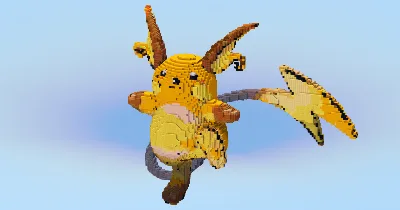
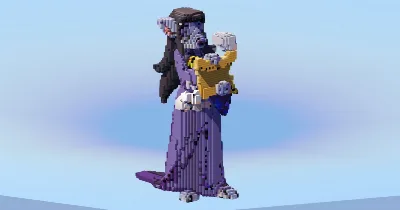
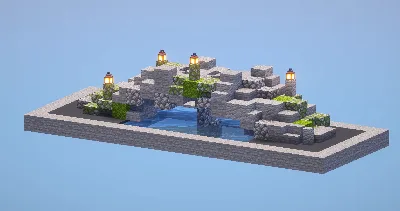
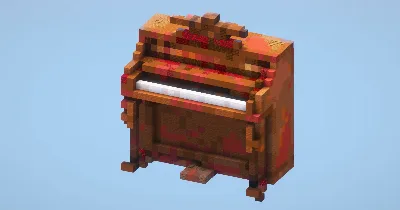
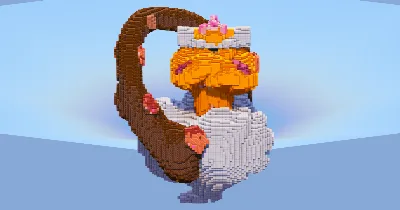
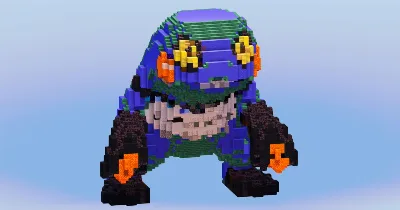
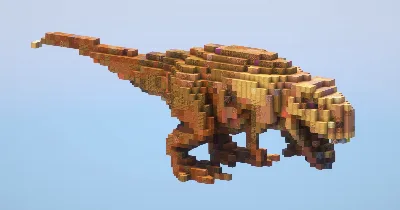
Over 2,000 builds spanning medieval, modern, Japanese, sci-fi, fantasy, statues, maps, and hundreds of character builds.

Real Community

Direct access to creators, community feedback that shapes the platform, and a Discord where every voice matters.

"Our mission is to build the most transparent and creator-friendly platform out there. No shady restrictions. No silence. No confusing rules. Just freedom, clarity, and open communication — the way every content-sharing site should be."

TransparencyFreedomRespectCommunityOpen SourceCreator First

Everything you need — A full platform for Minecraft creators

Posts
  • Builds, Skins, Servers, Resource Packs
  • Gallery viewer with fullscreen & scroll
  • 3D schematic viewer in browser
  • Schedule, draft & publish posts
  • Advanced filters & sort presets
  • Share as branded image card
  • Bulk edit & bulk delete
Profile
  • Custom banner, avatar & slogan
  • Social links & pronouns
  • 9 resizable content boxes
  • Full stats and analytics panel
  • Wall posts & comments
  • Subscriptions & subscribers
  • YouTube integration
Groups
  • Create groups with logo & banner
  • Follow or request membership
  • 7 drag-and-resize boxes
  • Guest book, shared posts & lists
  • Rules, FAQ & useful links
XP & Ranks
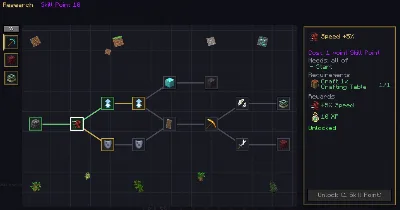
  • 100 levels with XP progression
  • 11 ranks (Beginner → Celestial)
  • 90 unlockable traits
  • Earn XP from likes, views, follows
Social
  • Like, favorite & comment on posts
  • Personal feed from creators you follow
  • Stories to share with friends
  • Direct messaging with folders
  • Ticket & report system
Platform
  • Dark & light theme
  • Global search (posts, lists, users)
  • Login with Google
  • Fully responsive layout
  • Moderation & safety tools
PUBLIC BETA

The site is open to the public and in beta — you can use it freely right now. Found a bug? Your reports are extremely valuable.

Report a Bug

Open Source — Coming after Beta

After the beta period, the entire source code will be released publicly so that anyone can propose changes or create their own version of the site. Those who do so will also be given the opportunity to start with an initial pool of around 2,000 posts — so they're visible to the entire Minecraft community right away, without the "small site" effect caused by a young platform.

23 views 4 today 2 downloads 0 today 0 0
WanMine
WanMine Team · posted by LeonisBuilds Published 20 Oct 2026 Last modified: 20 Oct 2026
Blockpedia logo

Adds 956 building block variants across 55 materials, and a golem workstation that converts any block into any other variant of the same material.

LoadersBedrock Add-on
Versions26.326.226.1.226.1.126.1
EnvironmentClientServer
←
Previous Medieval Town Hall on Floating Island
→
Next Piccolo

Description

✅ Compatibility

Achievements stay enabled undefinedin your worlds — the addon is fully compatible!


🚀 Overview

Every block you already build with, in every variant you wish it had.

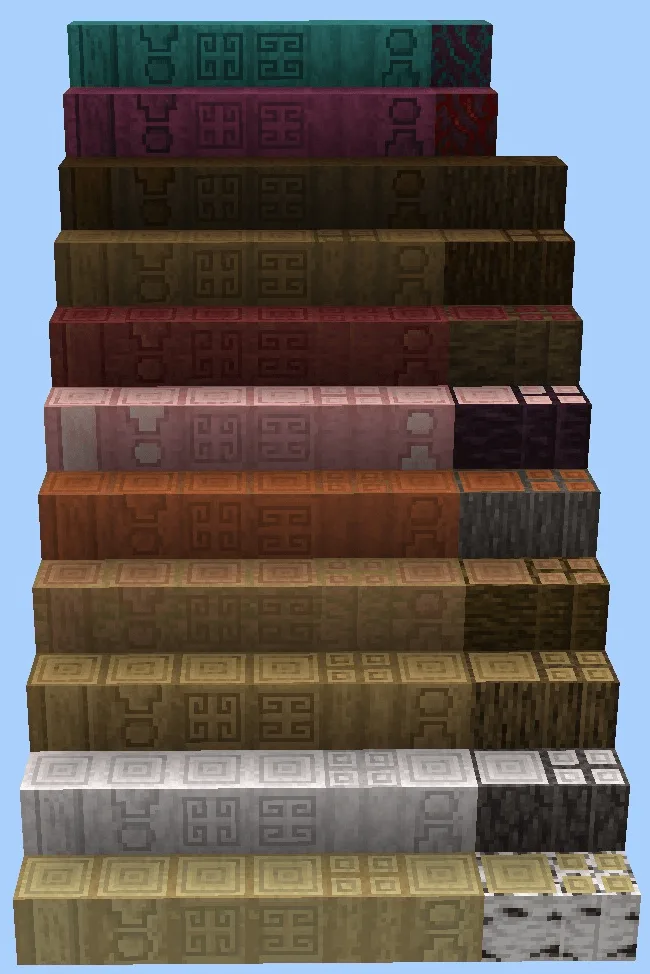
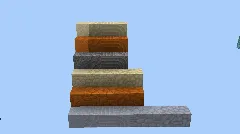
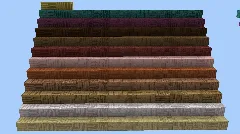
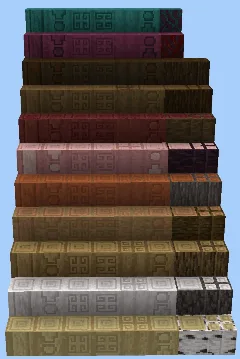
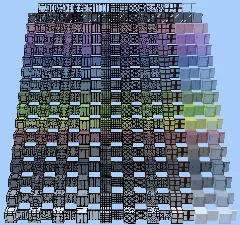
Blockpedia adds 956 decorative blocks across 55 materials: bricks, flagstones, columns, mosaics, cracked and weathered versions, vertical and packed planks, 17 colours of glass and matching panes.

But the blocks are only half of it. The other half is how you get them.
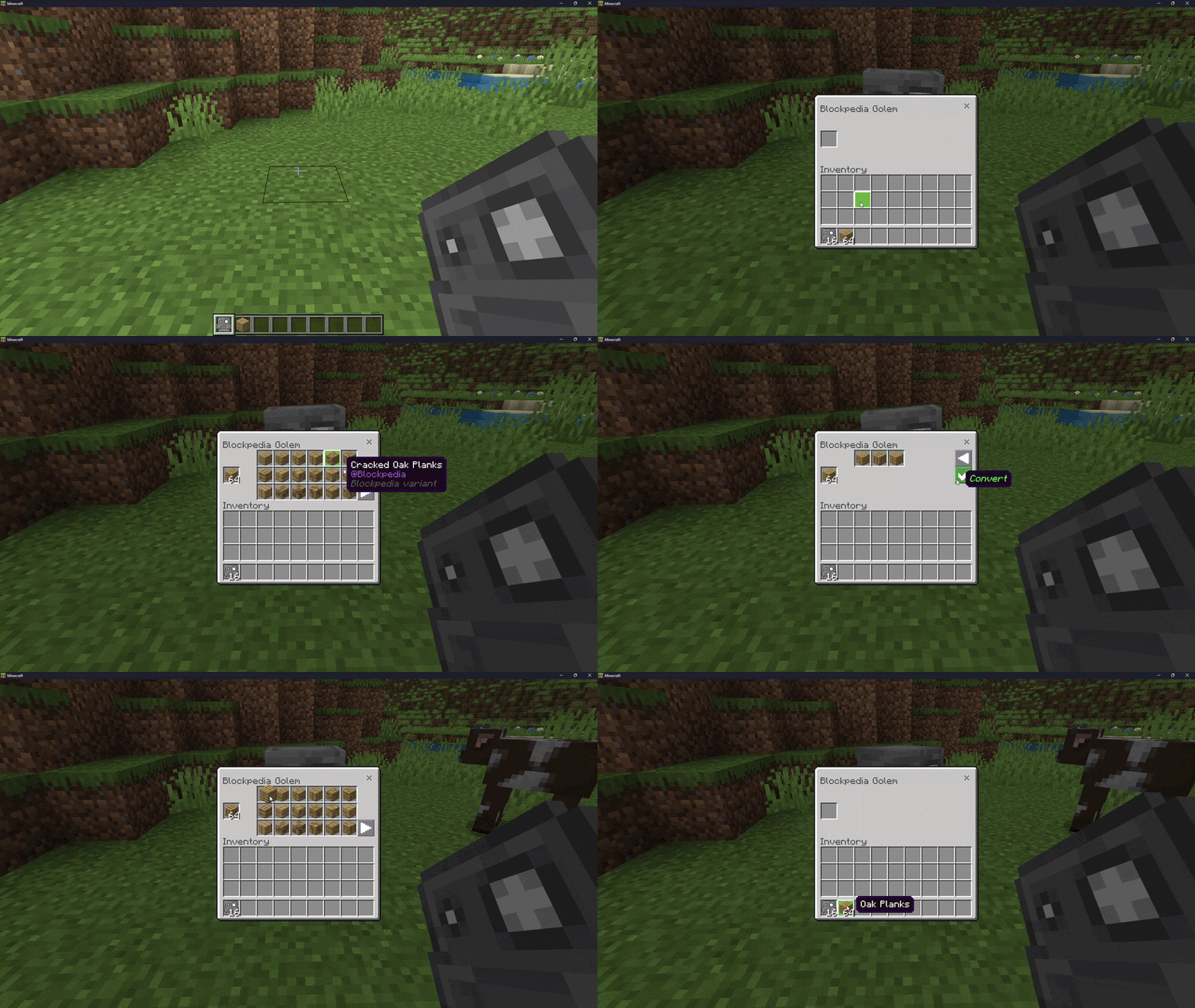
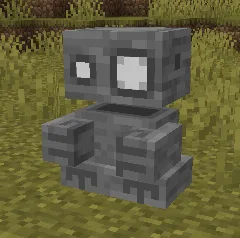
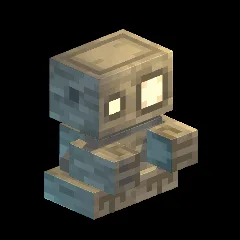
  • 🗿 The Blockpedia Golem: a living workstation that carves blocks for you
  • 🔁 Any variant, any direction: turn stone into bricks, bricks back into stone, or straight into flagstone. Nothing is one-way
  • 📦 Whole stacks at once: drop in 64, get 64 back
  • 💸 No cost, no waste: conversion is free and lossless
  • 🎨 17 glass colours, as full blocks and as connecting panes
  • 🌳 12 wood types of planks and 11 of logs, Nether woods included

🎬 See It in Action

Show spoilerHide spoiler

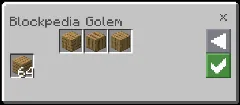
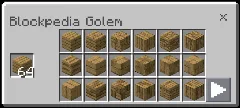
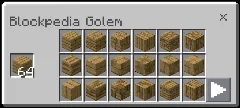
Right-click the golem to open it. Drop a block in the input slot on the left, and every variant of that material appears in the grid.

Pick a variant, hit Convert. Pages turn with the green arrows when a material has more than 18 variants.


🧱 The Blocks

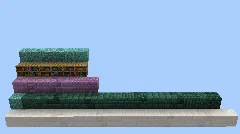
956 blocks, seven families. Every one of them convertible into every other block of the same material.
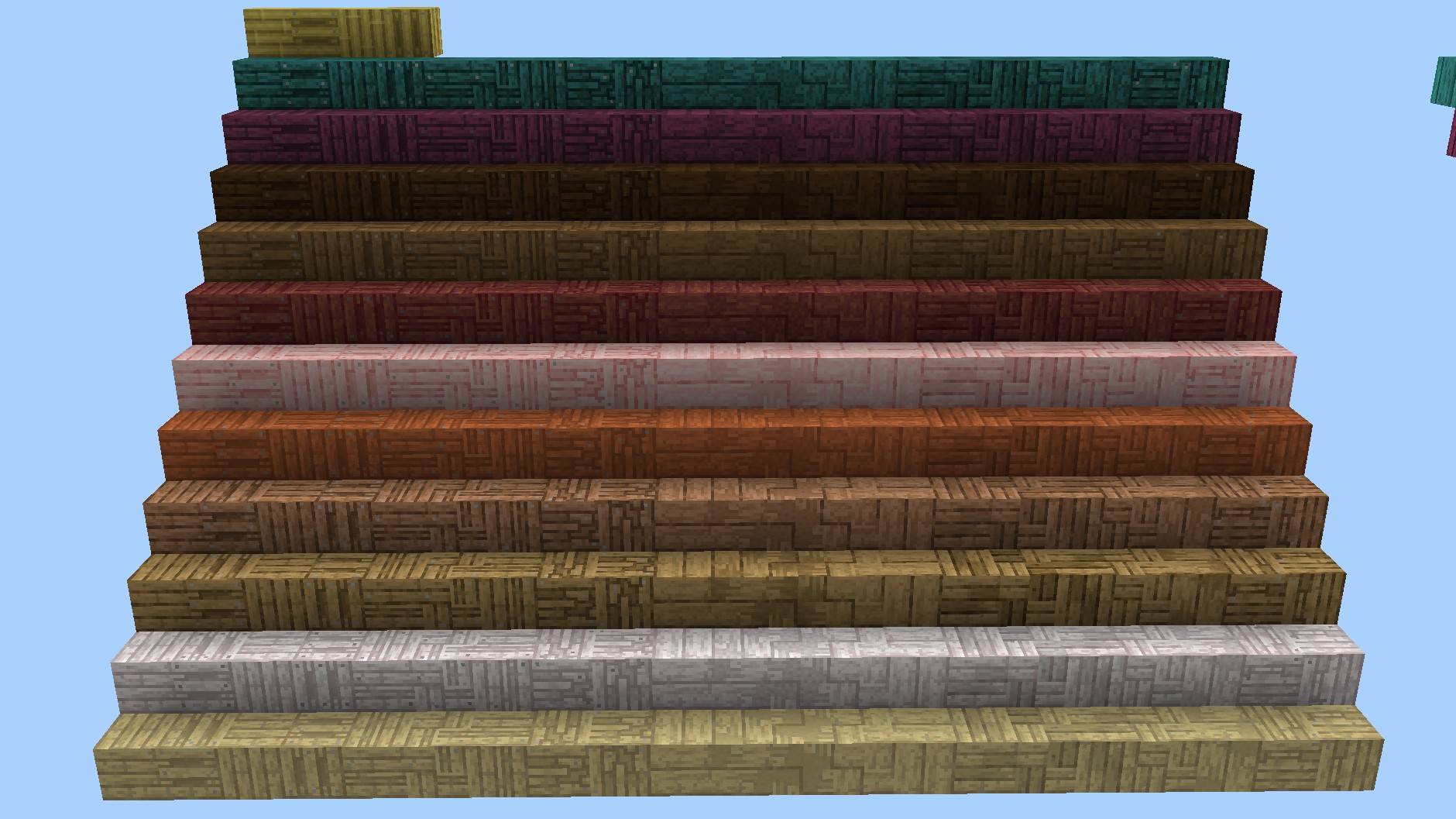
Planks: 223 blocks, 12 woods

Show spoilerHide spoiler

Oak, birch, spruce, jungle, acacia, dark oak, pale oak, cherry, mangrove, bamboo, crimson and warped. Vertical, large, packed, puzzle, old, cracked and pallet finishes for every single one.
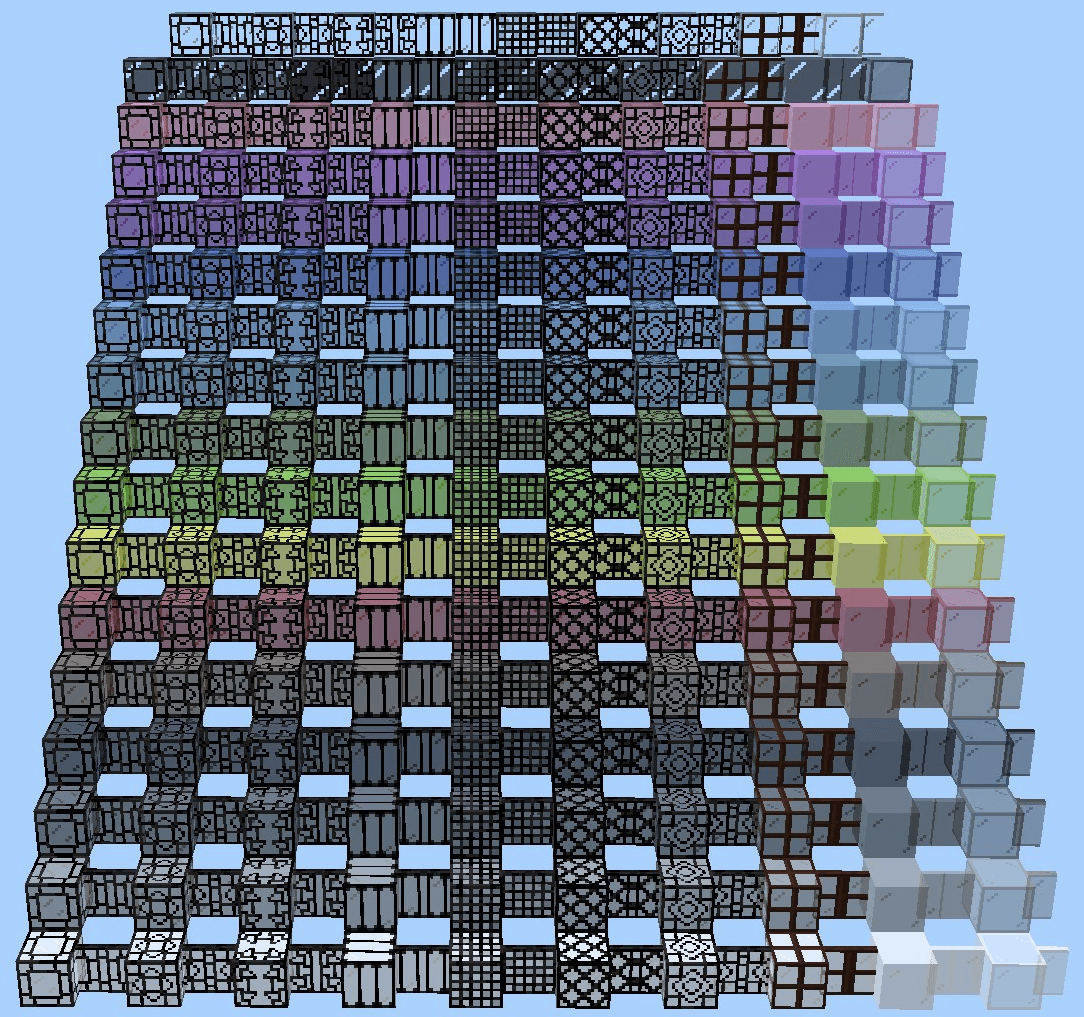
Glass: 304 blocks, 17 colours

Show spoilerHide spoiler

Every dye colour plus clear and tinted, each as a full block and as a connecting pane. Framed, bordered, patterned and bubbled finishes.
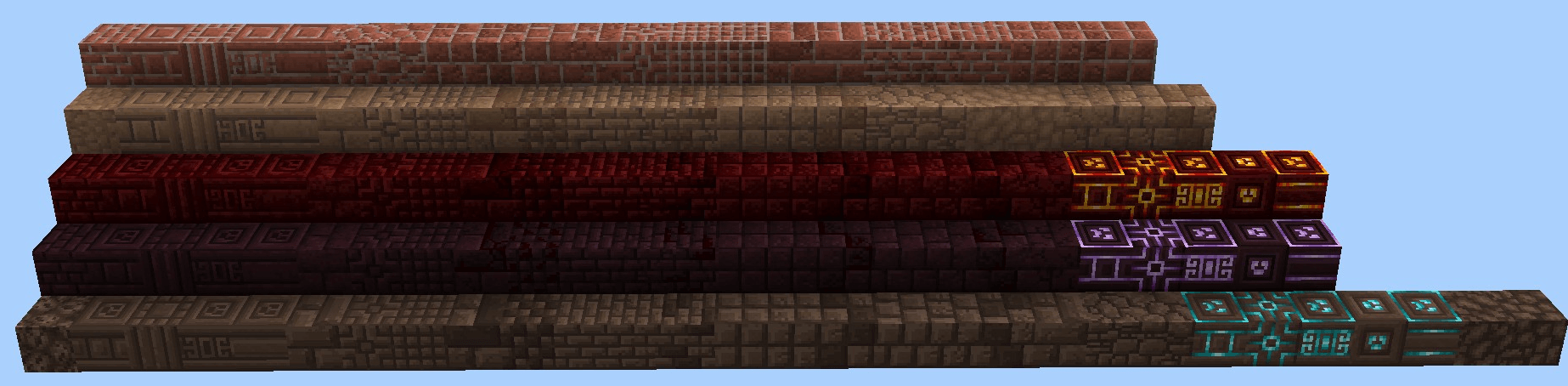
Bricks: 119 blocks, 5 materials

Show spoilerHide spoiler

Mud bricks, nether bricks, red nether bricks and soul sand. Classic, decorated, small, square, old and cracked variants. Plus glowing lighted panels for the Nether three.
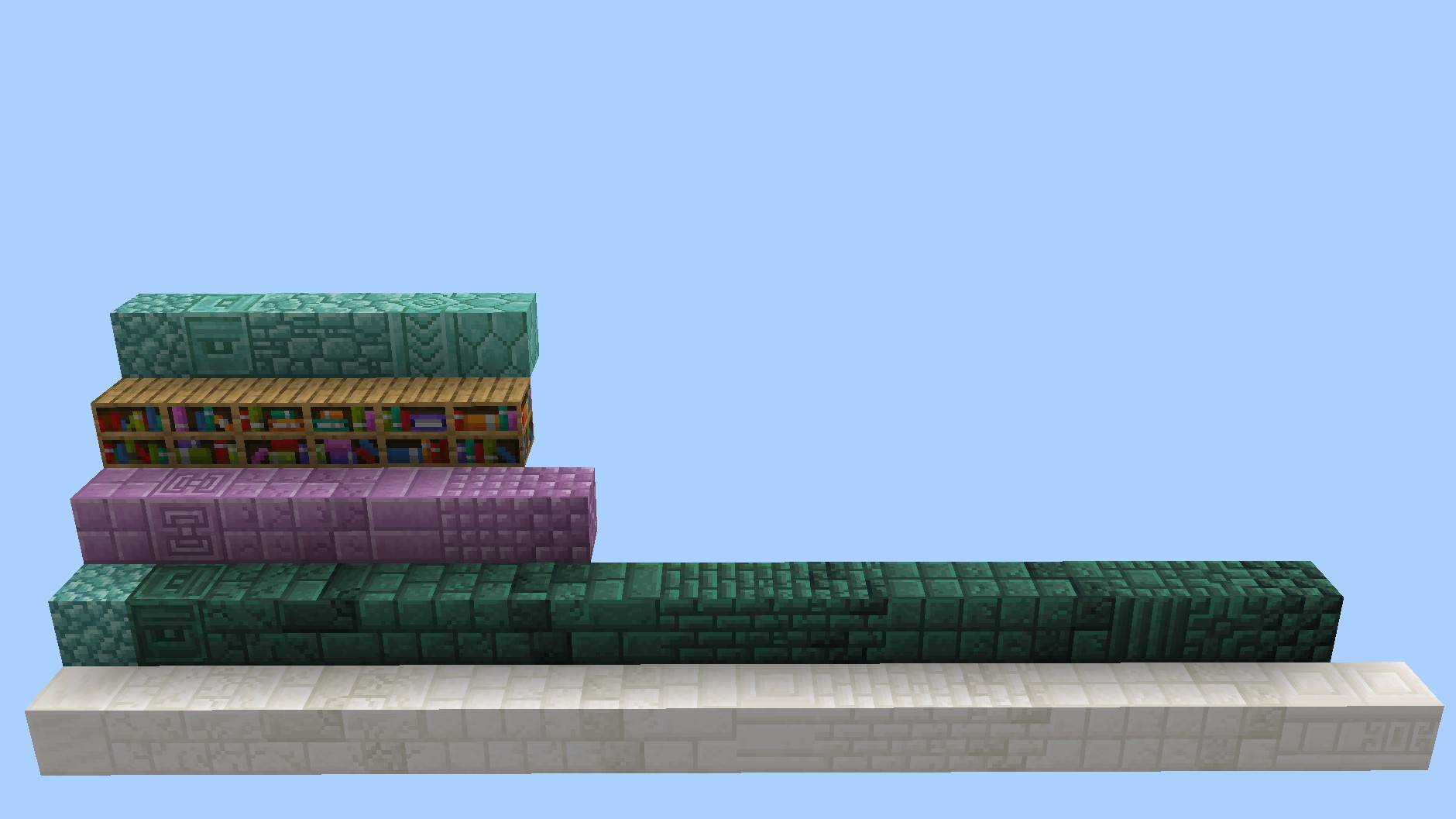
Decorative: 49 blocks, 5 materials

Show spoilerHide spoiler

Quartz, purpur, prismarine, dark prismarine and bookshelves.
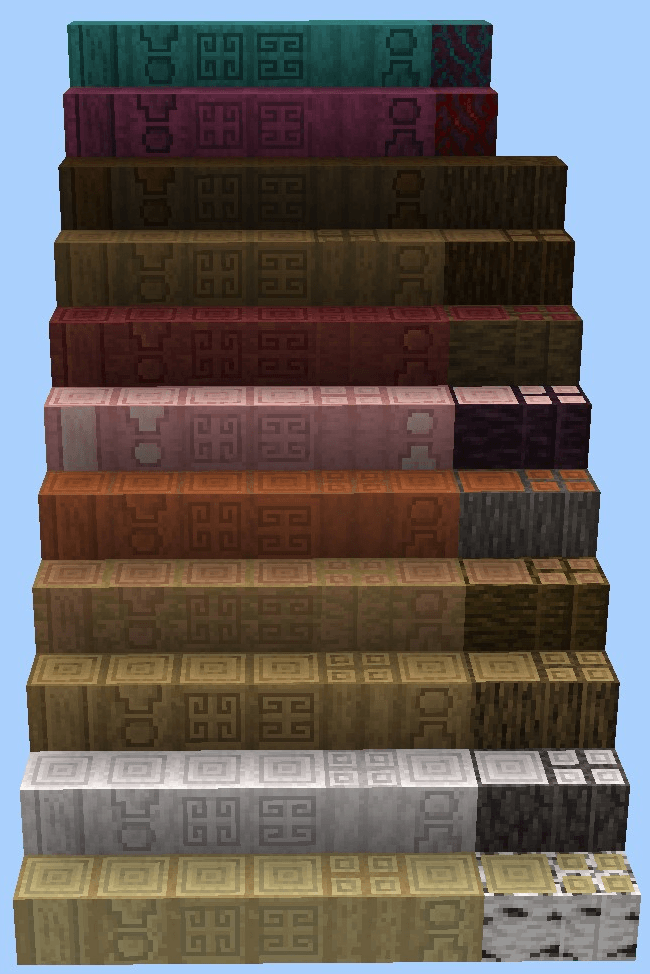
Logs: 75 blocks, 11 woods

Show spoilerHide spoiler

Columns, four-log bundles and sculpted logs, upper and lower halves, stripped and unstripped.
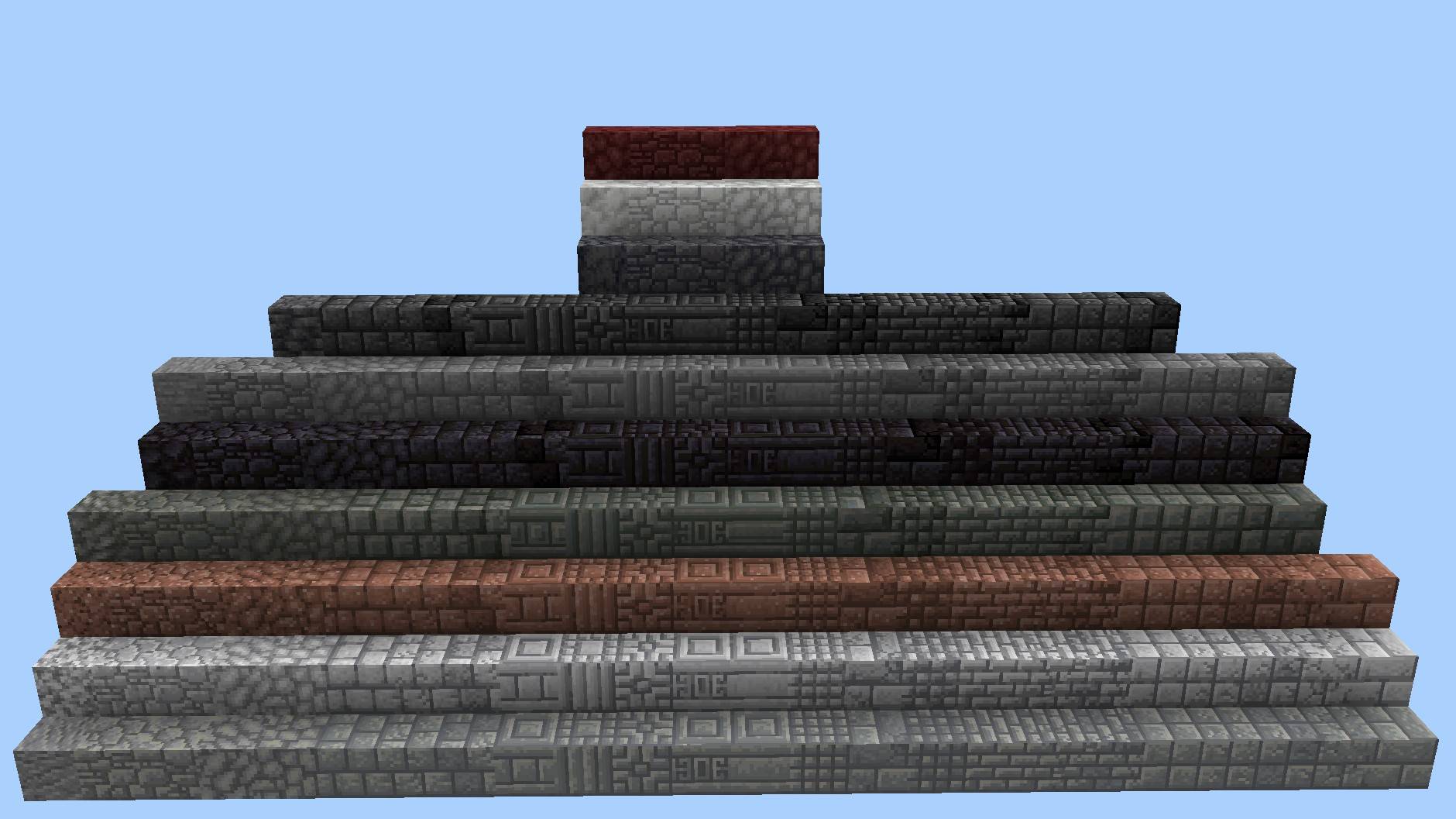
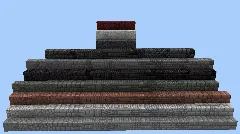
Stone: 162 blocks, 10 rock types

Show spoilerHide spoiler

Andesite, diorite, granite, stone, tuff, deepslate, blackstone, basalt, calcite and netherrack. Bricks, mosaics, flagstones, columns, gothic panels, chiselled lines and two grades of cobbled.
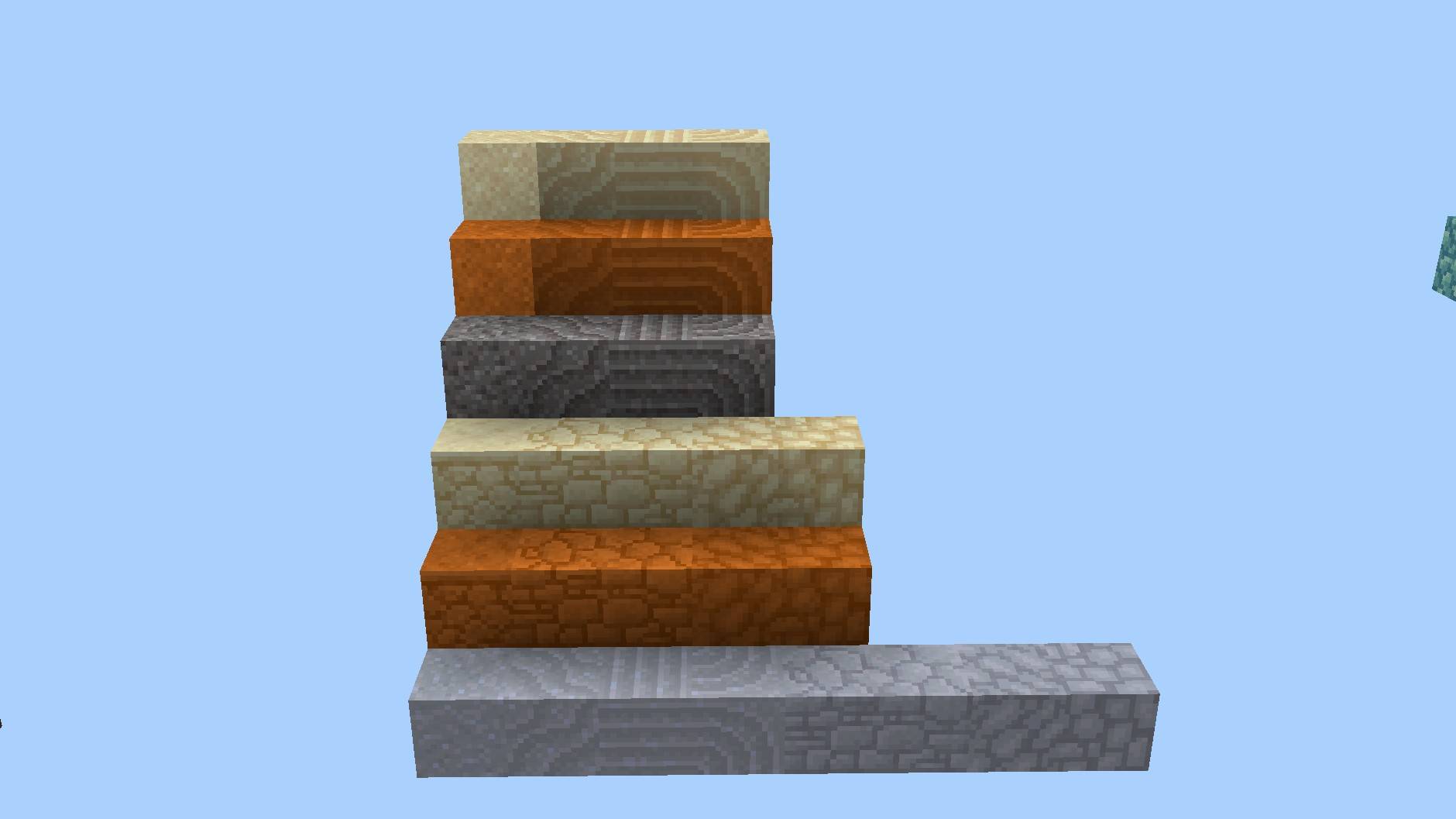
Ground: 24 blocks, 6 materials

Show spoilerHide spoiler

Sand, red sand, gravel, clay, sandstone and red sandstone.
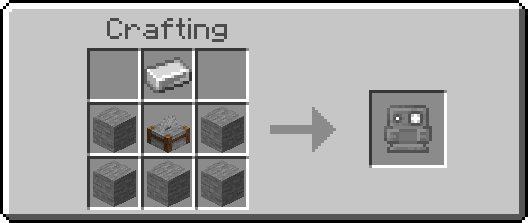

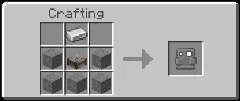
⚒️ Crafting


📖 Usage

  1. Place the golem anywhere. It never moves, never takes damage and mobs ignore it
  2. Right-click it to open its interface
  3. Drop a block into the input slot on the left
  4. Click a variant it highlights as selected
  5. Hit Convert the whole stack comes back converted

Arrows page through materials with more than 18 variants. Punch the golem to pick it back up. Whatever is inside comes back with you.
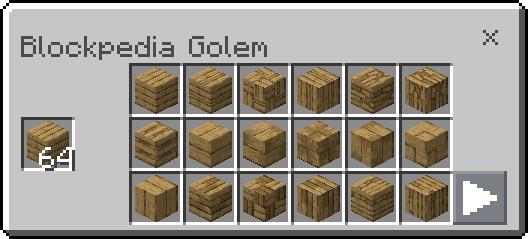
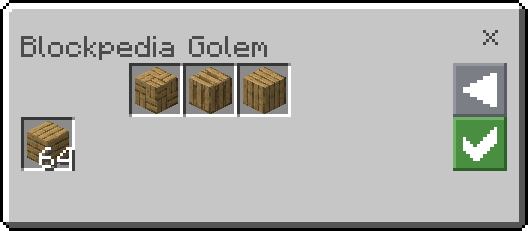
Show spoilerHide spoiler

Show spoilerHide spoiler


🔄 How Conversion Works

Blocks are grouped by material, not by look. Every block in a group converts into every other block in the same group, in any direction, including back to the vanilla block you started from.

  • Oak planks and oak logs are separate groups, planks never turn into logs
  • Glass blocks and glass panes are separate, a full block never becomes a pane
  • Put in something with no variants and the golem tells you so instead of leaving you guessing

💬 Join Our Community

If you want to leave feedback, feel free to use the comment space below or the dedicated channel in the WanMine Discord server.


Blockpedia is a Minecraft mod, created and shared by LeonisBuilds on MinecraftSchem in 2026. Download this free Minecraft mod or addon for the loader and game version you play on. Related themes: blockpedia.

Logo
LeonisBuilds
Profile
LeonisBuildsModeratorLevel 99Mythic Zombie Programmer
  • 32 Wall posts
  • 3617 Posts
  • 112 Lists
  • 26 Subscribers
  • 30 Subscriptions
  • 351 Likes given
  • 88 Favorites given
  • 0 Youtube videos
  • 1203042 Total post views
  • 2659 Total profile views
  • 883 Likes received
  • 180 Favorites received
  • 13 Comments received
  • Apr 07, 2026 Joined
  • LeonisBuilds Minecraft
  • Xbox
View profile
Minecraft: LeonisBuilds

Technical Details

TypeMod
Minecraft version26.1 – 26.3
Published20 Oct 2026
Updated20 Oct 2026
Downloads2
Views23

Frequently Asked Questions

How do I install Blockpedia?

Download it from CurseForge or Modrinth for your loader (Forge, NeoForge, Fabric…) and Minecraft version, then drop it into the mods folder of that game profile. Bedrock add-ons (.mcaddon/.mcpack) open with a double click.

Is this mod free?

Yes, Blockpedia is free to download on MinecraftSchem.
How to install this Minecraft mod

  1. Open the CurseForge or Modrinth page with the buttons above and download the file for your loader and Minecraft version.
  2. Install the matching loader (Forge, NeoForge, Fabric or Quilt) if it is not installed yet.
  3. Put the .jar into the mods folder of your game directory. Bedrock: open the .mcaddon / .mcpack.
  4. Start Minecraft with that loader profile and check the mod list.

Comments

You must log in to comment.