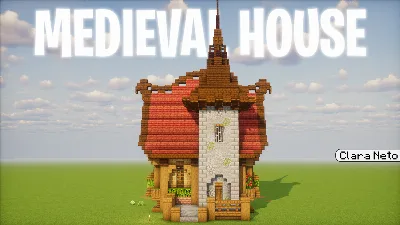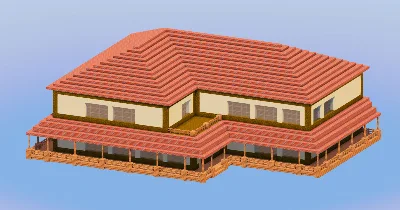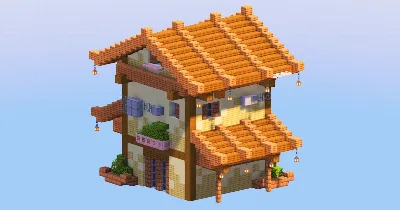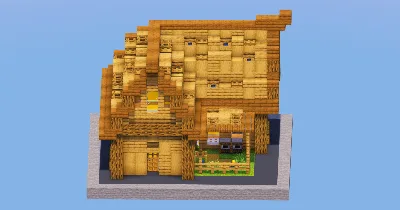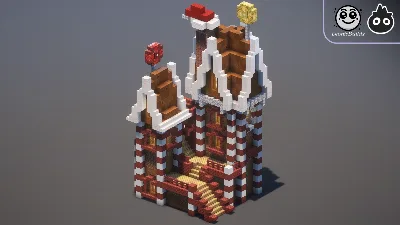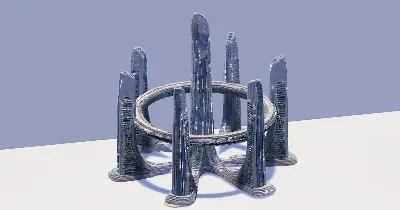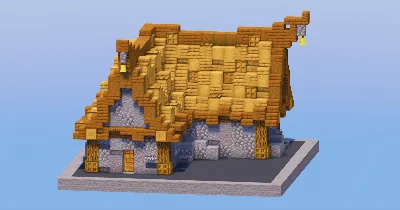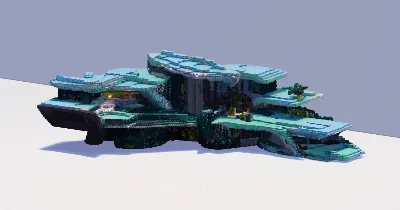
minecraftschem.com

The Future of
Minecraft Build Sharing

The most transparent and creator-friendly platform for Minecraft builds, schematics, and maps.
No hidden rules. No senseless limits. Just freedom.

Follow development on Discord
2000+Builds Created
22K+Community Members
3000Builds Target 2026
100%Creator First

Why MinecraftSchem — Built differently. For creators.

No Hidden Rules

Every policy is public, readable, and written in plain language. No surprises, no silent changes, no arbitrary removals.

Instant Downloads

No unnecessary friction, no forced extra accounts. Creators choose how to share — direct downloads or external links.

Open Platform

We're evaluating making the entire codebase open source. Public APIs, shared data, and the freedom to build on top of it.

Every Format

Java schematics, Bedrock .mcstructure, maps, resource packs, and future support for Hytale prefabs. All in one place.

Massive Library

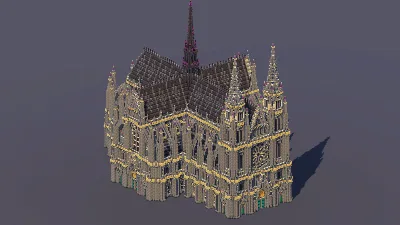
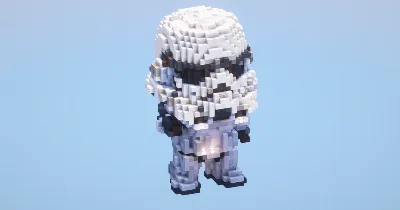
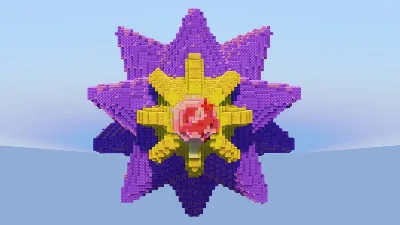
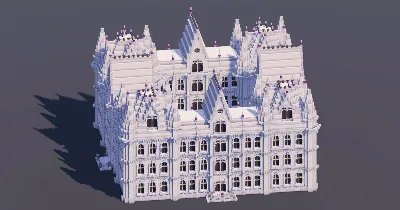
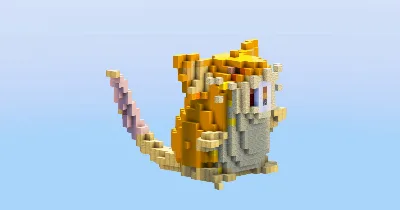
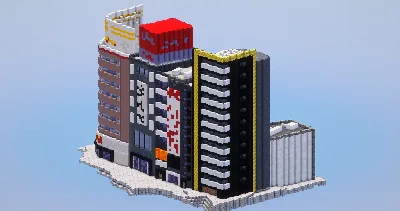
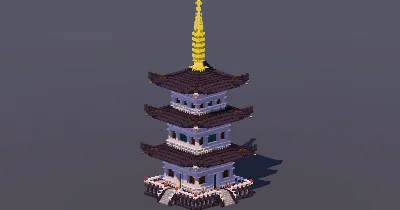
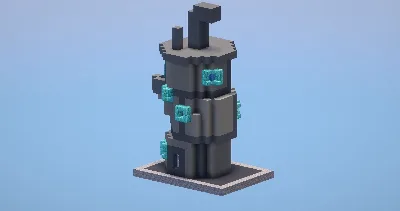
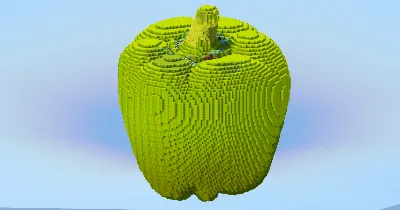
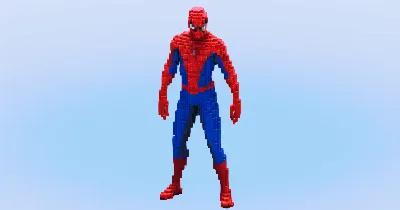
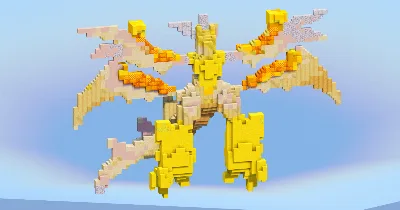
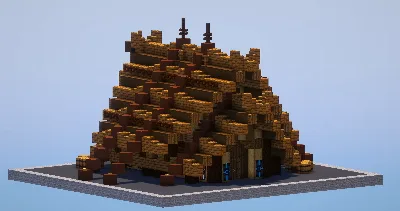
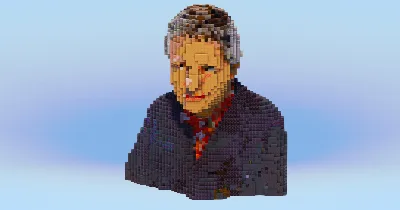
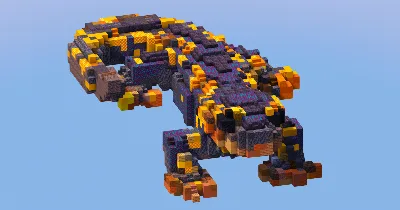
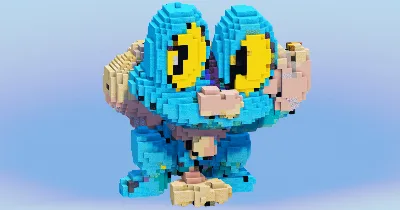
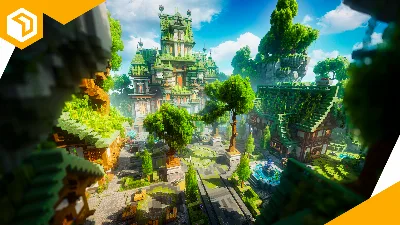
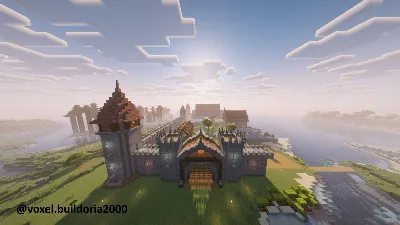
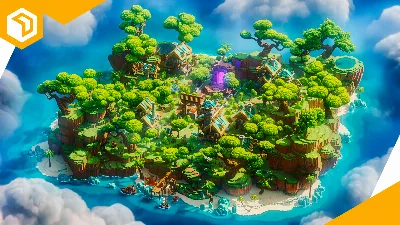
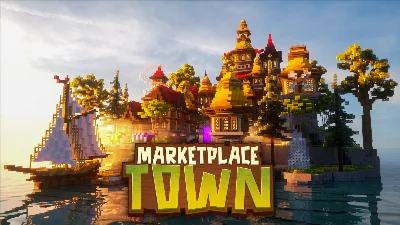
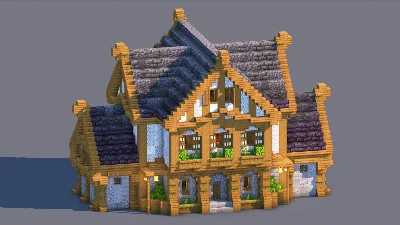
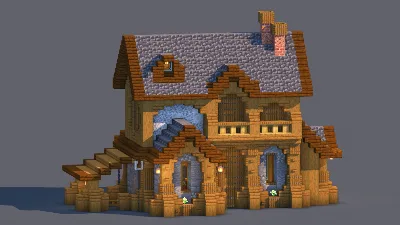
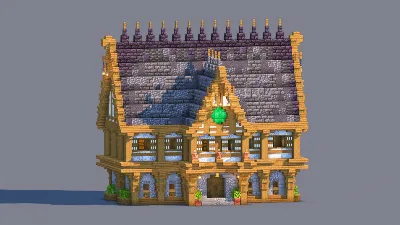
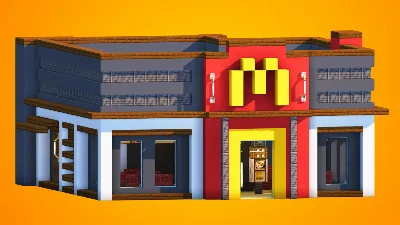
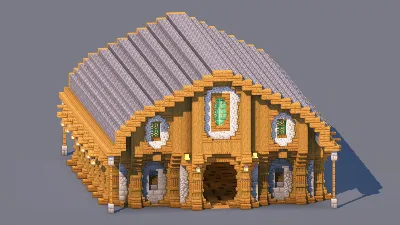
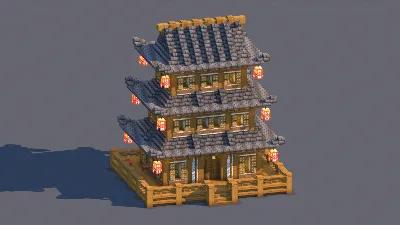
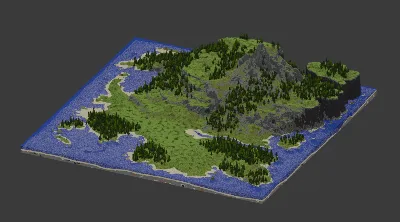
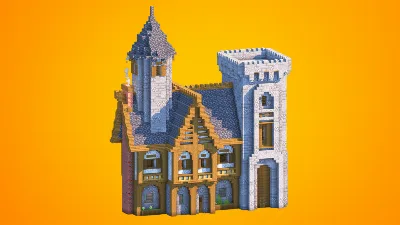
Over 2,000 builds spanning medieval, modern, Japanese, sci-fi, fantasy, statues, maps, and hundreds of character builds.

Real Community

Direct access to creators, community feedback that shapes the platform, and a Discord where every voice matters.

"Our mission is to build the most transparent and creator-friendly platform out there. No shady restrictions. No silence. No confusing rules. Just freedom, clarity, and open communication — the way every content-sharing site should be."

TransparencyFreedomRespectCommunityOpen SourceCreator First

Everything you need — A full platform for Minecraft creators

Posts
  • Builds, Skins, Servers, Resource Packs
  • Gallery viewer with fullscreen & scroll
  • 3D schematic viewer in browser
  • Schedule, draft & publish posts
  • Advanced filters & sort presets
  • Share as branded image card
  • Bulk edit & bulk delete
Profile
  • Custom banner, avatar & slogan
  • Social links & pronouns
  • 9 resizable content boxes
  • Full stats and analytics panel
  • Wall posts & comments
  • Subscriptions & subscribers
  • YouTube integration
Groups
  • Create groups with logo & banner
  • Follow or request membership
  • 7 drag-and-resize boxes
  • Guest book, shared posts & lists
  • Rules, FAQ & useful links
XP & Ranks
  • 100 levels with XP progression
  • 11 ranks (Beginner → Celestial)
  • 90 unlockable traits
  • Earn XP from likes, views, follows
Social
  • Like, favorite & comment on posts
  • Personal feed from creators you follow
  • Stories to share with friends
  • Direct messaging with folders
  • Ticket & report system
Platform
  • Dark & light theme
  • Global search (posts, lists, users)
  • Login with Google
  • Fully responsive layout
  • Moderation & safety tools
PUBLIC BETA

The site is open to the public and in beta — you can use it freely right now. Found a bug? Your reports are extremely valuable.

Report a Bug

Open Source — Coming after Beta

After the beta period, the entire source code will be released publicly so that anyone can propose changes or create their own version of the site. Those who do so will also be given the opportunity to start with an initial pool of around 2,000 posts — so they're visible to the entire Minecraft community right away, without the "small site" effect caused by a young platform.

55 views 1 today 19 downloads 0 today 1 0
Immortal_Turk
Immortal_Turk Published 21 Nov 2026
Advertisement
←
Previous Tiered Starter Survival Base
→
Next Yellow Suburban House | Modern Family Home with Garage

Description

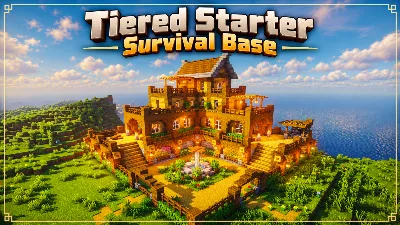
Starter Survival Base

A complete, fully equipped Survival Base built for players who want more than just a house.

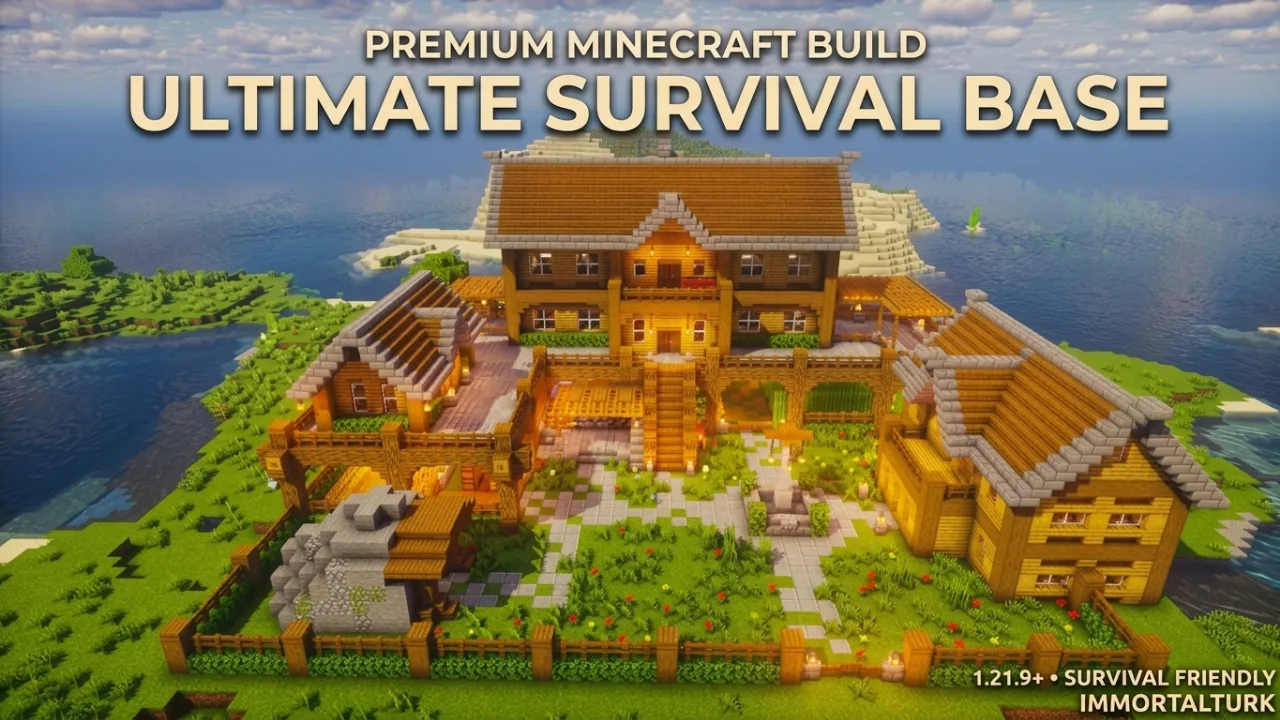
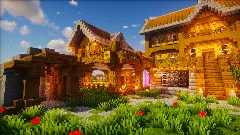
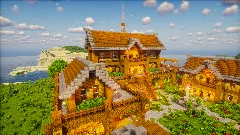
Ultimate Survival Base brings your home, storage, farming, villager trading, mining and Nether access together in one carefully designed and highly detailed settlement. Instead of spreading your essential Survival systems across separate locations, everything you need for everyday gameplay is built into one cohesive base.

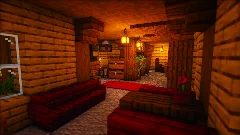
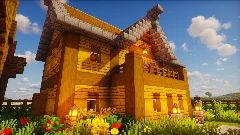
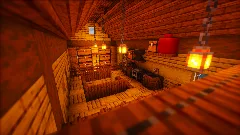
At the center of the build is a large, fully decorated main residence, designed to feel like a real home rather than an empty structure. The detailed interior gives the base a finished and lived-in atmosphere while providing dedicated spaces for everyday Survival activities.

The surrounding buildings and outdoor areas add even more functionality:

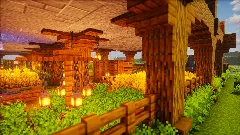
  • 🌾 Farming Areas for your everyday food and resource needs
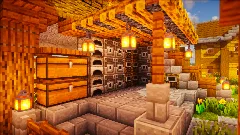
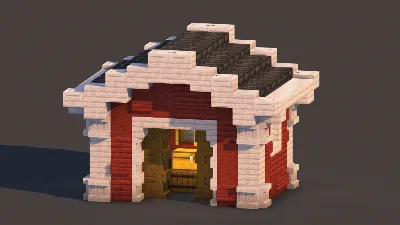
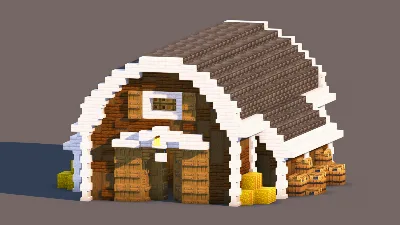
  • 📦 Dedicated Storage Building for keeping your resources organized
  • 🧑‍🌾 Villager Trading Building for convenient trading
  • ⛏️ Integrated Mining Entrance for quick access to underground resources
  • 🔥 Nether Portal Area for convenient Nether access
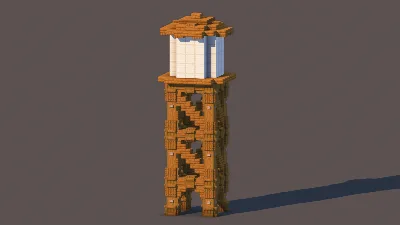
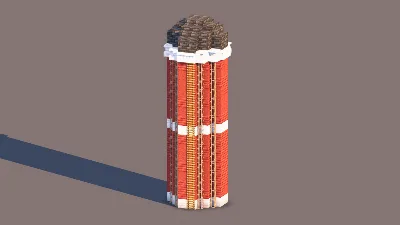
  • 🏡 Additional Supporting Structures that complete the overall settlement
  • 🌿 Detailed Landscaping with paths, fences, vegetation and decorative elements
  • 🏠 Fully Decorated Interior with carefully designed rooms and functional spaces

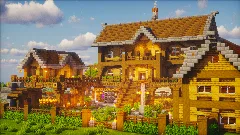
The exterior layout was designed to feel natural and practical, with the different buildings working together as one complete Survival compound. The combination of detailed architecture, landscaping and functional areas gives the base a strong sense of progression and makes it something you can actually live in and use, not simply look at.

Whether you're starting a new Survival world, upgrading your current base, or looking for a central home that already has the essential infrastructure in place, Ultimate Survival Base is designed to give you a complete foundation for your world.

Build Information

  • Dimensions: 43 × 32 × 54 Blocks
  • Block Count: 74,304
  • Minecraft Version: Java Edition 1.21.9+
  • Survival Friendly: Yes
  • Included Files: .schem and .litematic
  • Mods Required: None

Stop building your Survival world around a collection of separate structures. Build one base that brings everything together.

Ultimate Survival Base — your home, your storage, your farms, your trading, your mine, and your gateway to the Nether.

Starter Survival Base is a Minecraft build in the houses category, created and shared by Immortal_Turk on MinecraftSchem in 2026. Get the schematic and paste it into your own world using WorldEdit, Litematica or the built-in 3D viewer. It has already been downloaded 19 times by the community. Related themes: survival, starter, base, survival house, starter house, survival base.

Logo
Immortal_Turk
Profile
Immortal_TurkMemberLevel 1Beginner Artist
  • 0 Wall posts
  • 2 Posts
  • 0 Lists
  • 1 Subscribers
  • 0 Subscriptions
  • 0 Likes given
  • 0 Favorites given
  • 0 Youtube videos
  • 110 Total post views
  • 39 Total post downloads
  • 27 Total profile views
  • 2 Likes received
  • 0 Favorites received
  • 0 Comments received
  • Nov 21, 2026 Joined
  • Immortal Turk Minecraft
  • Xbox
View profile
Minecraft: Immortal Turk

Technical Details

TypeBuild
CategoryHouses
Minecraft version1.19+
Approx. sizeLarge
Published21 Nov 2026
Downloads19
Views55
EditionJava

Frequently Asked Questions

What Minecraft version is Starter Survival Base for?

Starter Survival Base works with Minecraft 1.19 and newer (Java). Older versions may also work depending on the blocks used.

How do I download and use Starter Survival Base?

Click the Download button on this page, then load the file with WorldEdit or Litematica and paste it into your own world. You can also preview it with the 3D viewer here.

Who created this build?

It was created and shared by Immortal_Turk on MinecraftSchem.

Is this Minecraft build free?

This post links to Patreon, so the full download may be a paid release — check the download button. Browsing and previewing it here on MinecraftSchem is always free.
How to use this Minecraft build

  1. Click the Download button above to get the schematic file (or open the linked page).
  2. Place the file in your WorldEdit or Litematica folder (e.g. schematics or litematics).
  3. In-game, load it with WorldEdit or Litematica, then paste it where you want in your world.
  4. You can also preview it directly here with the built-in 3D viewer.

Comments

You must log in to comment.

Back

Starter Survival Base 3D VIEW

Loading…
Left drag: move · right drag: rotate · wheel: zoom

Clear this area first

Layers

View

Build

Blocks

Left drag moves you around, right drag rotates around the build, mouse wheel or + / - zoom, ↑ / ↓ change layer. Esc closes.