minecraftschem.com

The Future of
Minecraft Build Sharing

The most transparent and creator-friendly platform for Minecraft builds, schematics, and maps.
No hidden rules. No senseless limits. Just freedom.

Follow development on Discord
2000+Builds Created
22K+Community Members
3000Builds Target 2026
100%Creator First

Why MinecraftSchem — Built differently. For creators.

No Hidden Rules

Every policy is public, readable, and written in plain language. No surprises, no silent changes, no arbitrary removals.

Instant Downloads

No unnecessary friction, no forced extra accounts. Creators choose how to share — direct downloads or external links.

Open Platform

We're evaluating making the entire codebase open source. Public APIs, shared data, and the freedom to build on top of it.

Every Format

Java schematics, Bedrock .mcstructure, maps, resource packs, and future support for Hytale prefabs. All in one place.

Massive Library

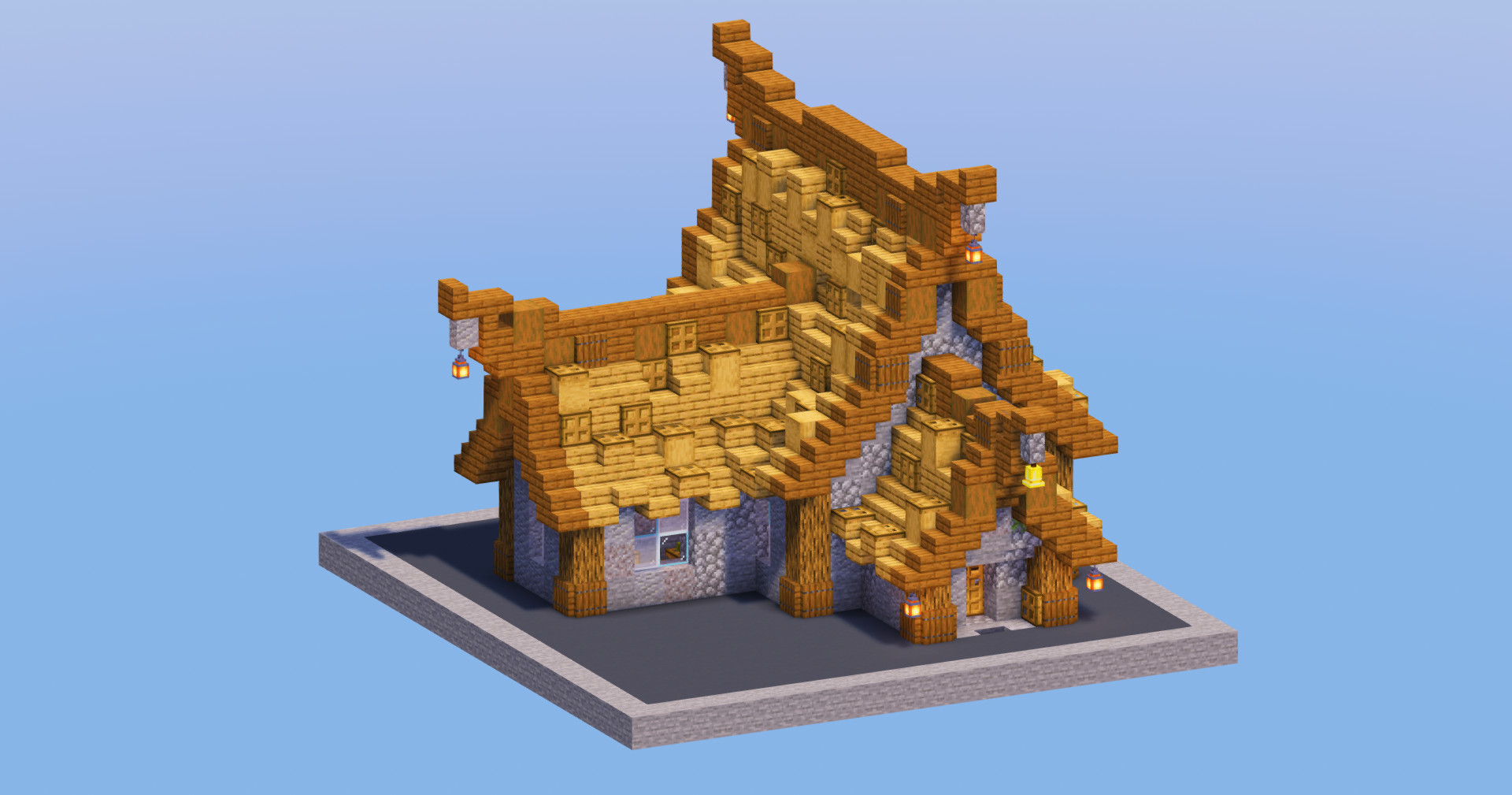
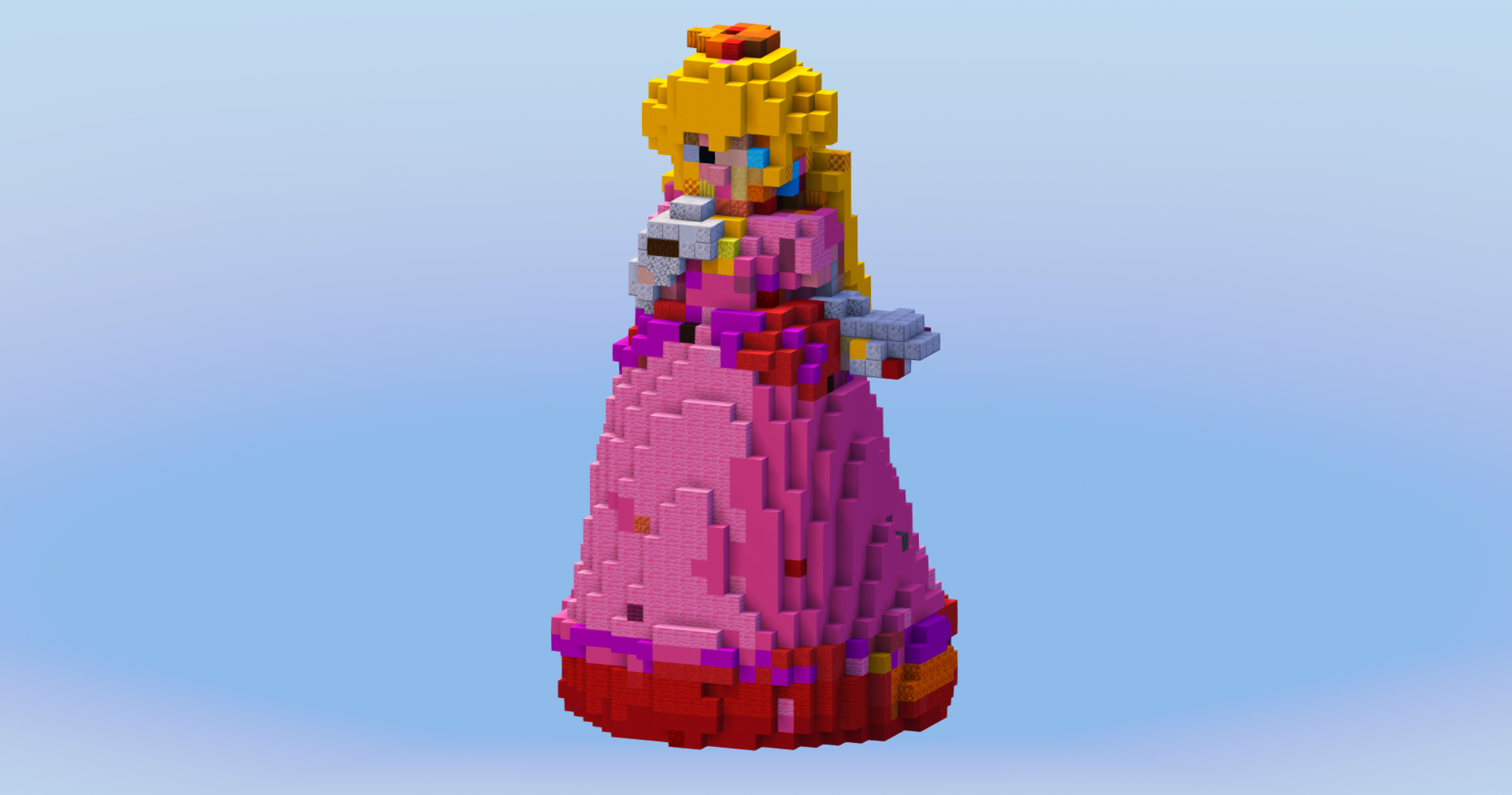
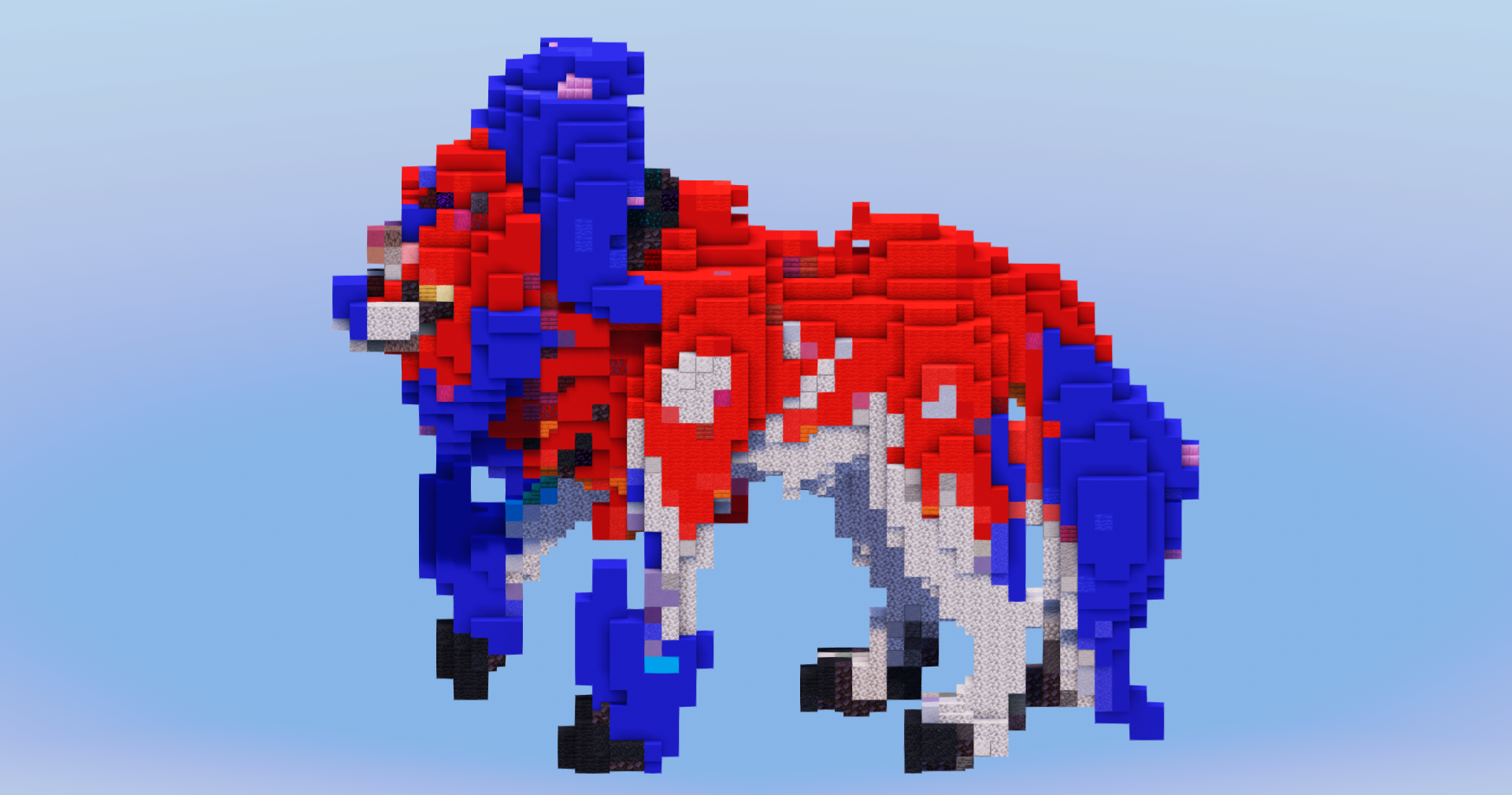
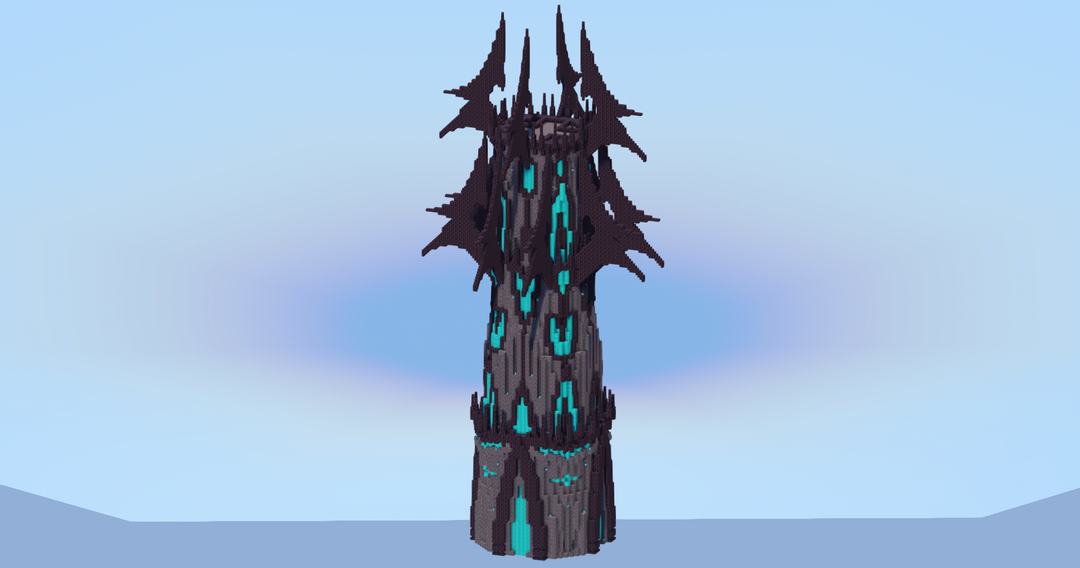
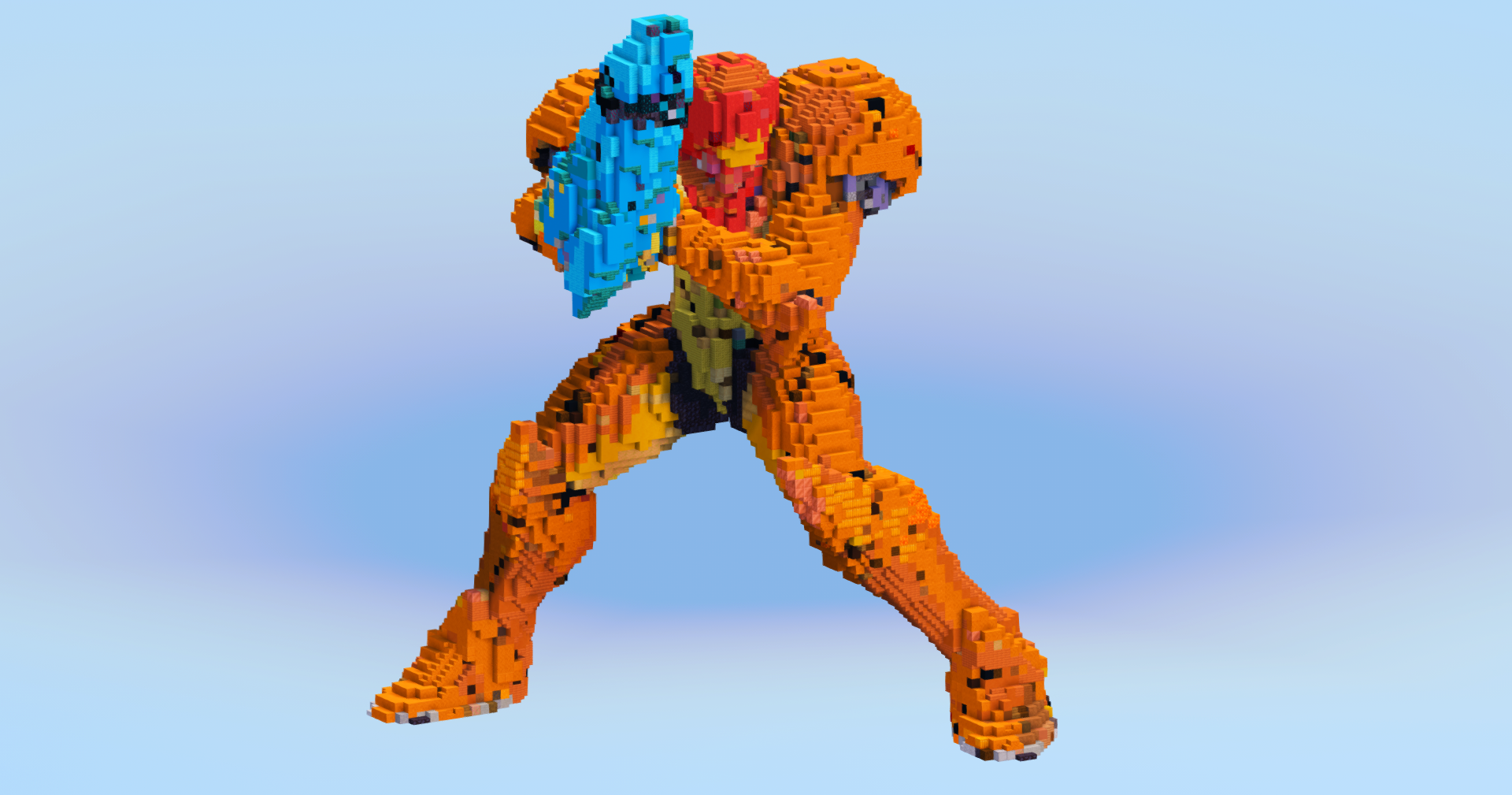
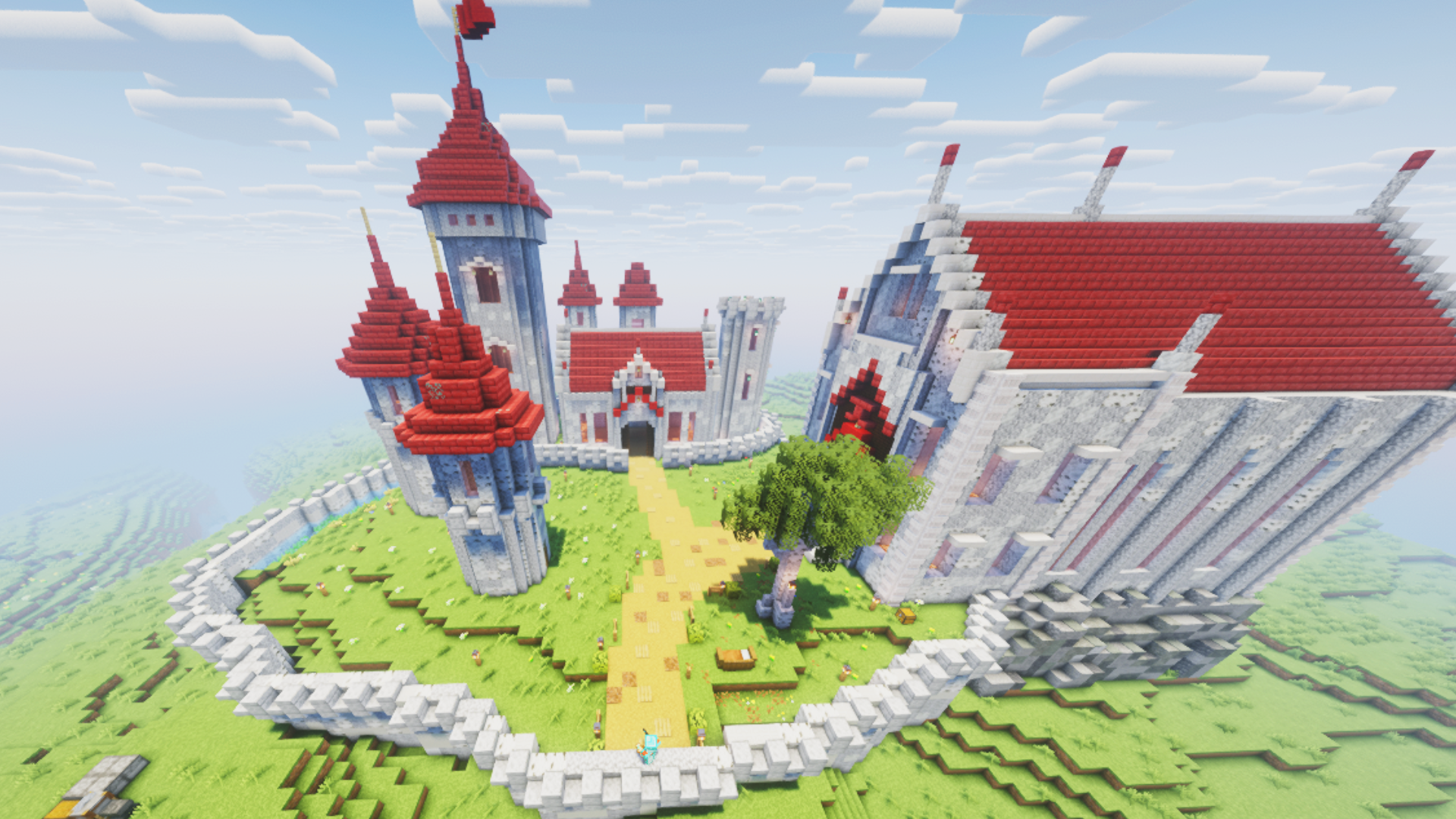
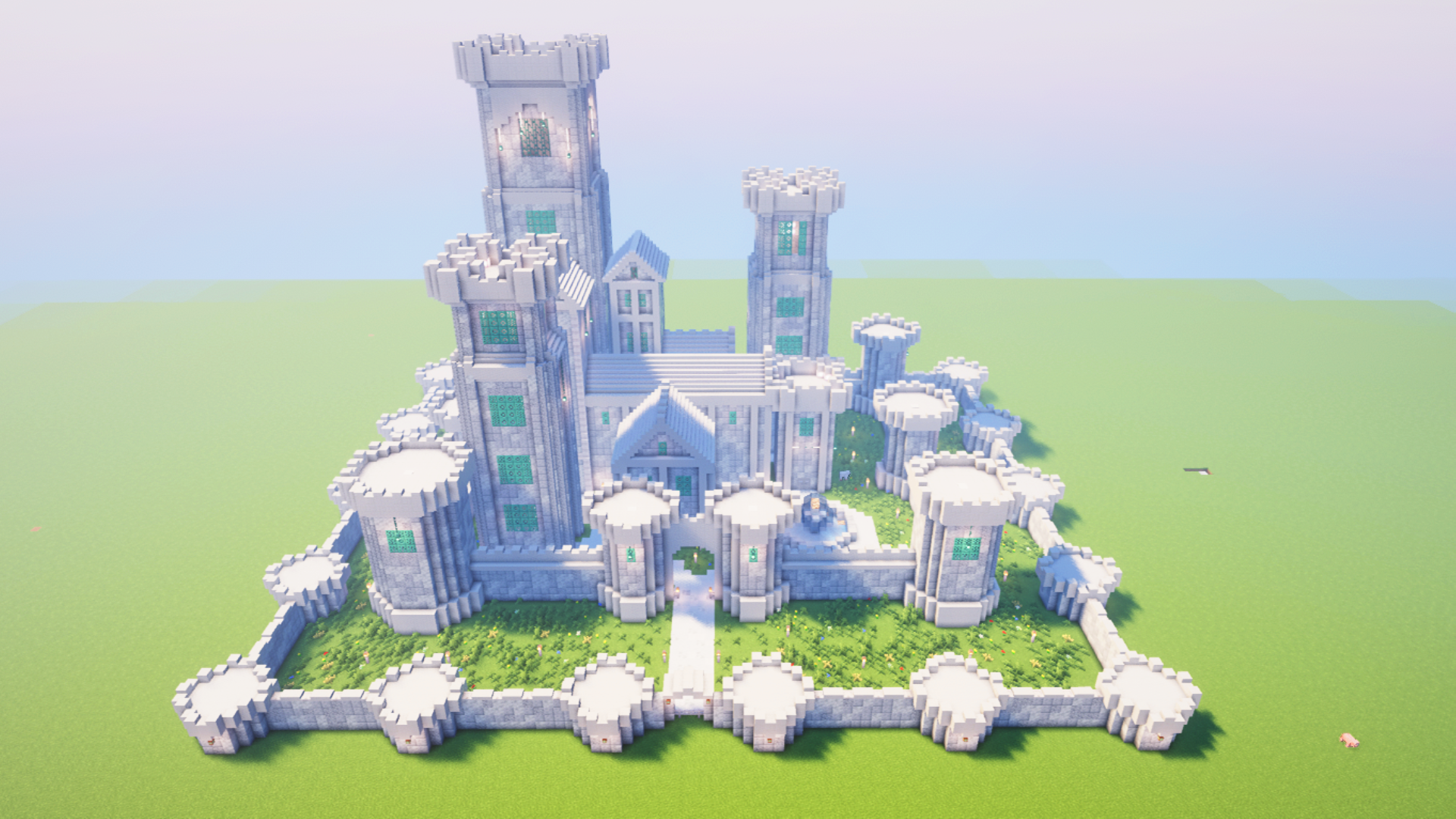
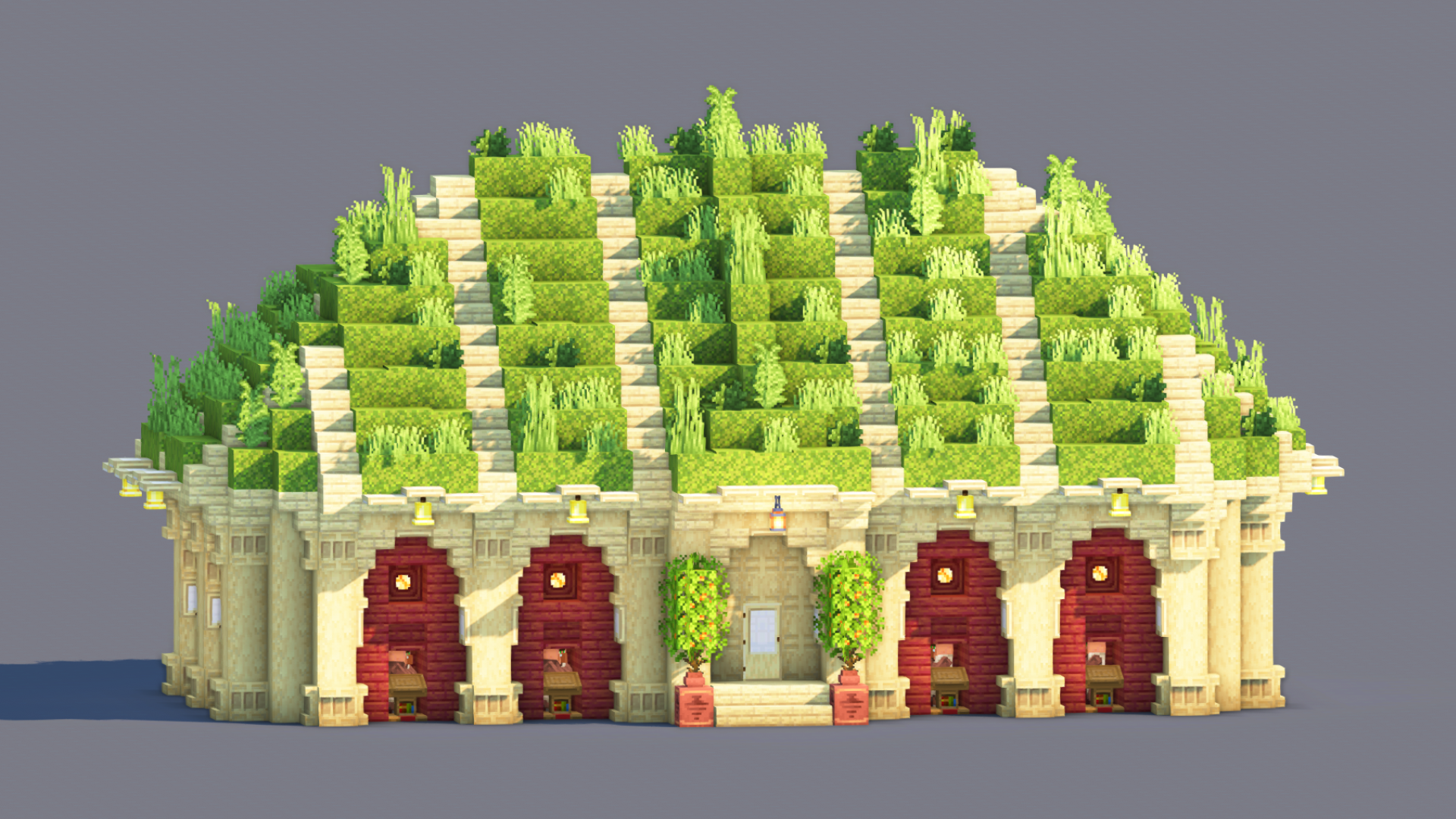
Over 2,000 builds spanning medieval, modern, Japanese, sci-fi, fantasy, statues, maps, and hundreds of character builds.

Real Community

Direct access to creators, community feedback that shapes the platform, and a Discord where every voice matters.

"Our mission is to build the most transparent and creator-friendly platform out there. No shady restrictions. No silence. No confusing rules. Just freedom, clarity, and open communication — the way every content-sharing site should be."

TransparencyFreedomRespectCommunityOpen SourceCreator First

Everything you need — A full platform for Minecraft creators

Posts
  • Builds, Skins, Servers, Resource Packs
  • Gallery viewer with fullscreen & scroll
  • 3D schematic viewer in browser
  • Schedule, draft & publish posts
  • Advanced filters & sort presets
  • Share as branded image card
  • Bulk edit & bulk delete
Profile
  • Custom banner, avatar & slogan
  • Social links & pronouns
  • 9 resizable content boxes
  • Full stats and analytics panel
  • Wall posts & comments
  • Subscriptions & subscribers
  • YouTube integration
Groups
  • Create groups with logo & banner
  • Follow or request membership
  • 7 drag-and-resize boxes
  • Guest book, shared posts & lists
  • Rules, FAQ & useful links
XP & Ranks
  • 100 levels with XP progression
  • 11 ranks (Beginner → Celestial)
  • 90 unlockable traits
  • Earn XP from likes, views, follows
Social
  • Like, favorite & comment on posts
  • Personal feed from creators you follow
  • Stories to share with friends
  • Direct messaging with folders
  • Ticket & report system
Platform
  • Dark & light theme
  • Global search (posts, lists, users)
  • Login with Google
  • Fully responsive layout
  • Moderation & safety tools
PUBLIC BETA

The site is open to the public and in beta — you can use it freely right now. Found a bug? Your reports are extremely valuable.

Report a Bug

Open Source — Coming after Beta

After the beta period, the entire source code will be released publicly so that anyone can propose changes or create their own version of the site. Those who do so will also be given the opportunity to start with an initial pool of around 2,000 posts — so they're visible to the entire Minecraft community right away, without the "small site" effect caused by a young platform.

130 views 1 today 26 downloads 1 today 1 0
carsam
carsam Published 16 Sep 2026
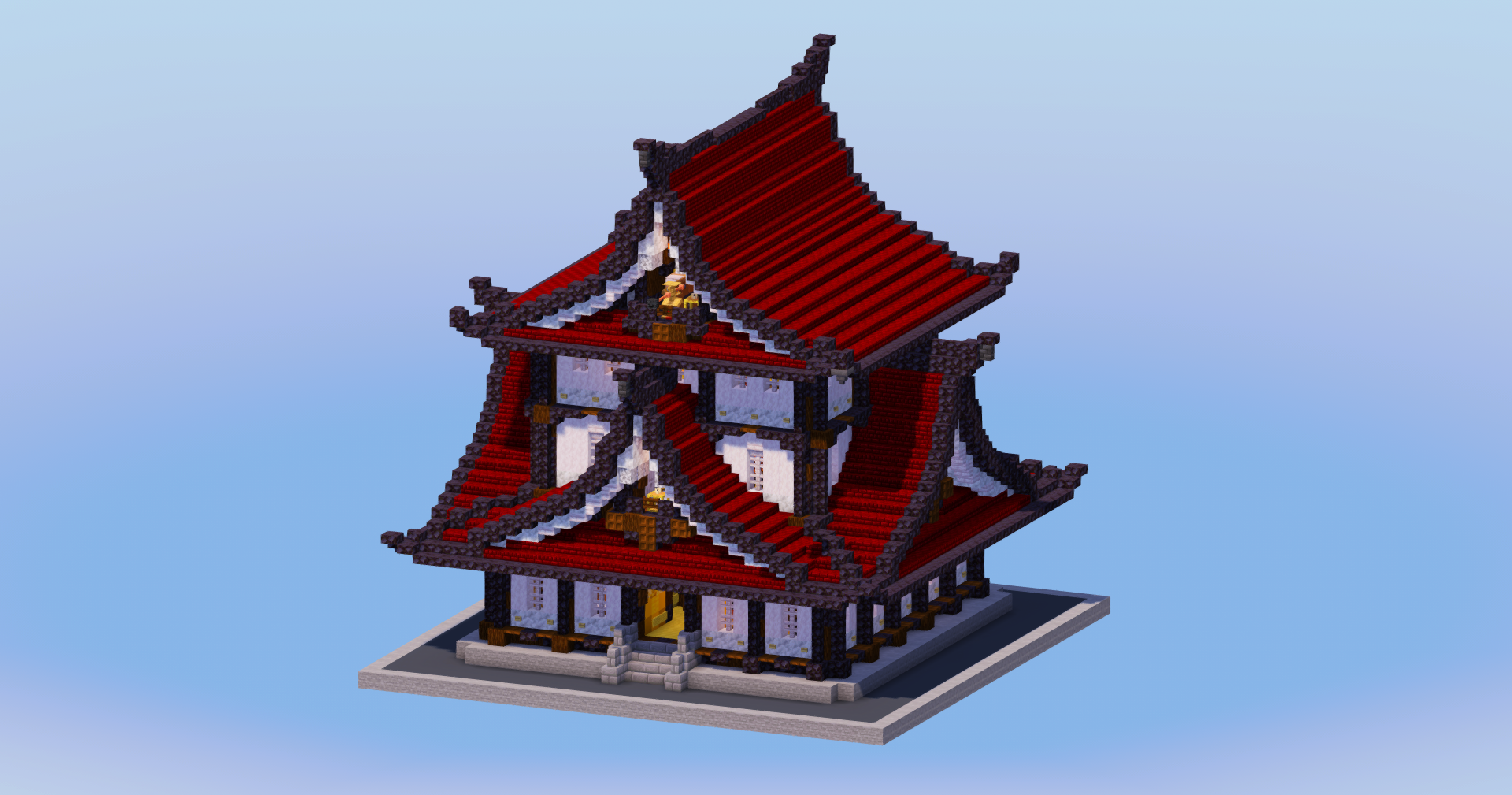
Previous Mountain Japanese Temple
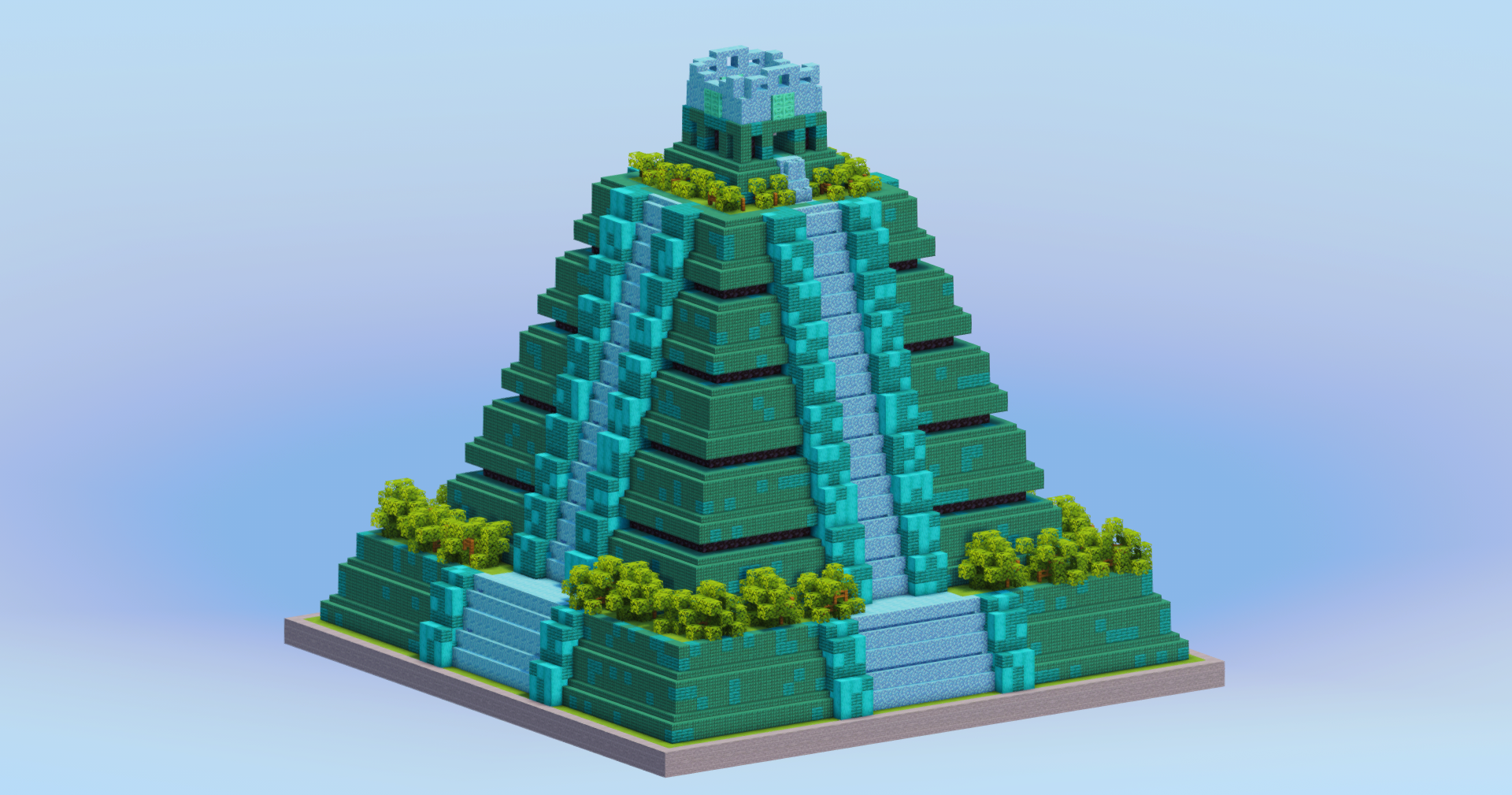
Next Pale Oak Mayan Temple

Description

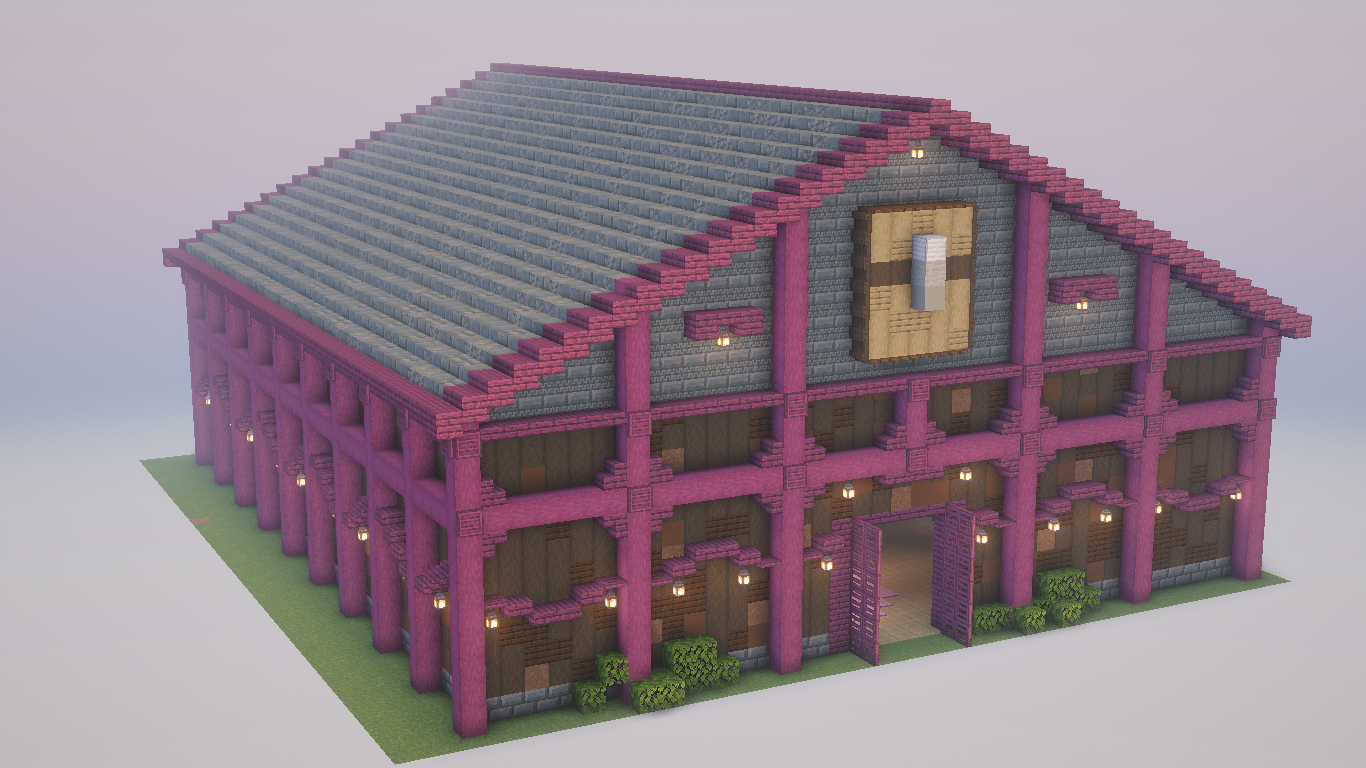
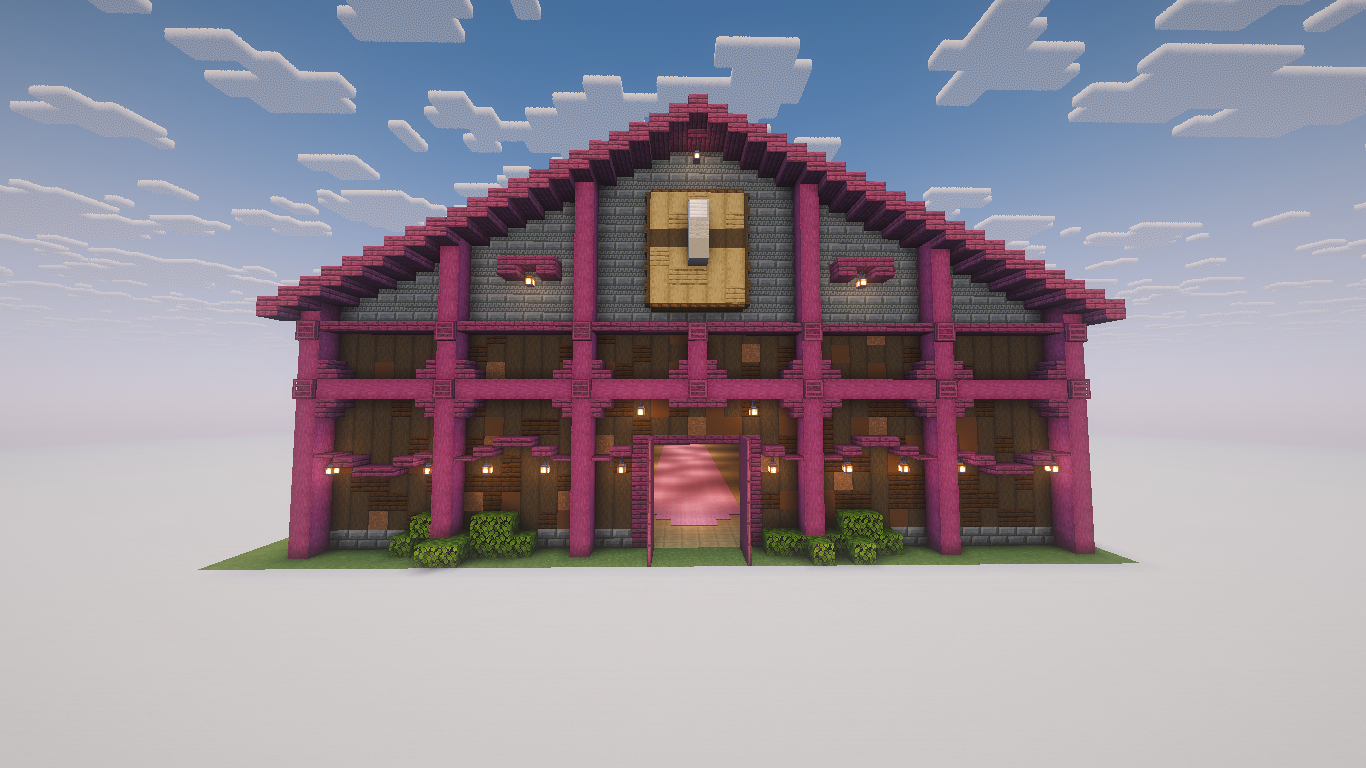
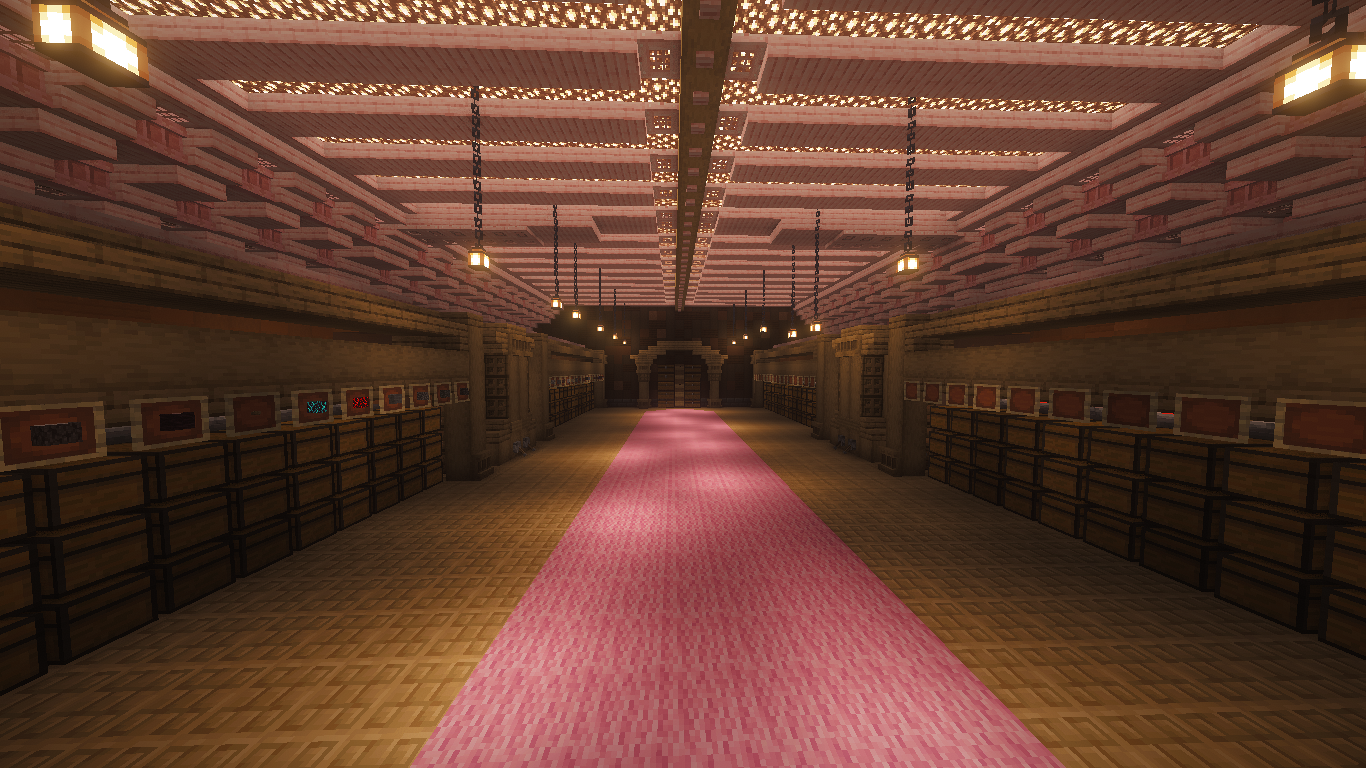
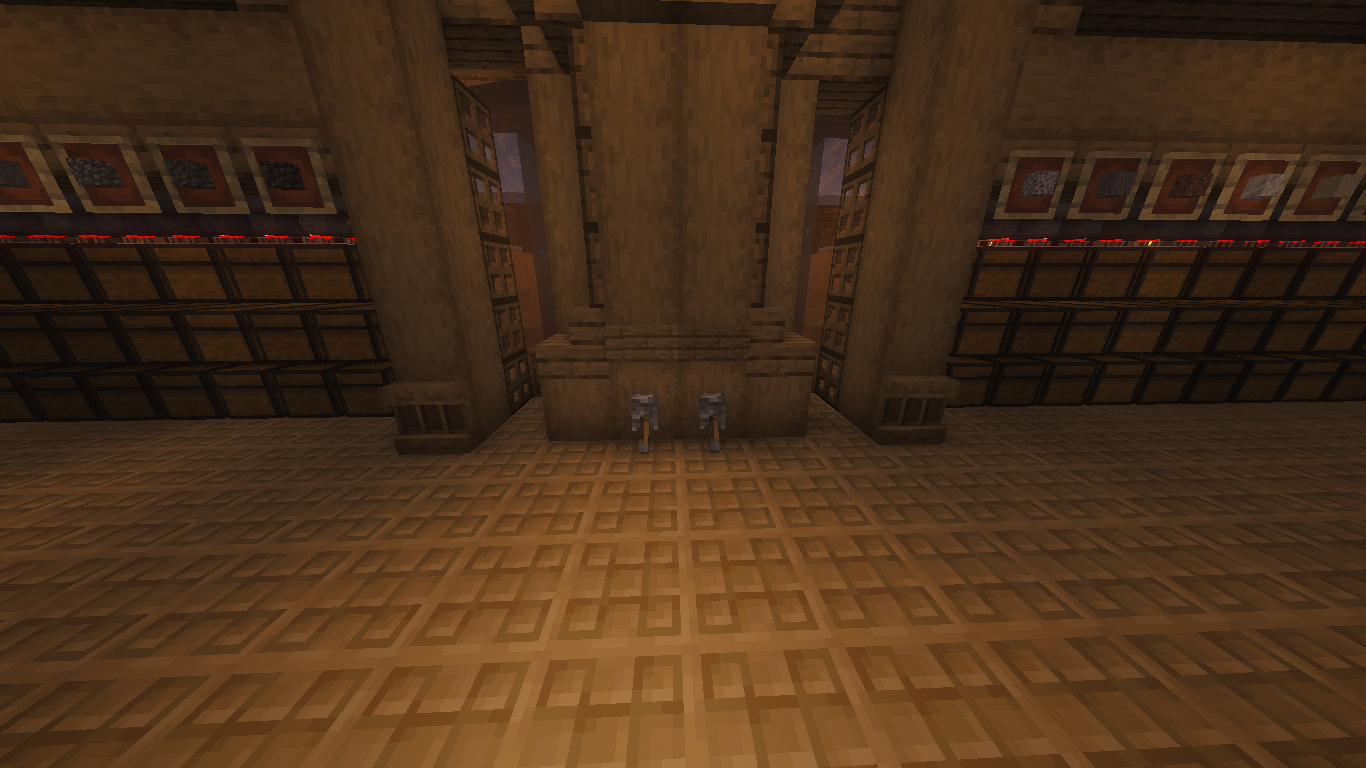
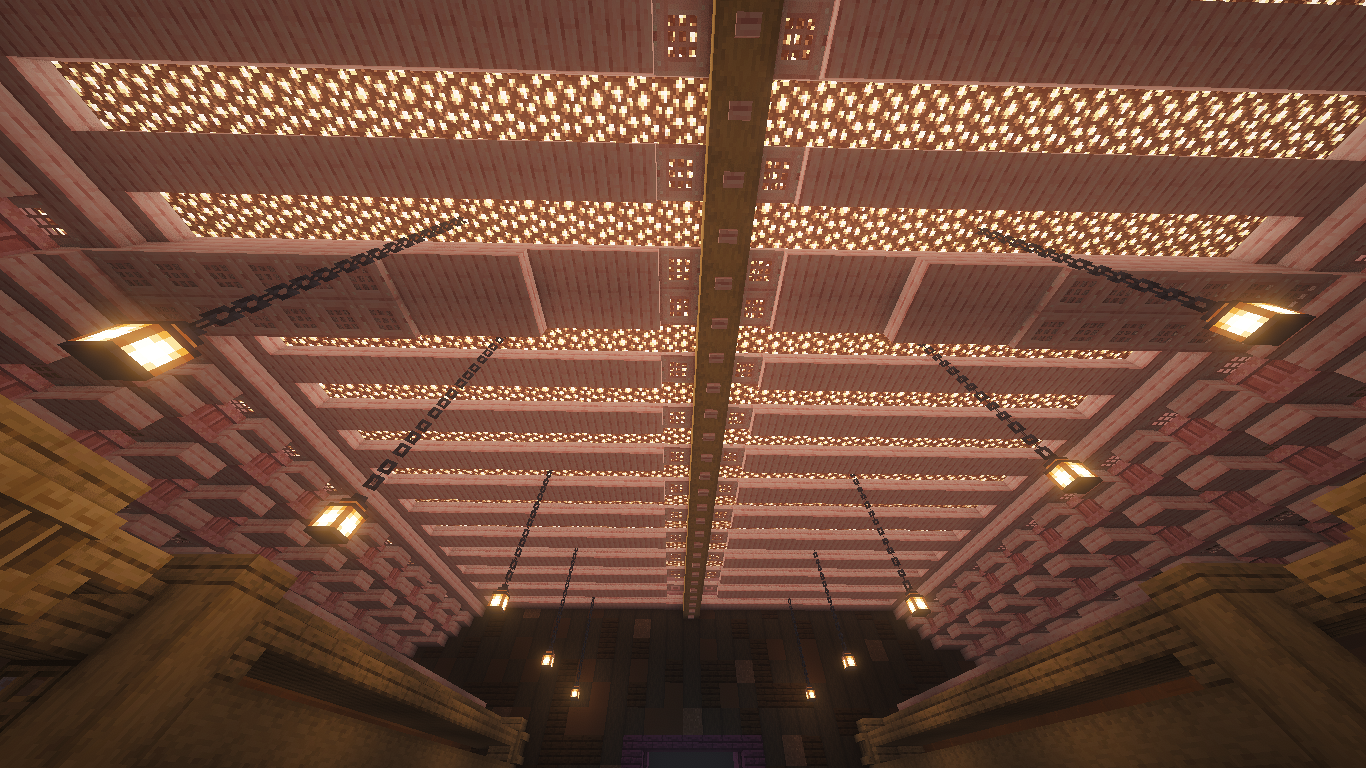
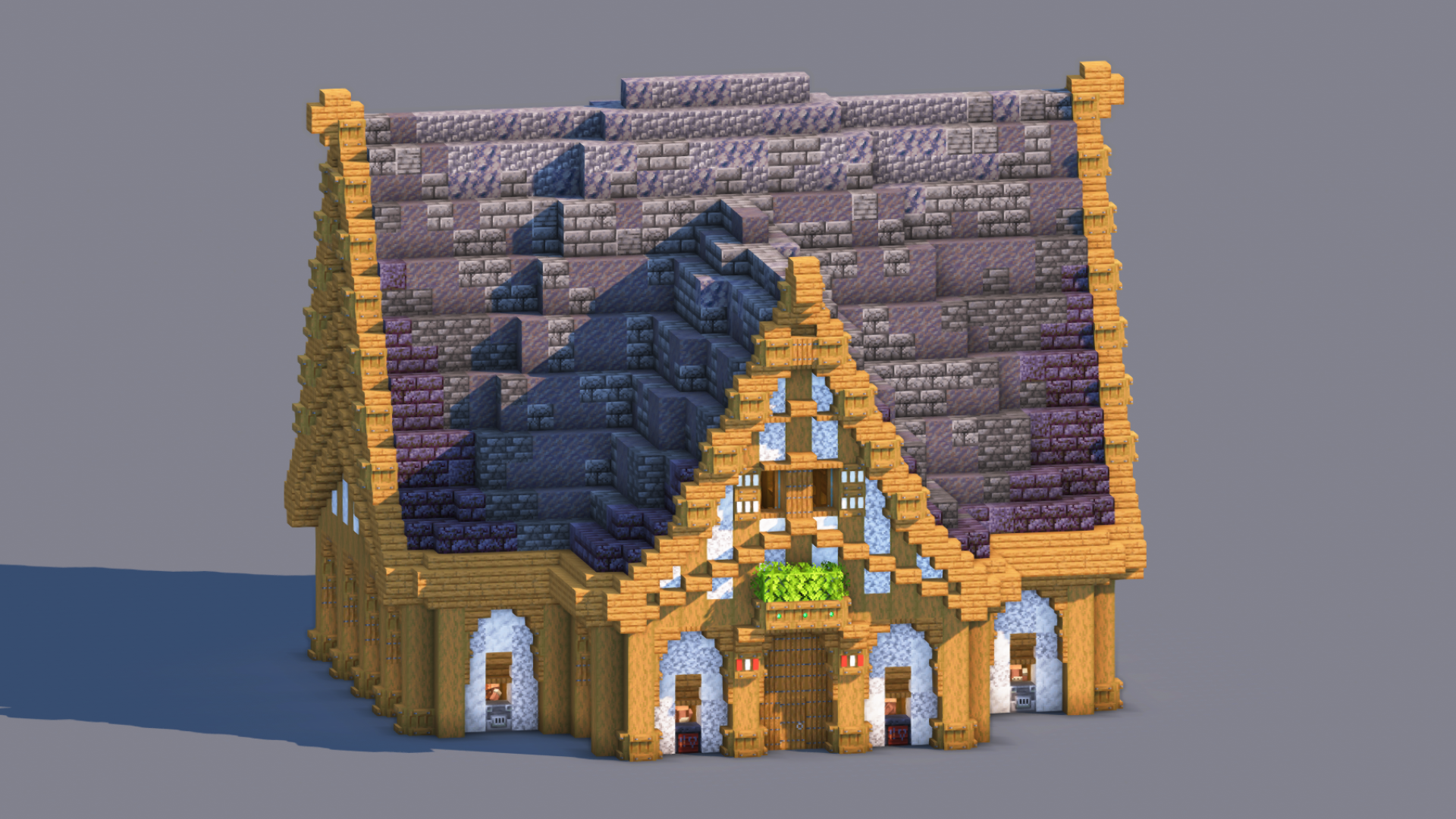
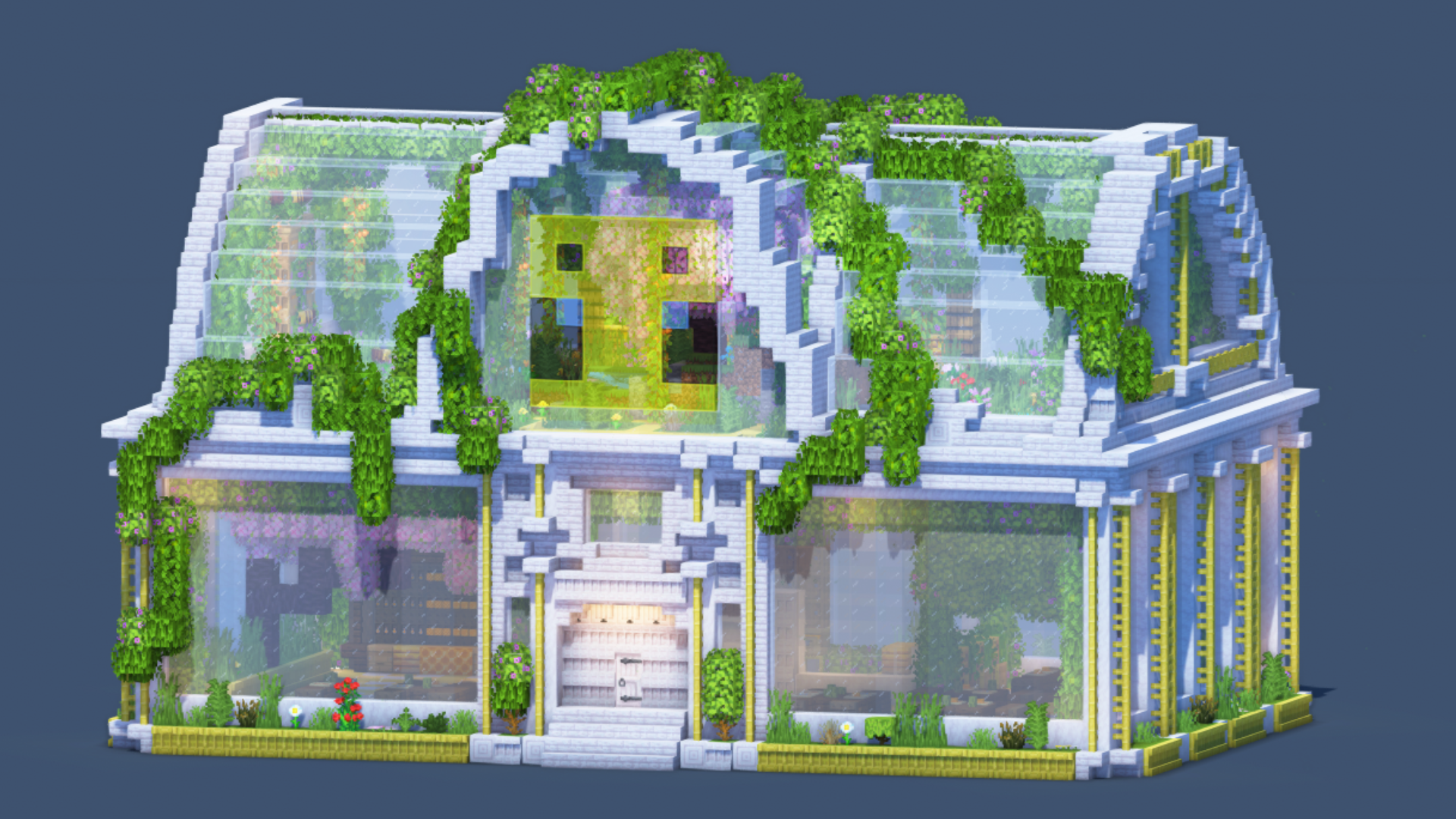
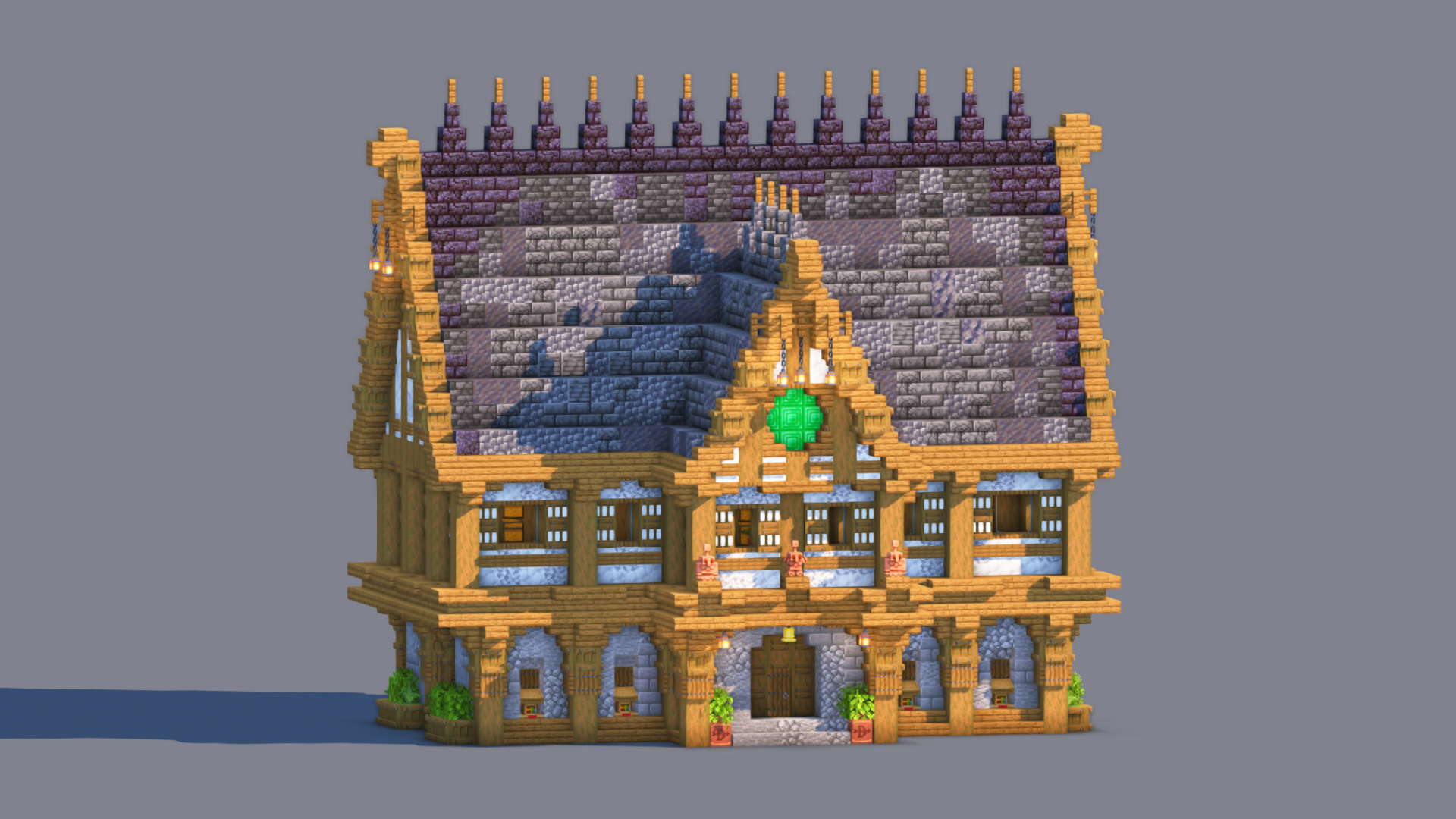
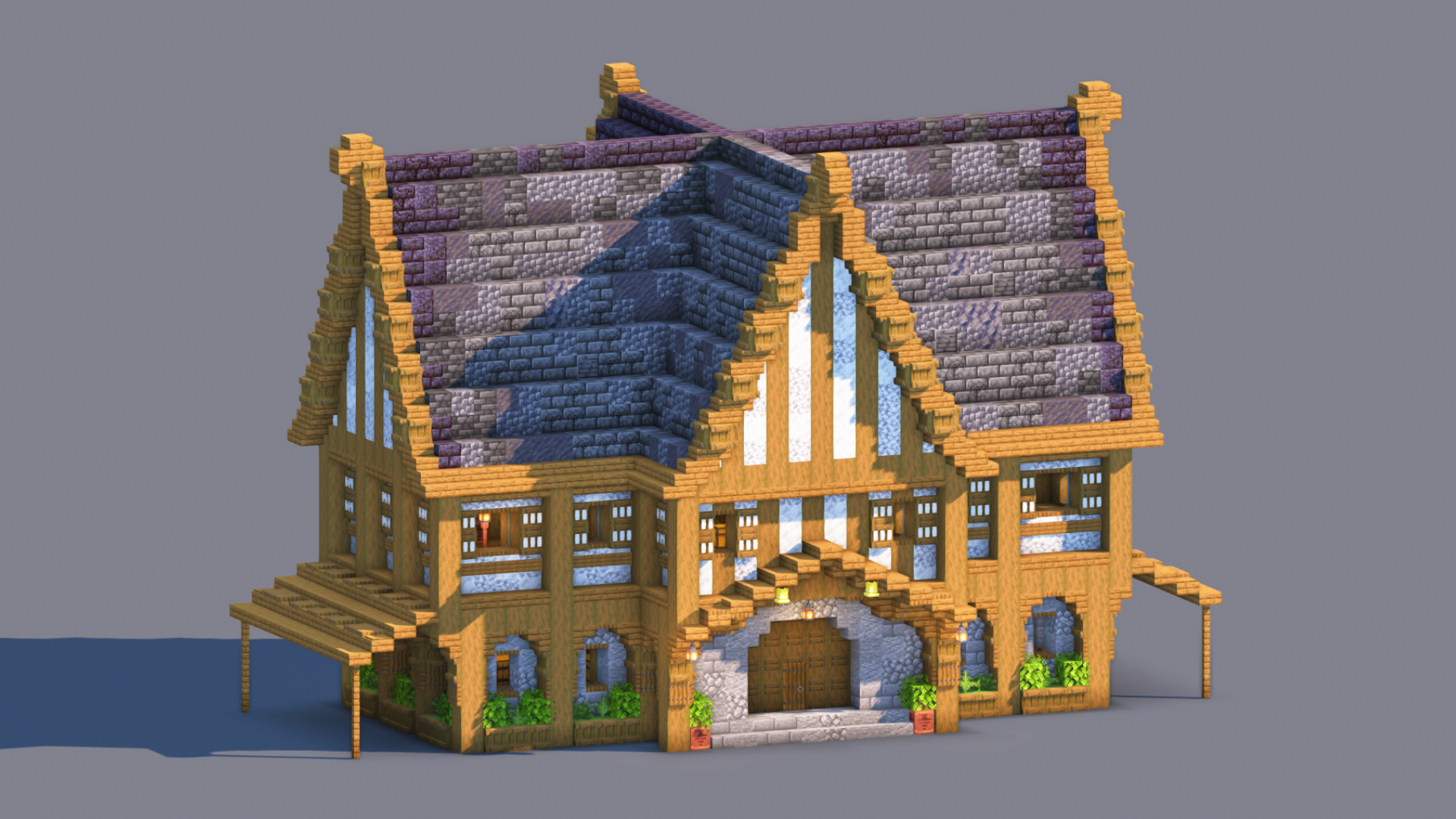
5$ only Salcofrosto - Automatic Storage Hall Salcofrosto is a massive automatic storage hall designed to organize your Minecraft world effortlessly. Built with a unique combination of stripped dark oak, brown concrete, crimson wood pillars, and a huge tuff roof, this structure is both practical and visually impressive. The large chest emblem on the front instantly reveals its purpose: storing and sorting your resources. Inside, two symmetrical sorting systems welcome you, providing plenty of storage space for blocks and items. A dedicated section at the back can be used for miscellaneous drops, trash disposal, or overflow storage. Features Large automatic item sorting system Grand storage hall design Fully decorated interior Massive illuminated ceiling Easy access from the central entrance Chest emblem façade Survival and Creative compatible Setup Instructions Place the item you want to sort inside the item frame. Open the hopper connected to the comparator. Insert renamed filler items into the first four slots. Place 41 units of the corresponding item in the last slot. Repeat for every sorting module. How to Use Place your items into the input barrel. Activate both levers simultaneously. The system will automatically distribute items into their corresponding storage sections. Important Do NOT forget to place the 4 renamed filler items and the stack of 41 matching items inside every sorting hopper. Without this step, the sorting system will not function correctly. The left section comes fully configured, while the right section includes a demonstration filter. Four renamed filler items have already been placed inside the hopper, leaving only one slot available for 41 Poplar Wood. This allows you to quickly complete the filter and learn how the rest of the sorting system works. Enjoy.

The Salcofrosto is a Minecraft build in the temples category, created and shared by carsam on MinecraftSchem in 2026. Get the schematic and paste it into your own world using WorldEdit, Litematica or the built-in 3D viewer. It has already been downloaded 26 times by the community. Related themes: survival, redstone, towers, schematic, #minecraft, megabase.

Logo
carsam
Profile
carsamMemberLevel 7Beginner Artist
  • 0 Wall posts
  • 4 Posts
  • 0 Lists
  • 1 Subscribers
  • 0 Subscriptions
  • 0 Likes given
  • 0 Favorites given
  • 0 Youtube videos
  • 823 Total post views
  • 125 Total profile views
  • 6 Likes received
  • 1 Favorites received
  • 0 Comments received
  • Sep 12, 2026 Joined
  • Carsamyth Minecraft
  • Carsamyth Xbox
View profile
Minecraft: Carsamyth

Technical Details

TypeBuild
CategoryTemples
Minecraft version1.19+
Approx. sizeLarge
Published16 Sep 2026
Downloads26
Views130

Frequently Asked Questions

What Minecraft version is The Salcofrosto for?

The Salcofrosto works with Minecraft 1.19 and newer. Older versions may also work depending on the blocks used.

How do I download and use The Salcofrosto?

Click the Download button on this page, then load the file with WorldEdit or Litematica and paste it into your own world. You can also preview it with the 3D viewer here.

Who created this build?

It was created and shared by carsam on MinecraftSchem.

Is this Minecraft build free?

This post links to Patreon, so the full download may be a paid release — check the download button. Browsing and previewing it here on MinecraftSchem is always free.

How to use this Minecraft build

  1. Click the Download button above to get the schematic file (or open the linked page).

  2. Place the file in your WorldEdit or Litematica folder (e.g. schematics or litematics).
  3. In-game, load it with WorldEdit or Litematica, then paste it where you want in your world.
  4. You can also preview it directly here with the built-in 3D viewer.

Comments

You must log in to comment.