minecraftschem.com

The Future of
Minecraft Build Sharing

The most transparent and creator-friendly platform for Minecraft builds, schematics, and maps.
No hidden rules. No senseless limits. Just freedom.

Follow development on Discord
2000+Builds Created
22K+Community Members
3000Builds Target 2026
100%Creator First

Why MinecraftSchem — Built differently. For creators.

🔓No Hidden Rules

Every policy is public, readable, and written in plain language. No surprises, no silent changes, no arbitrary removals.

Instant Downloads

No unnecessary friction, no forced extra accounts. Creators choose how to share — direct downloads or external links.

🌍Open Platform

We're evaluating making the entire codebase open source. Public APIs, shared data, and the freedom to build on top of it.

🏗️Every Format

Java schematics, Bedrock .mcstructure, maps, resource packs, and future support for Hytale prefabs. All in one place.

🎭Massive Library

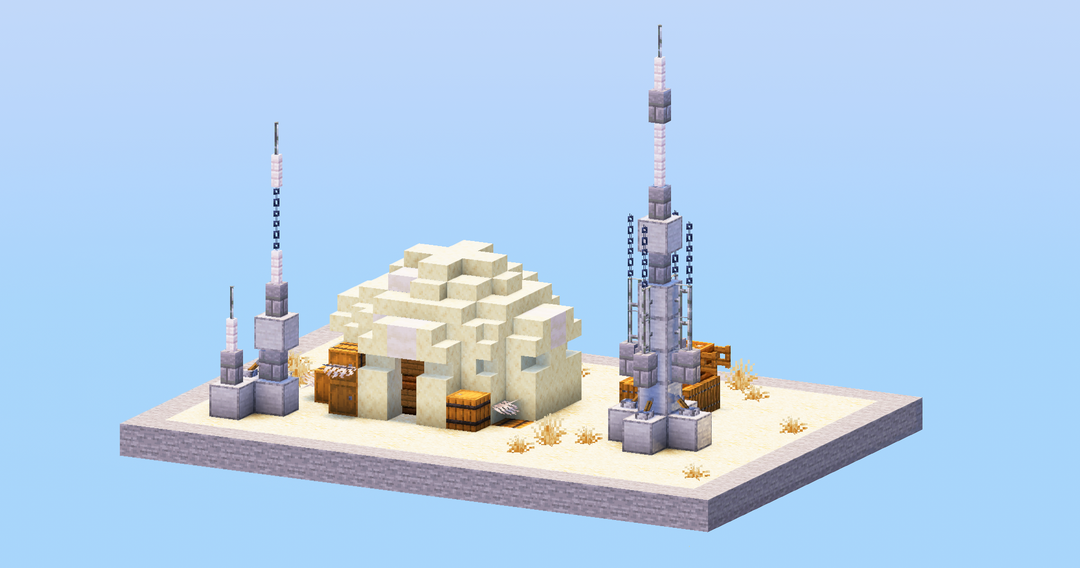
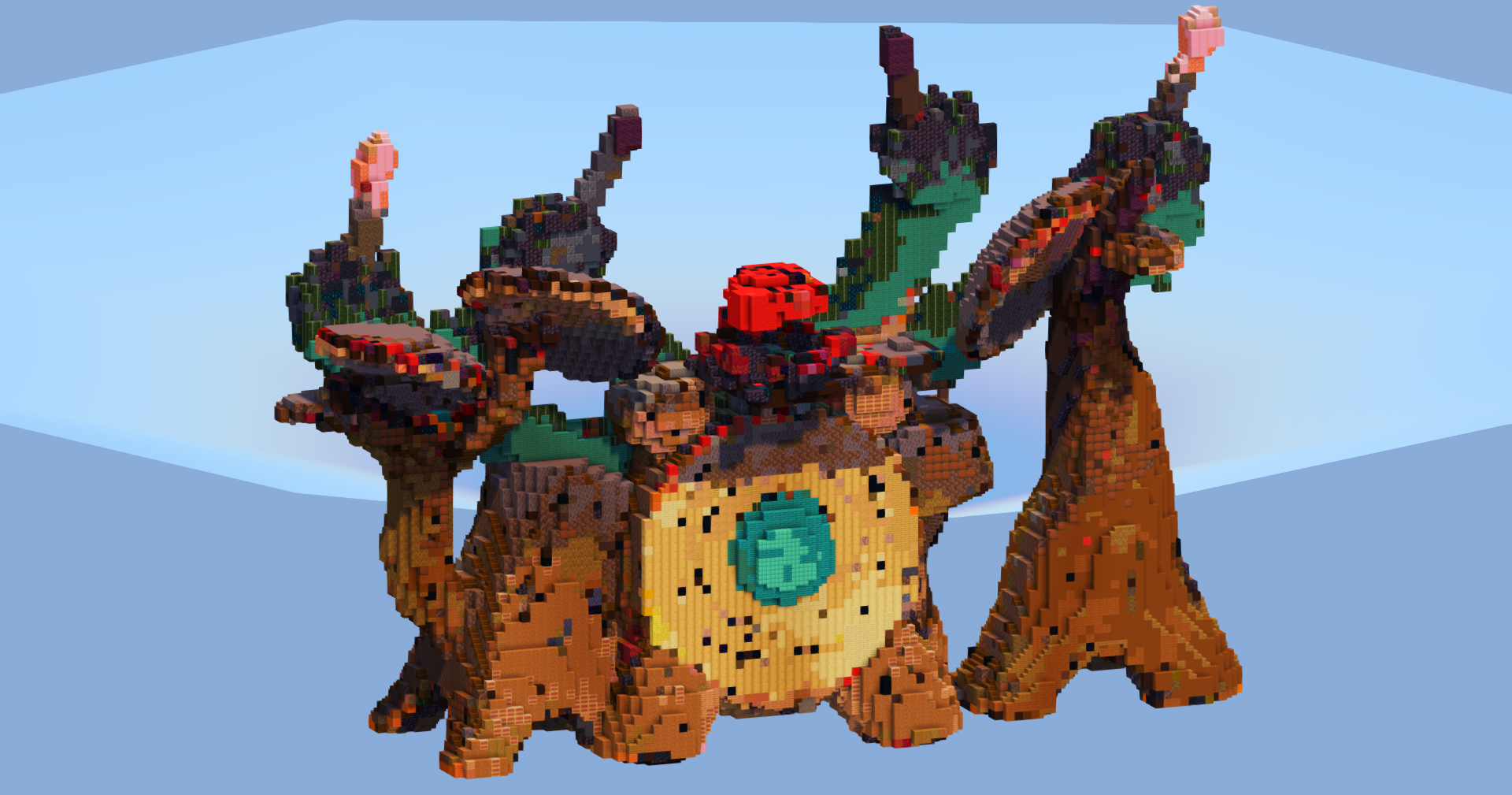
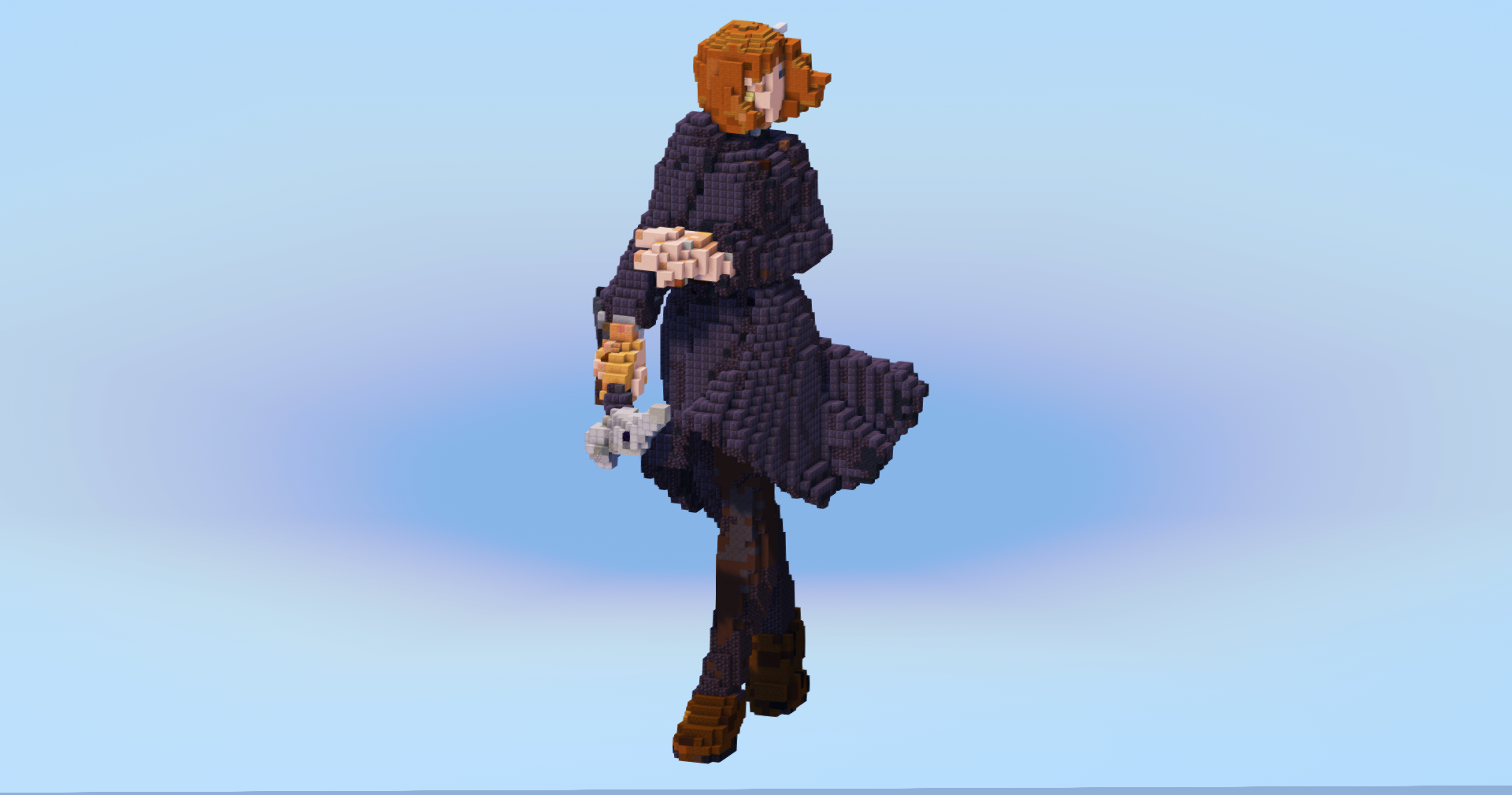
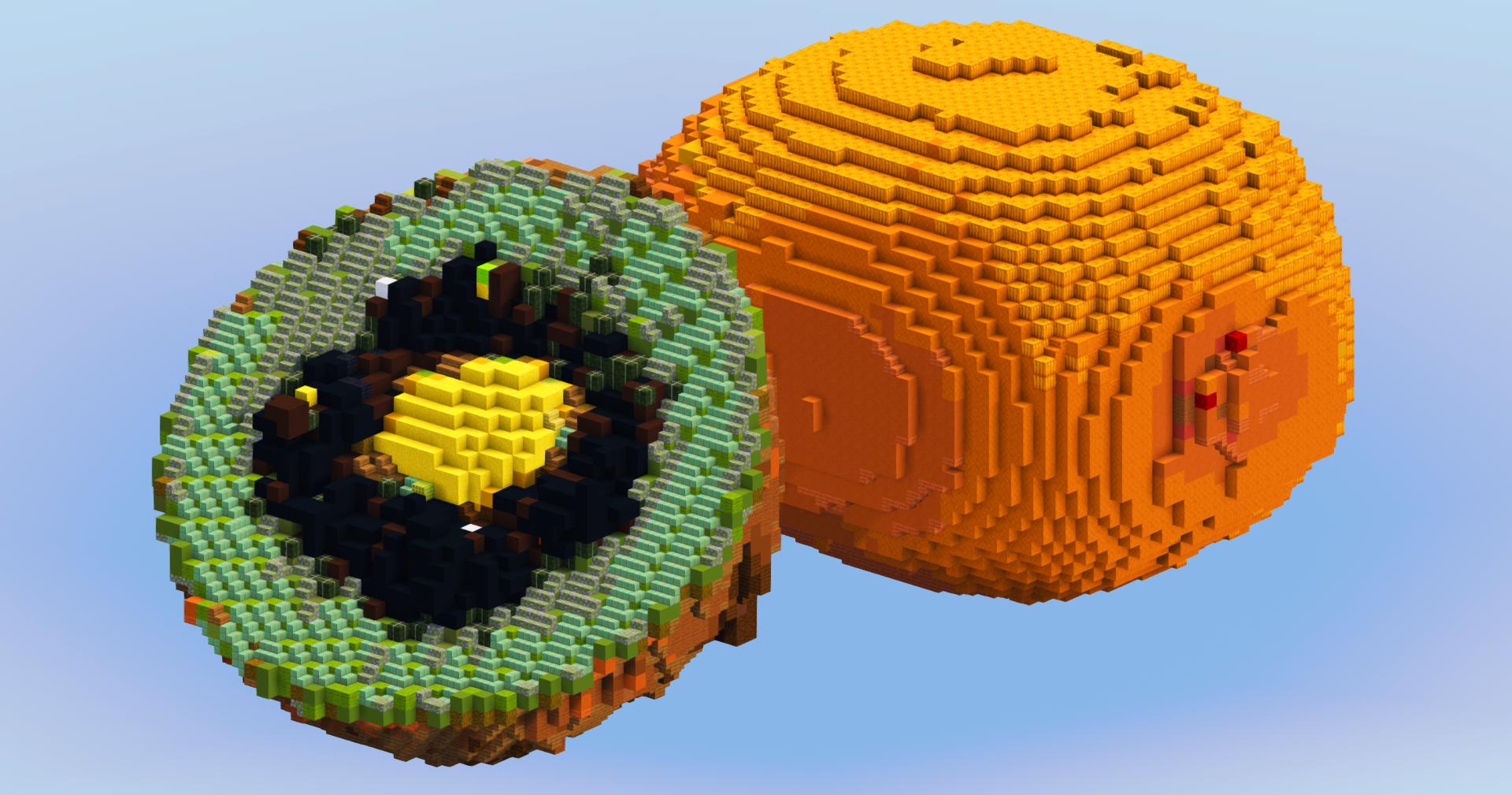
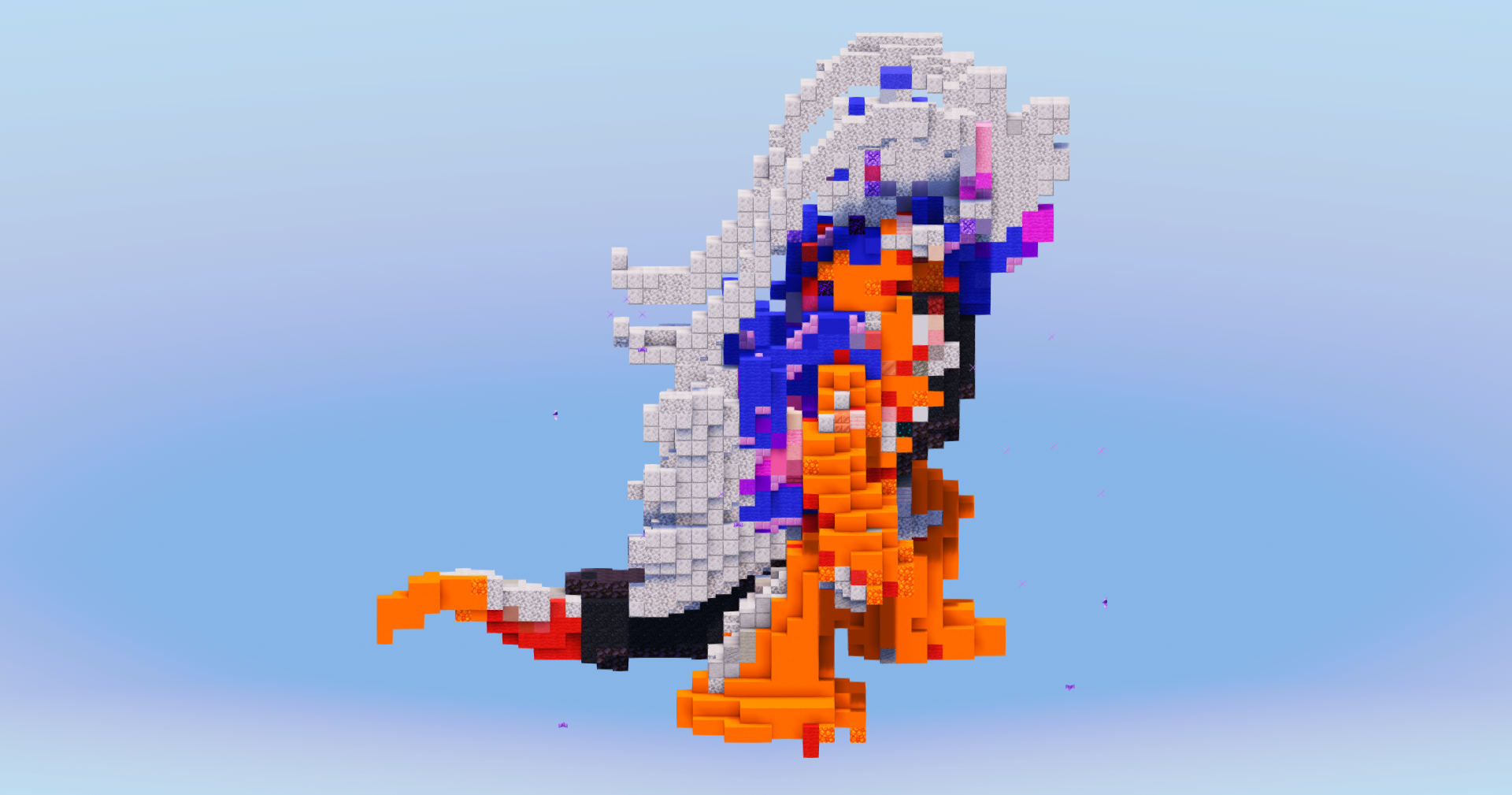
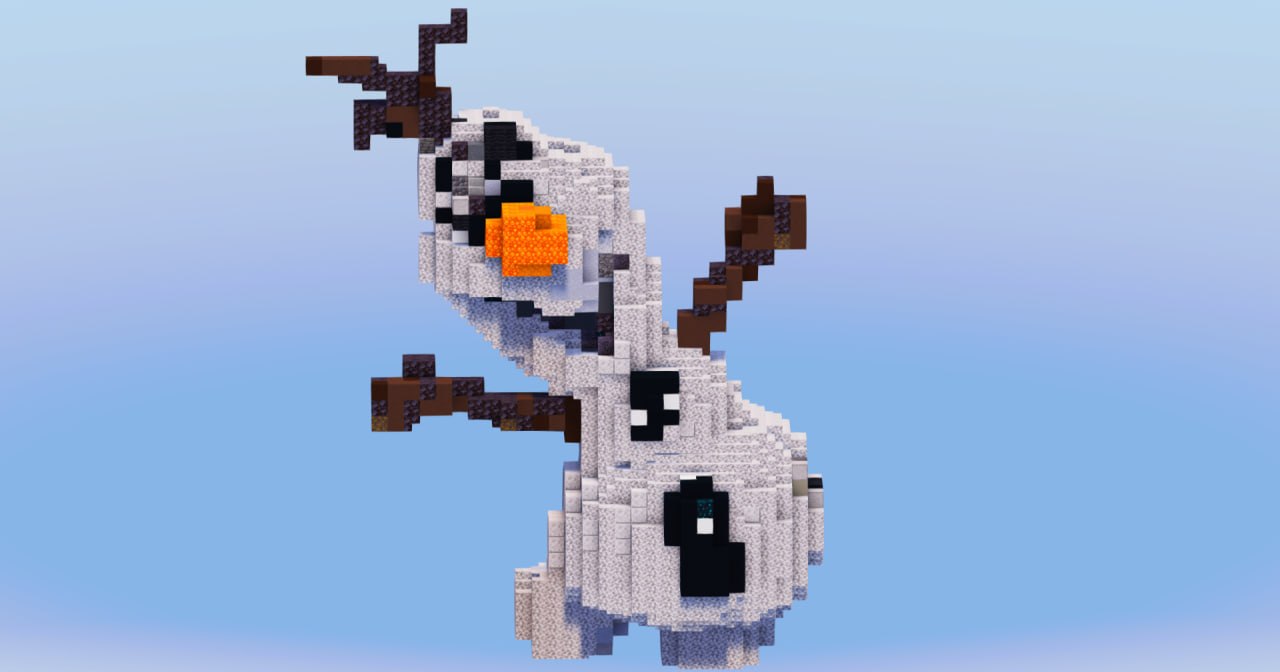
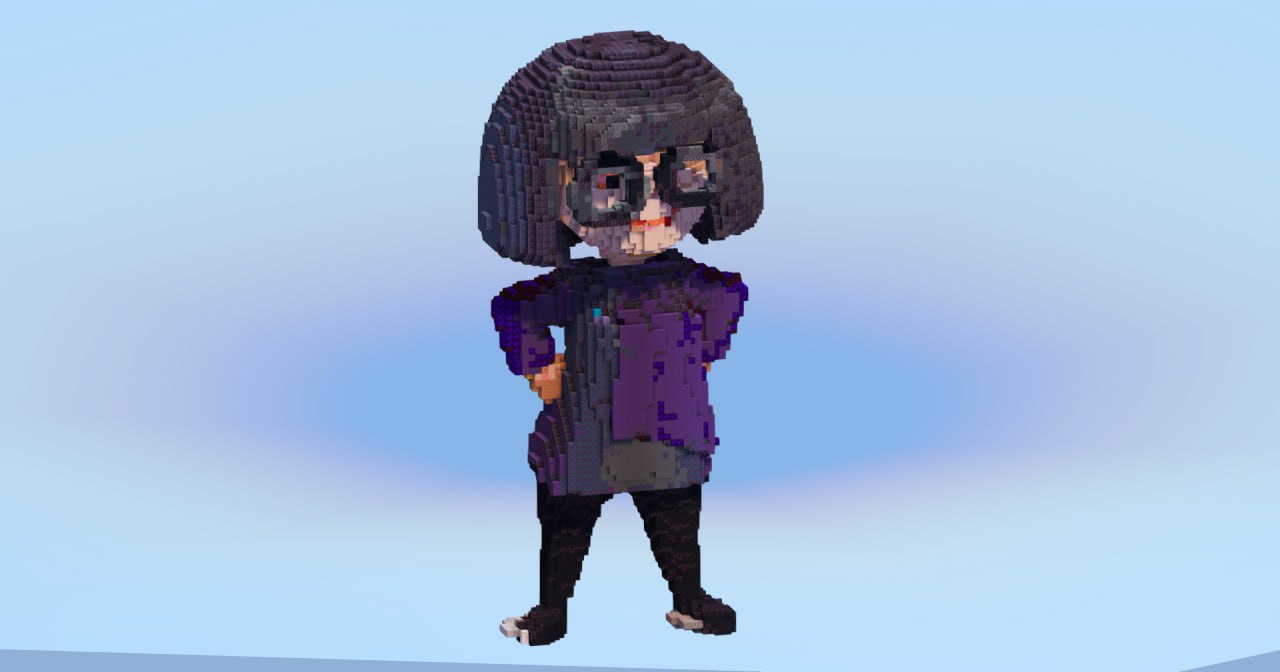
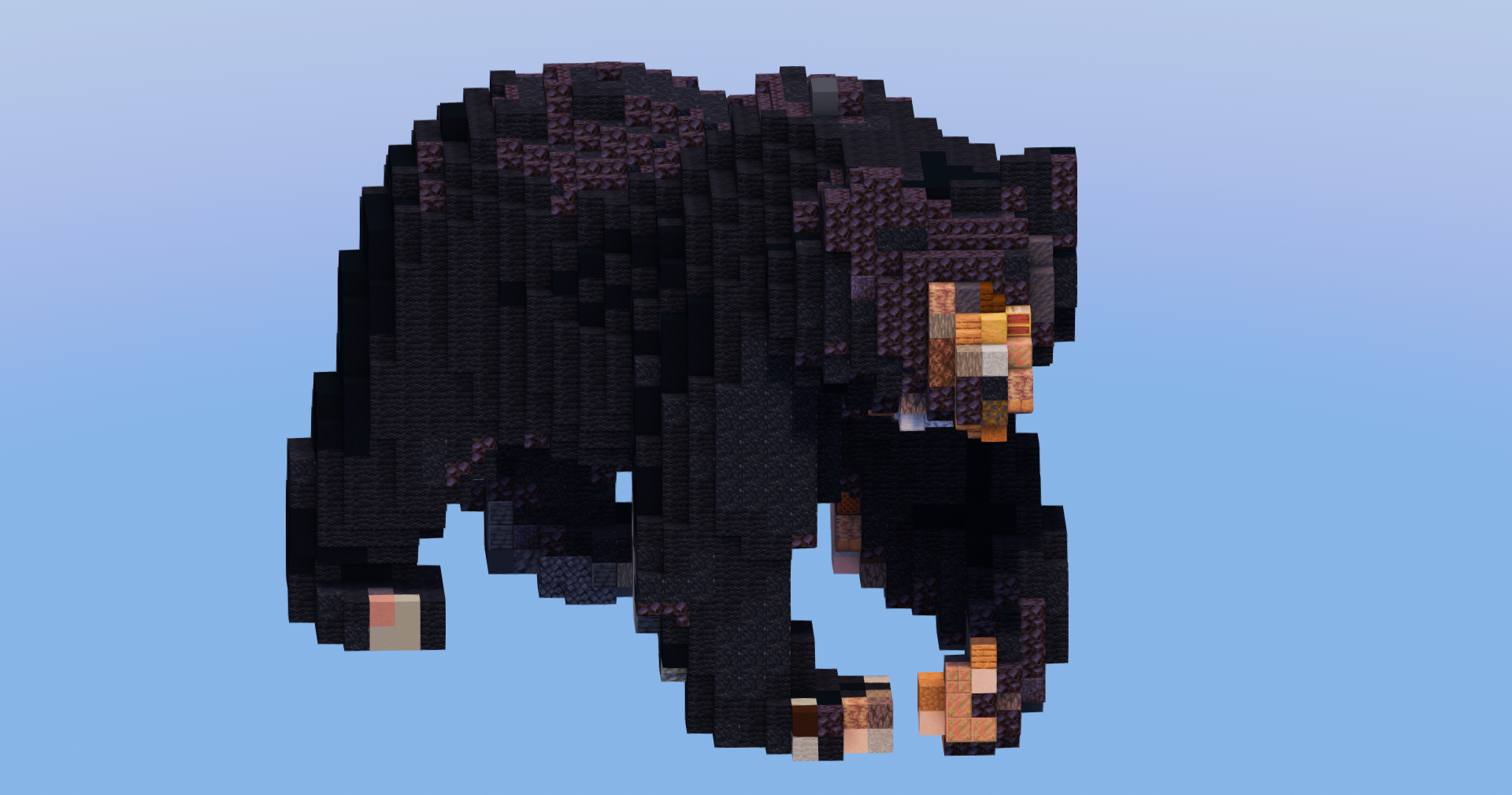
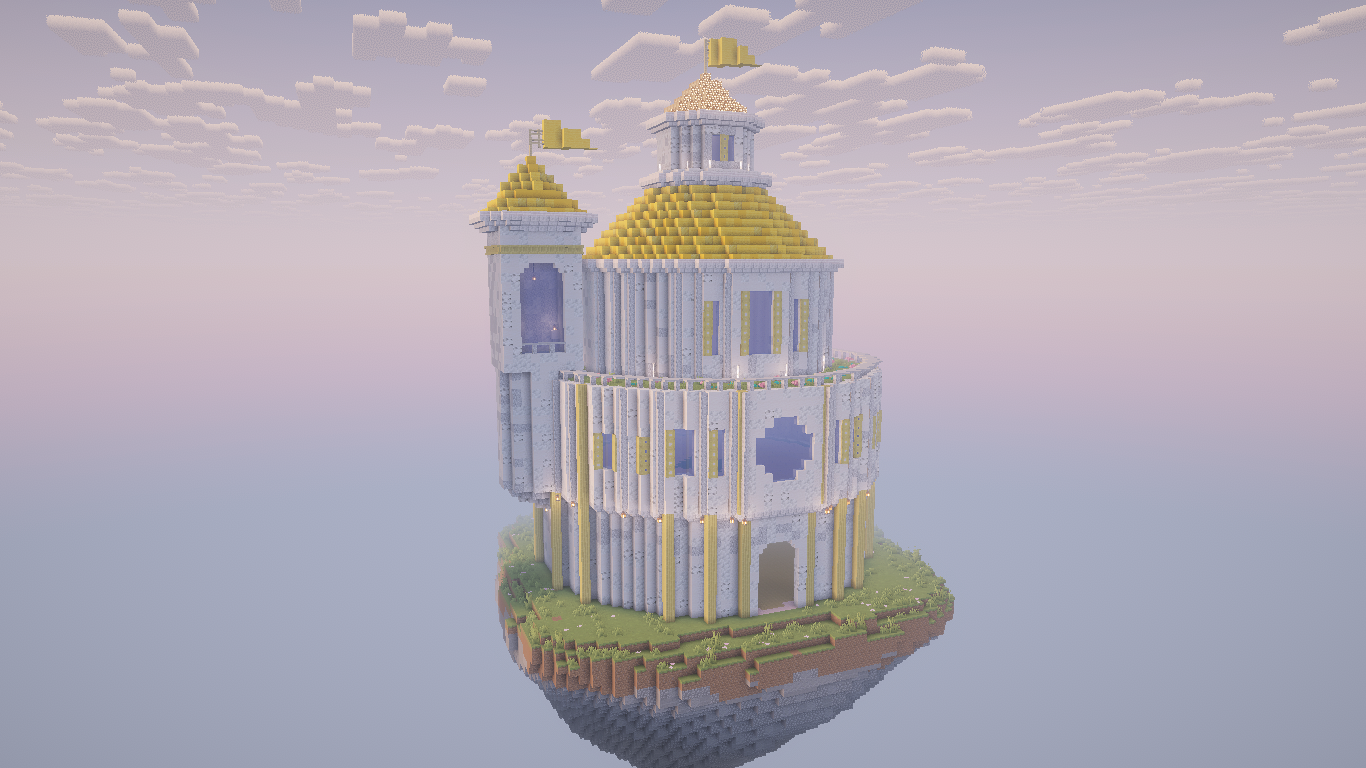
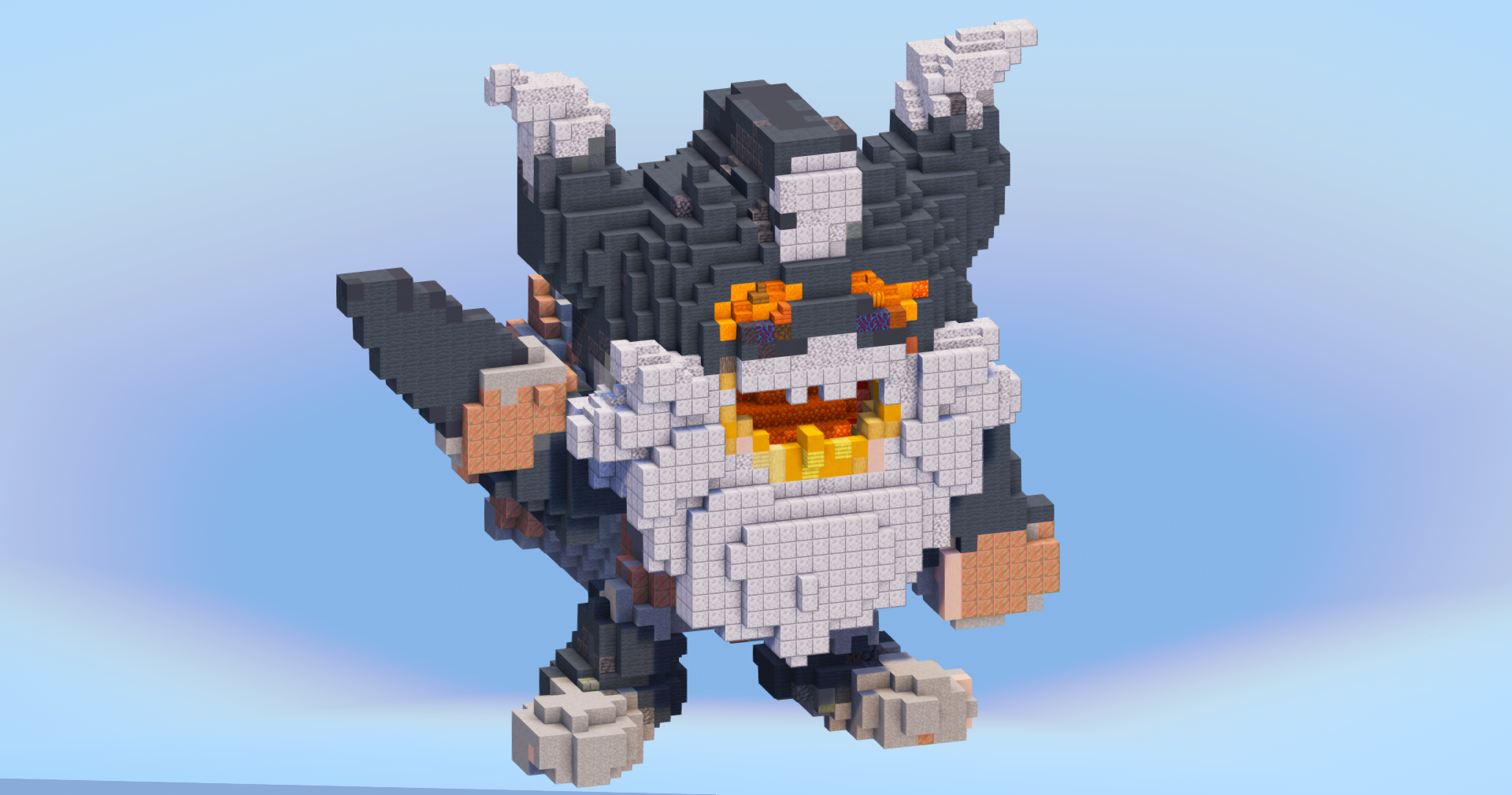
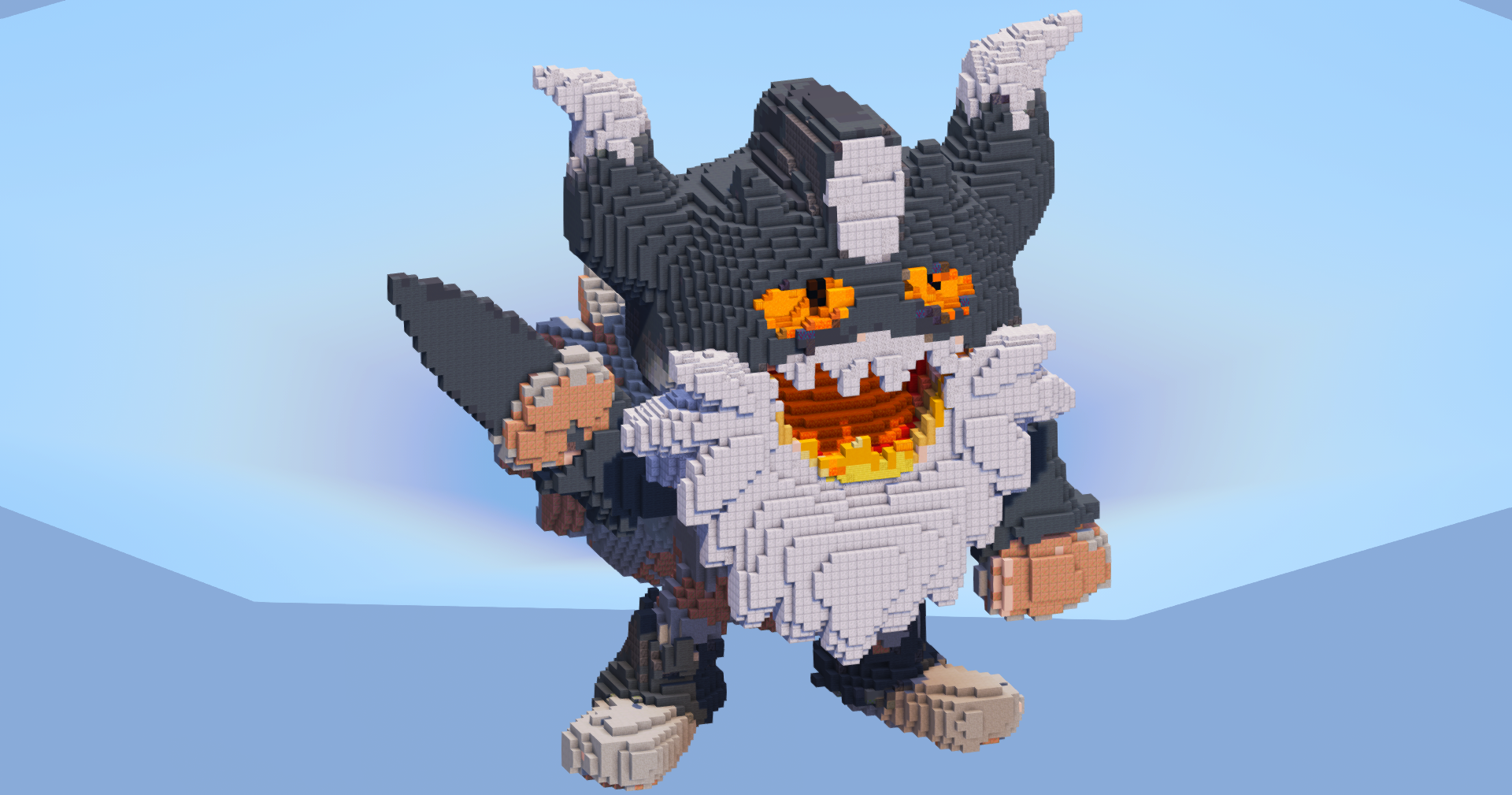
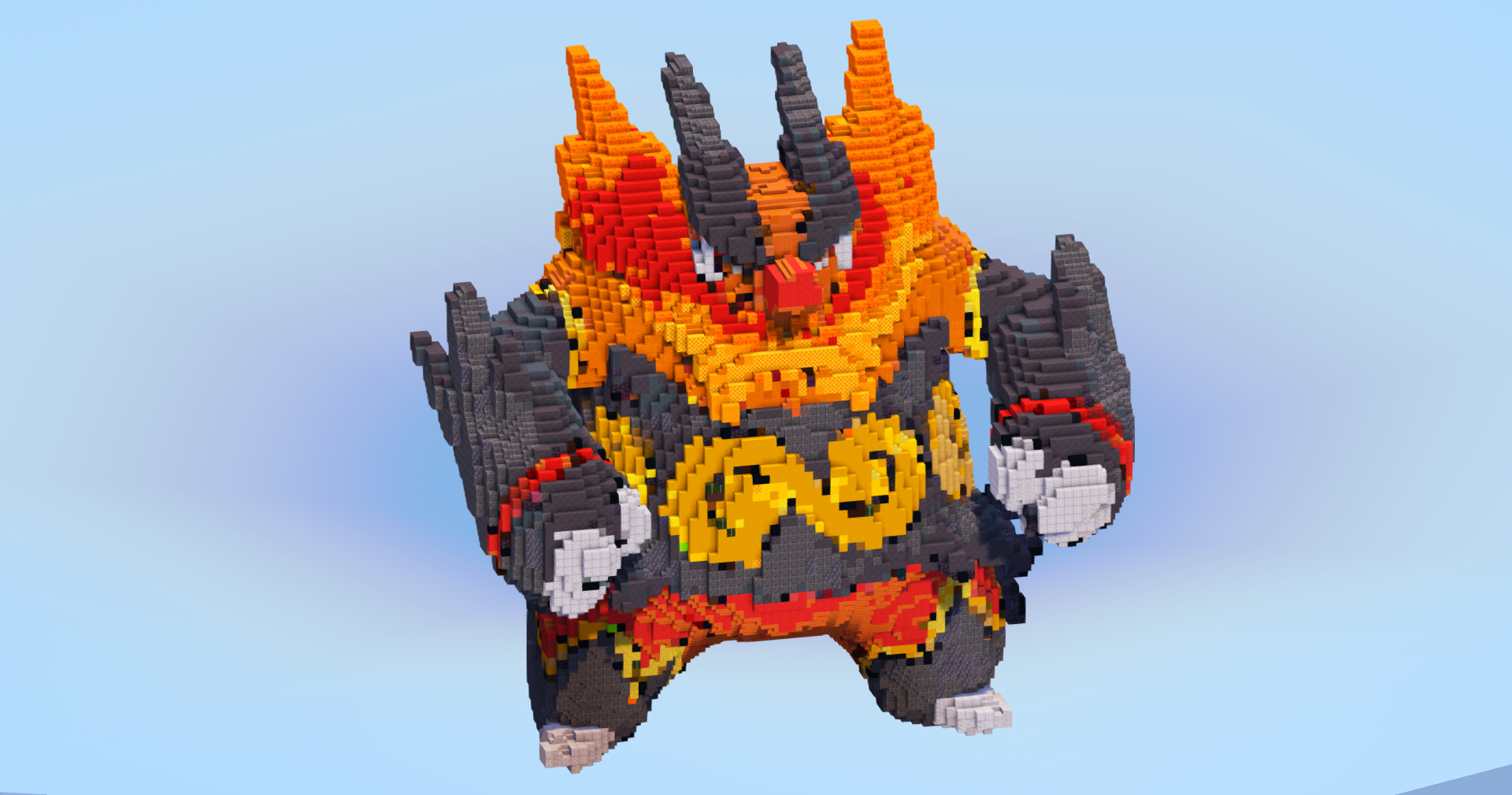
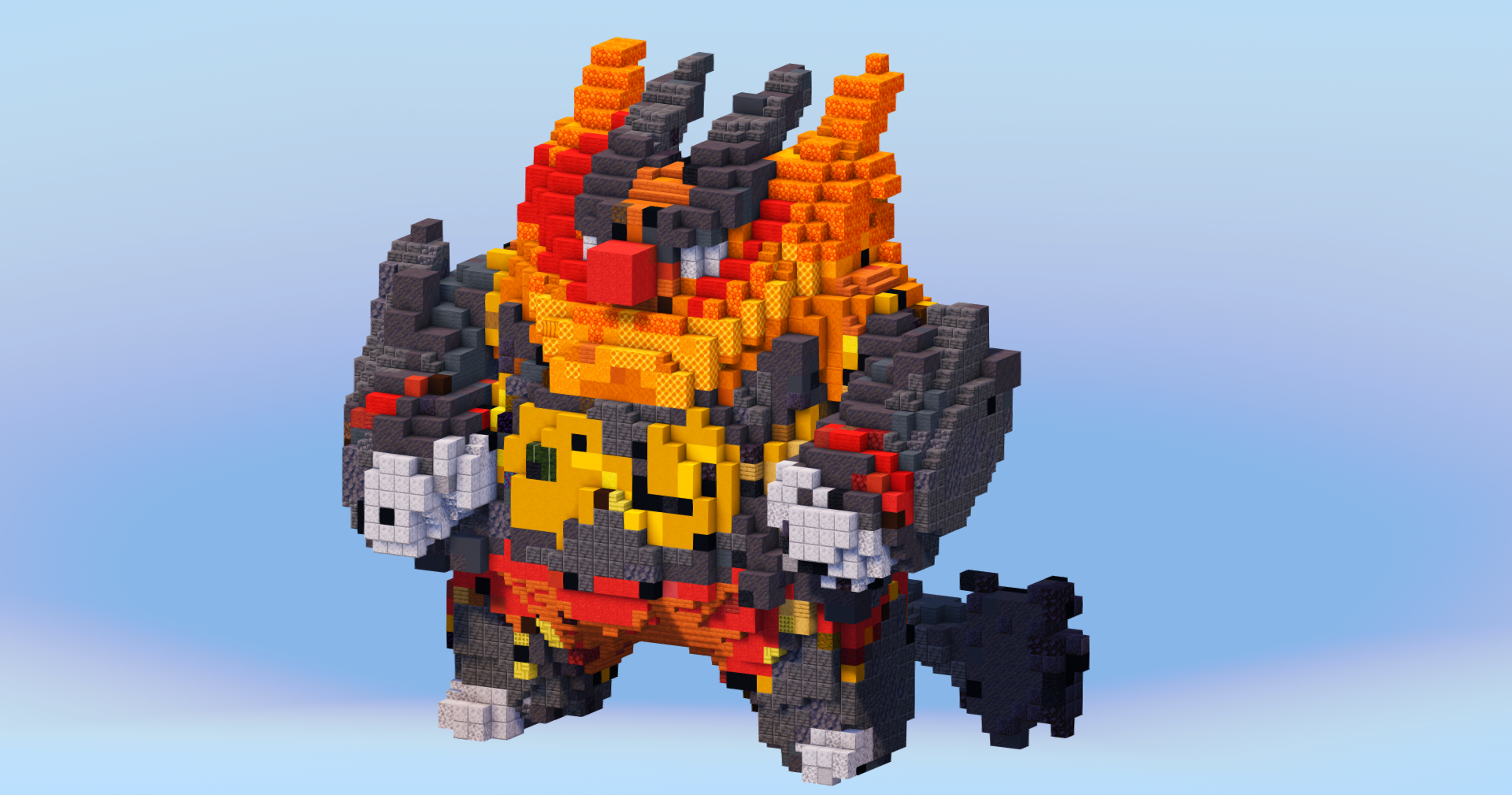
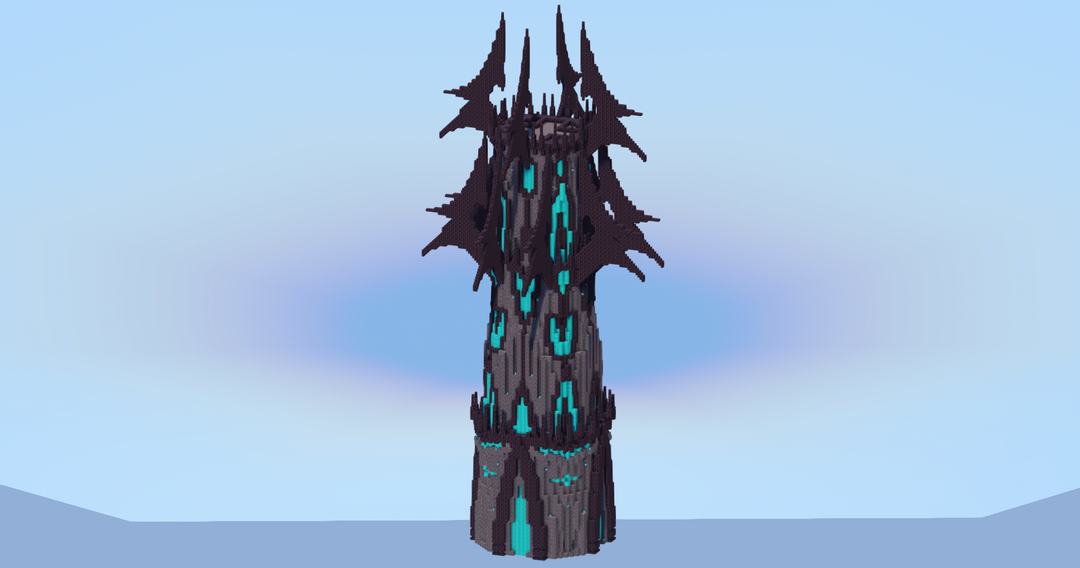
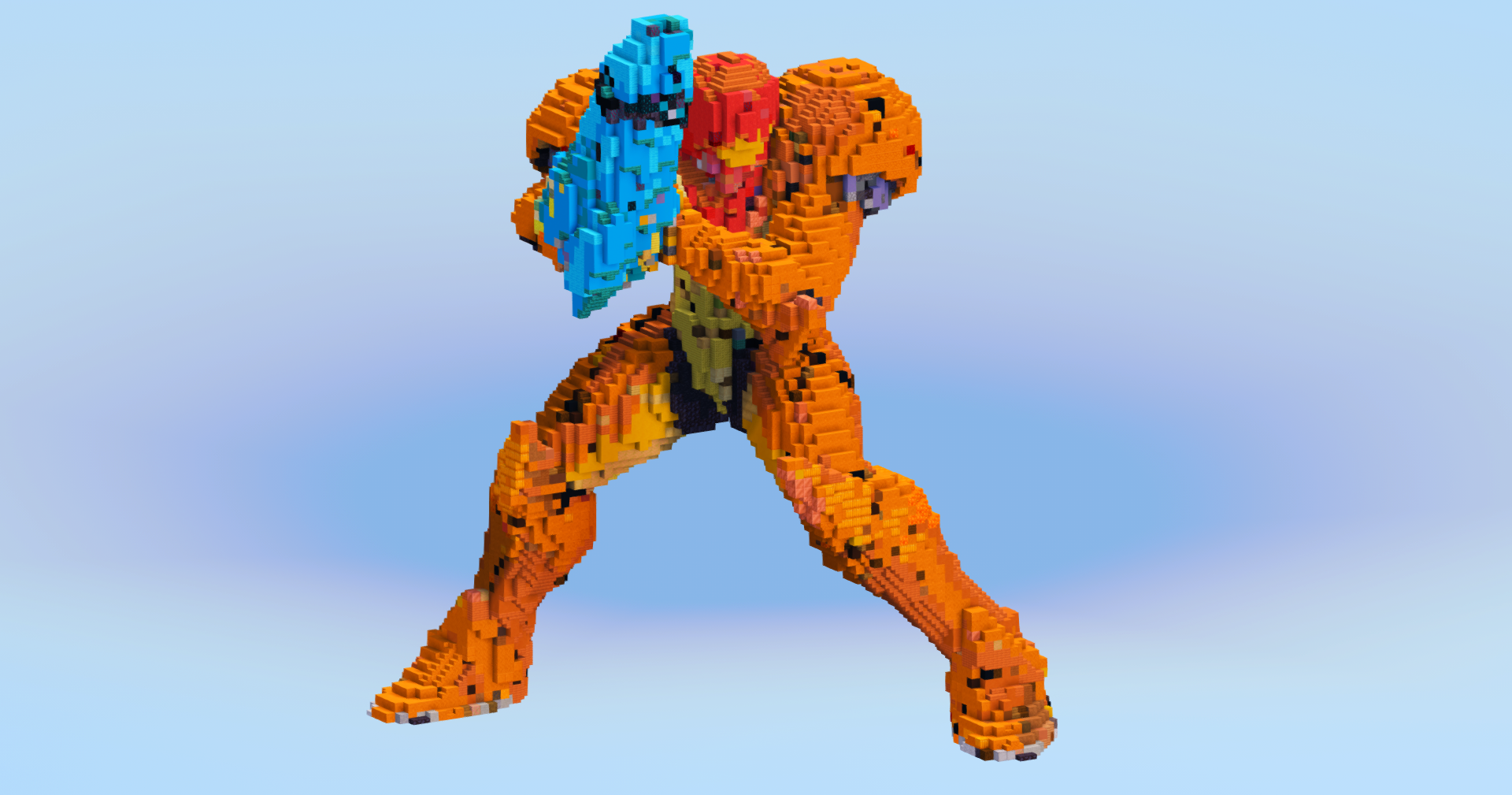
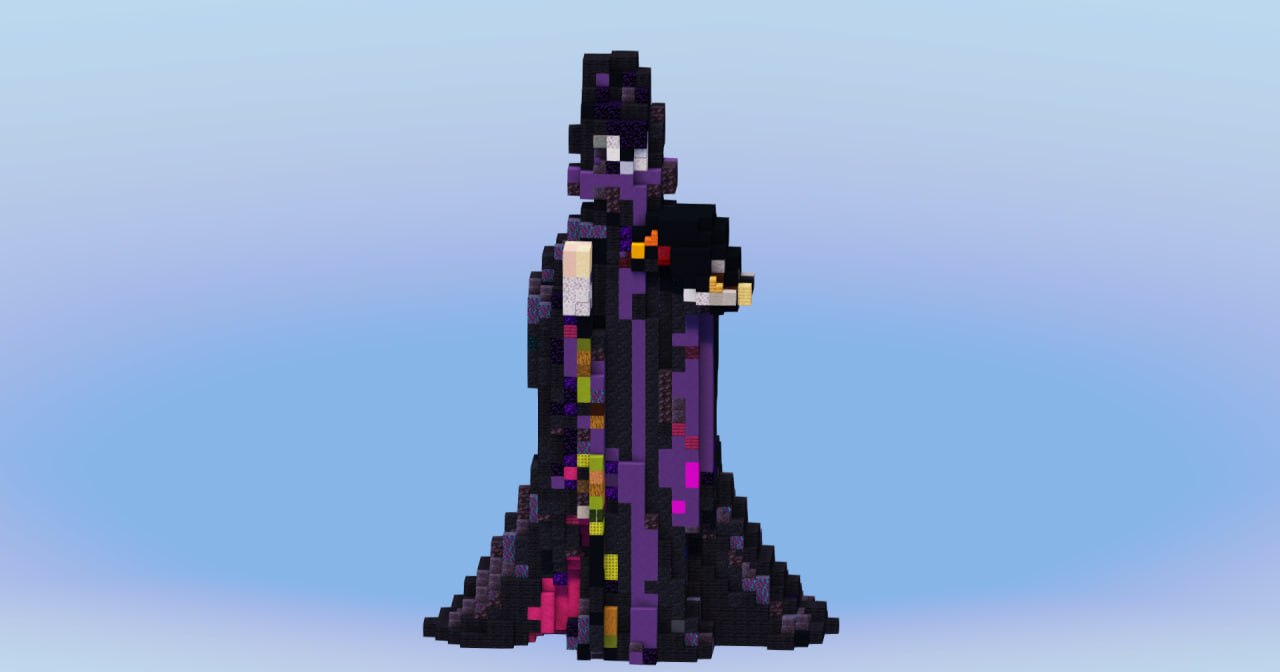
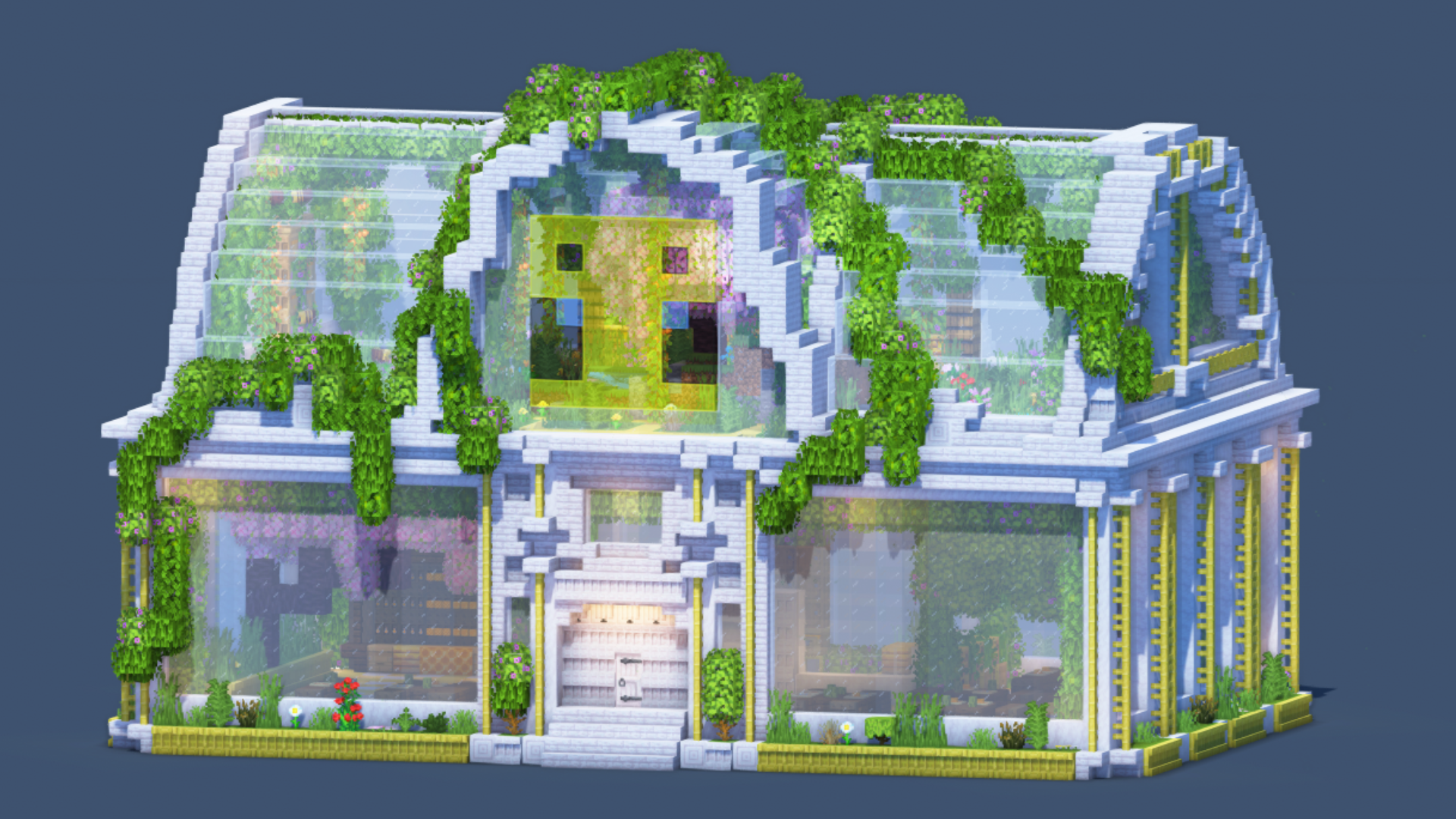
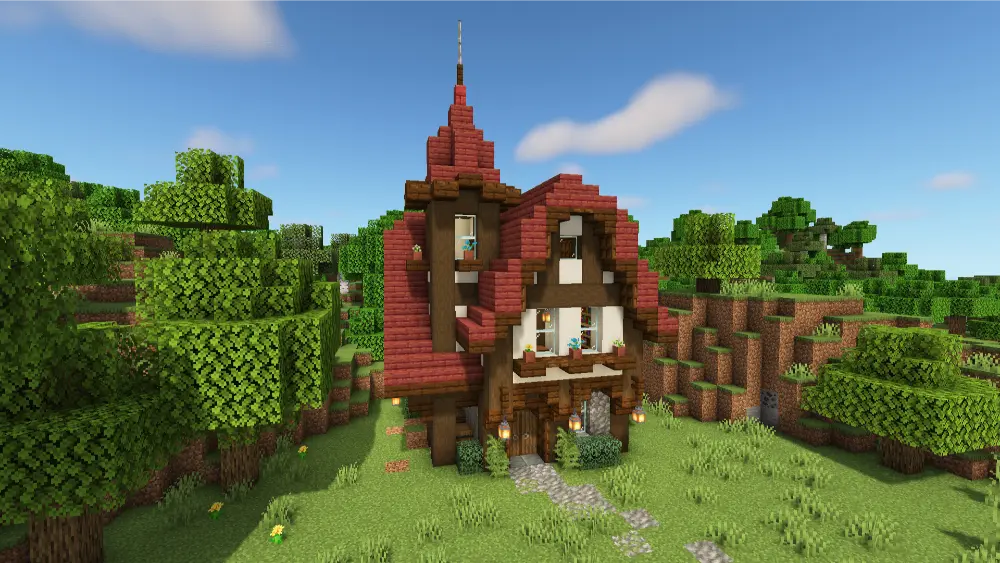
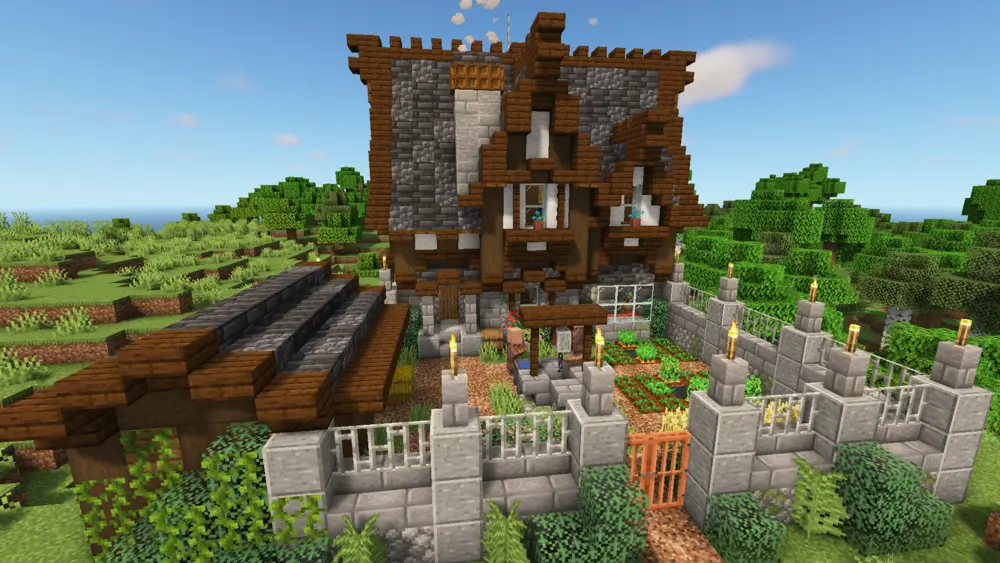
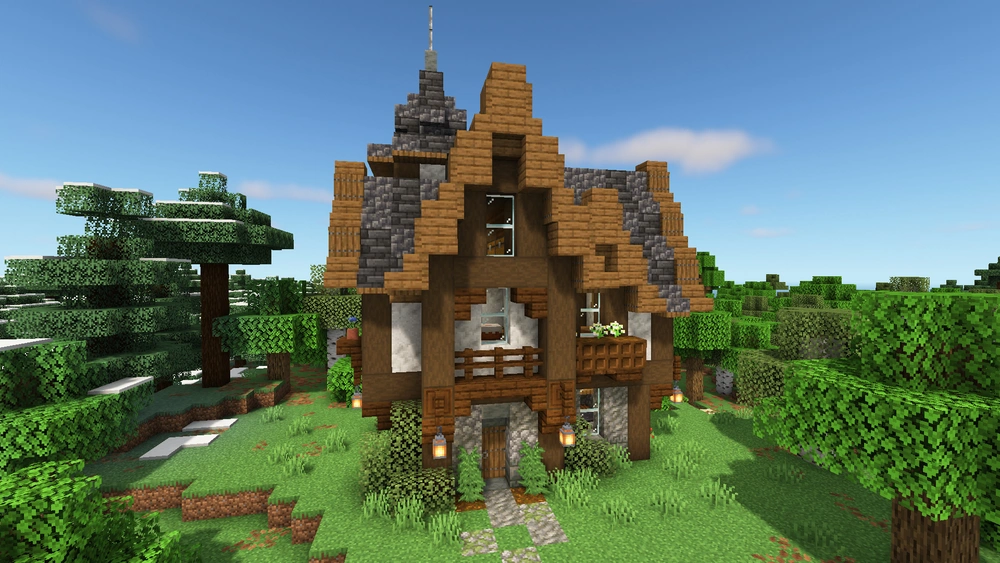
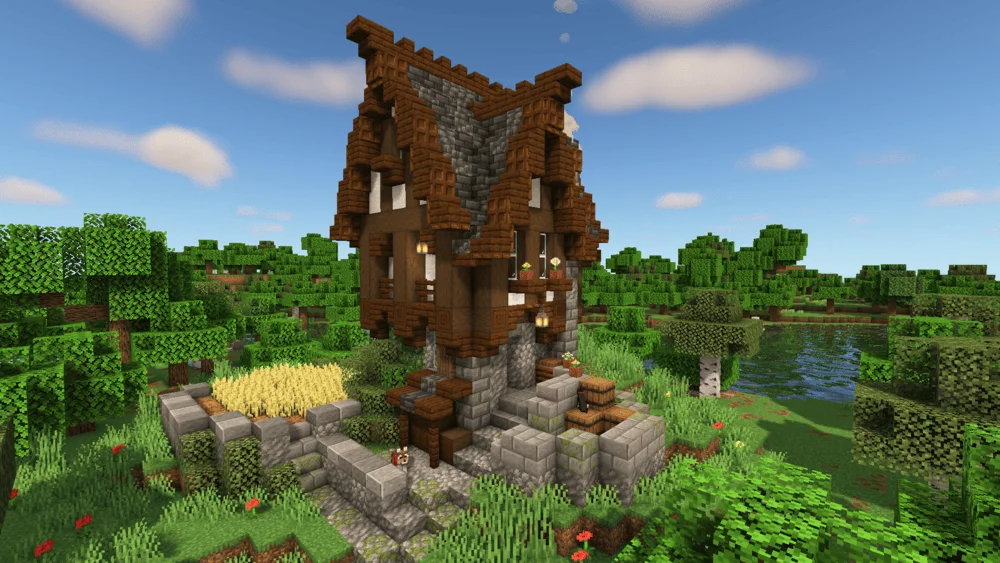
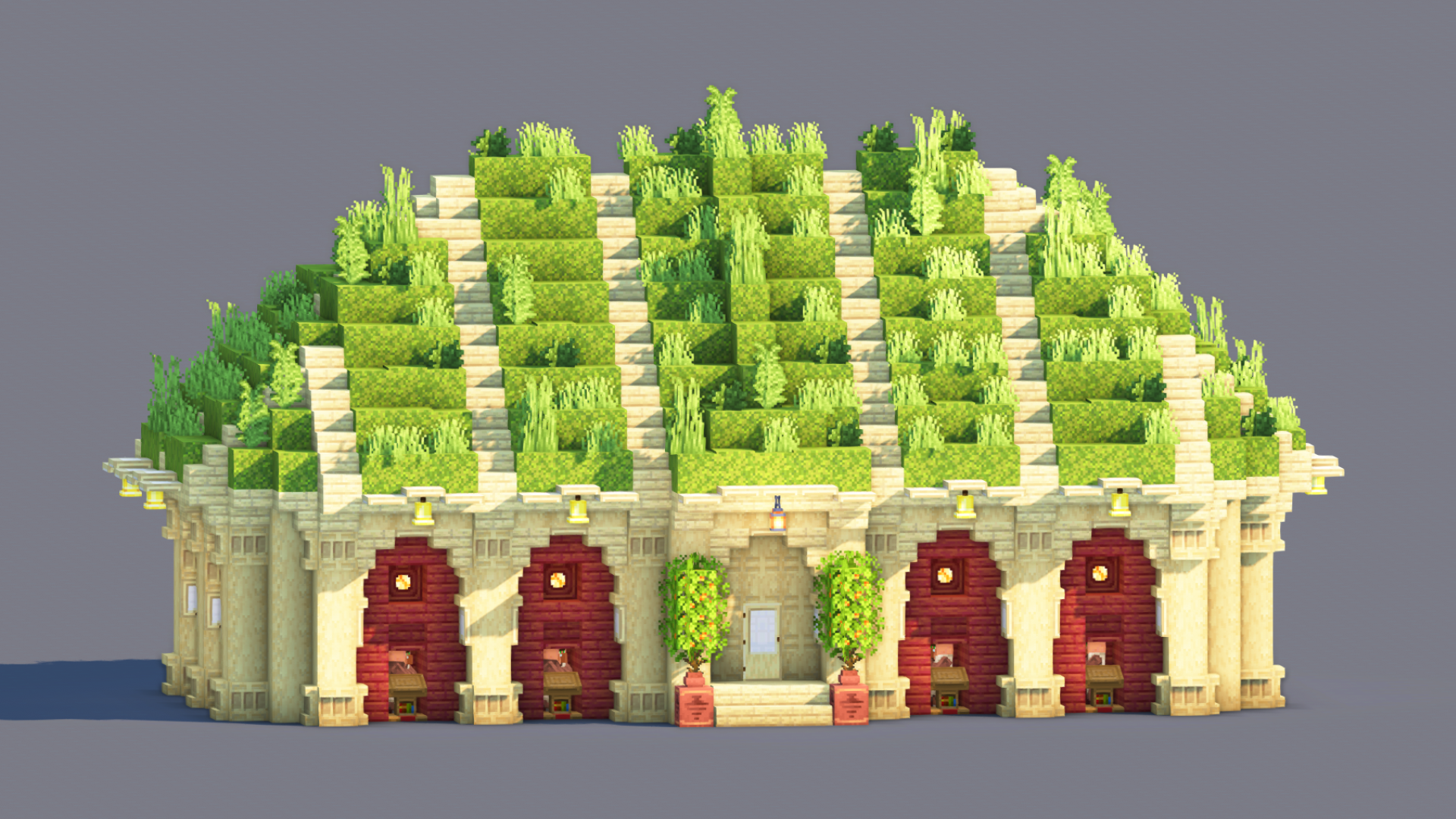
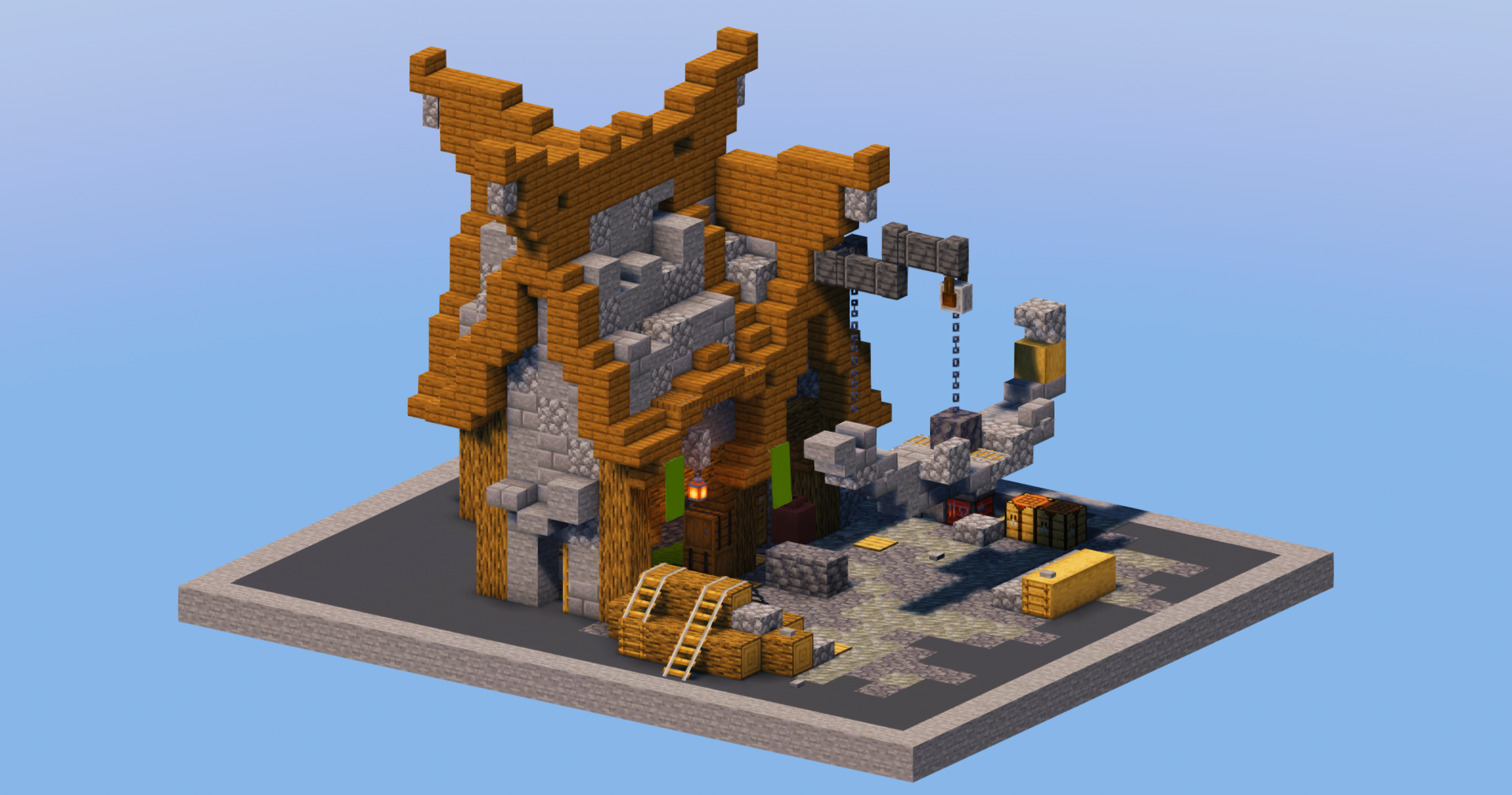
Over 2,000 builds spanning medieval, modern, Japanese, sci-fi, fantasy, statues, maps, and hundreds of character builds.

💬Real Community

Direct access to creators, community feedback that shapes the platform, and a Discord where every voice matters.

"Our mission is to build the most transparent and creator-friendly platform out there. No shady restrictions. No silence. No confusing rules. Just freedom, clarity, and open communication — the way every content-sharing site should be."

TransparencyFreedomRespectCommunityOpen SourceCreator First

Everything you need — A full platform for Minecraft creators

Posts
  • Builds, Skins, Servers, Resource Packs
  • Gallery viewer with fullscreen & scroll
  • 3D schematic viewer in browser
  • Schedule, draft & publish posts
  • Advanced filters & sort presets
  • Share as branded image card
  • Bulk edit & bulk delete
Profile
  • Custom banner, avatar & slogan
  • Social links & pronouns
  • 9 resizable content boxes
  • Full stats and analytics panel
  • Wall posts & comments
  • Subscriptions & subscribers
  • YouTube integration
Groups
  • Create groups with logo & banner
  • Follow or request membership
  • 7 drag-and-resize boxes
  • Guest book, shared posts & lists
  • Rules, FAQ & useful links
XP & Ranks
  • 100 levels with XP progression
  • 11 ranks (Beginner → Celestial)
  • 90 unlockable traits
  • Earn XP from likes, views, follows
Social
  • Like, favorite & comment on posts
  • Personal feed from creators you follow
  • Stories to share with friends
  • Direct messaging with folders
  • Ticket & report system
Platform
  • Dark & light theme
  • Global search (posts, lists, users)
  • Login with Google
  • Fully responsive layout
  • Moderation & safety tools
🧪 PUBLIC BETA

The site is open to the public and in beta — you can use it freely right now. Found a bug? Your reports are extremely valuable.

Report a Bug

Open Source — Coming after Beta

After the beta period, the entire source code will be released publicly so that anyone can propose changes or create their own version of the site. Those who do so will also be given the opportunity to start with an initial pool of around 2,000 posts — so they're visible to the entire Minecraft community right away, without the "small site" effect caused by a young platform.

👁 10 views 👁 1 today 0 downloads 0 today 0 0
PlayFlex
PlayFlex Published 08 Aug 2026 Last modified: 08 Aug 2026
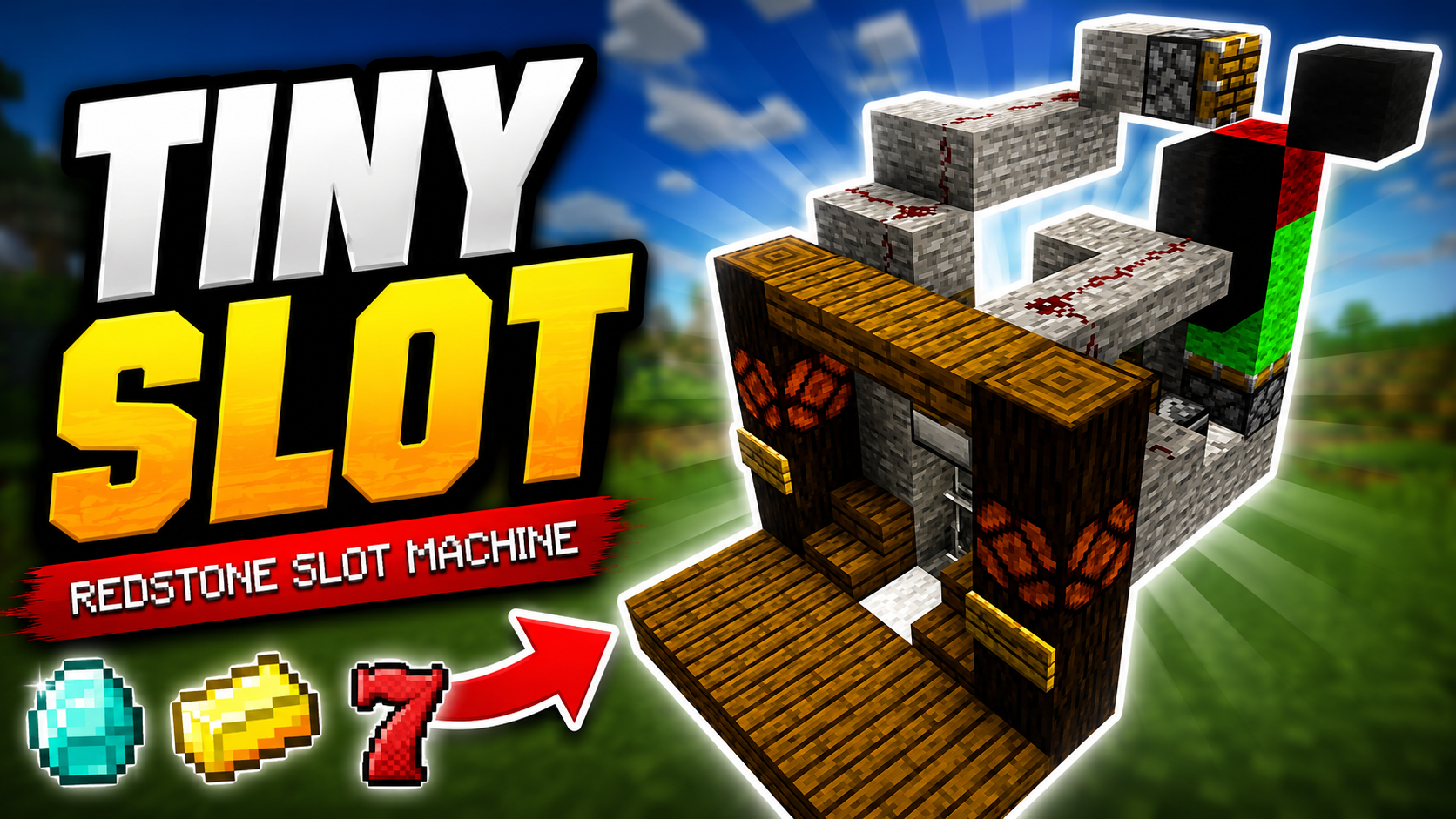
Previous Free Compact "TINY SLOT" Gambling Machine 💎 | Minecraft Java 1.16 - 26.2 Redstone Tutorial
Next PlayFlex Easy Redstone Roulette Machine

Description

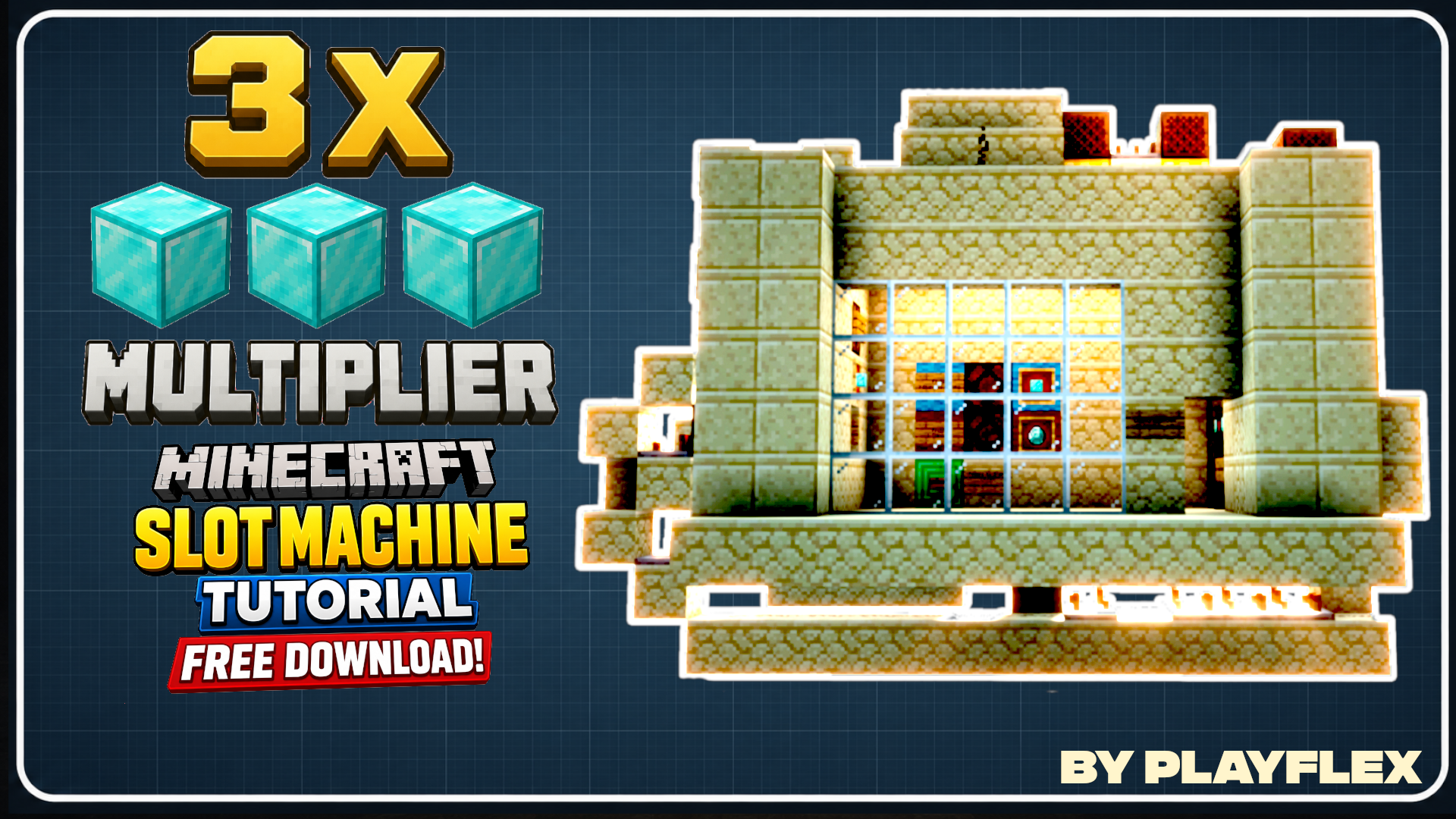
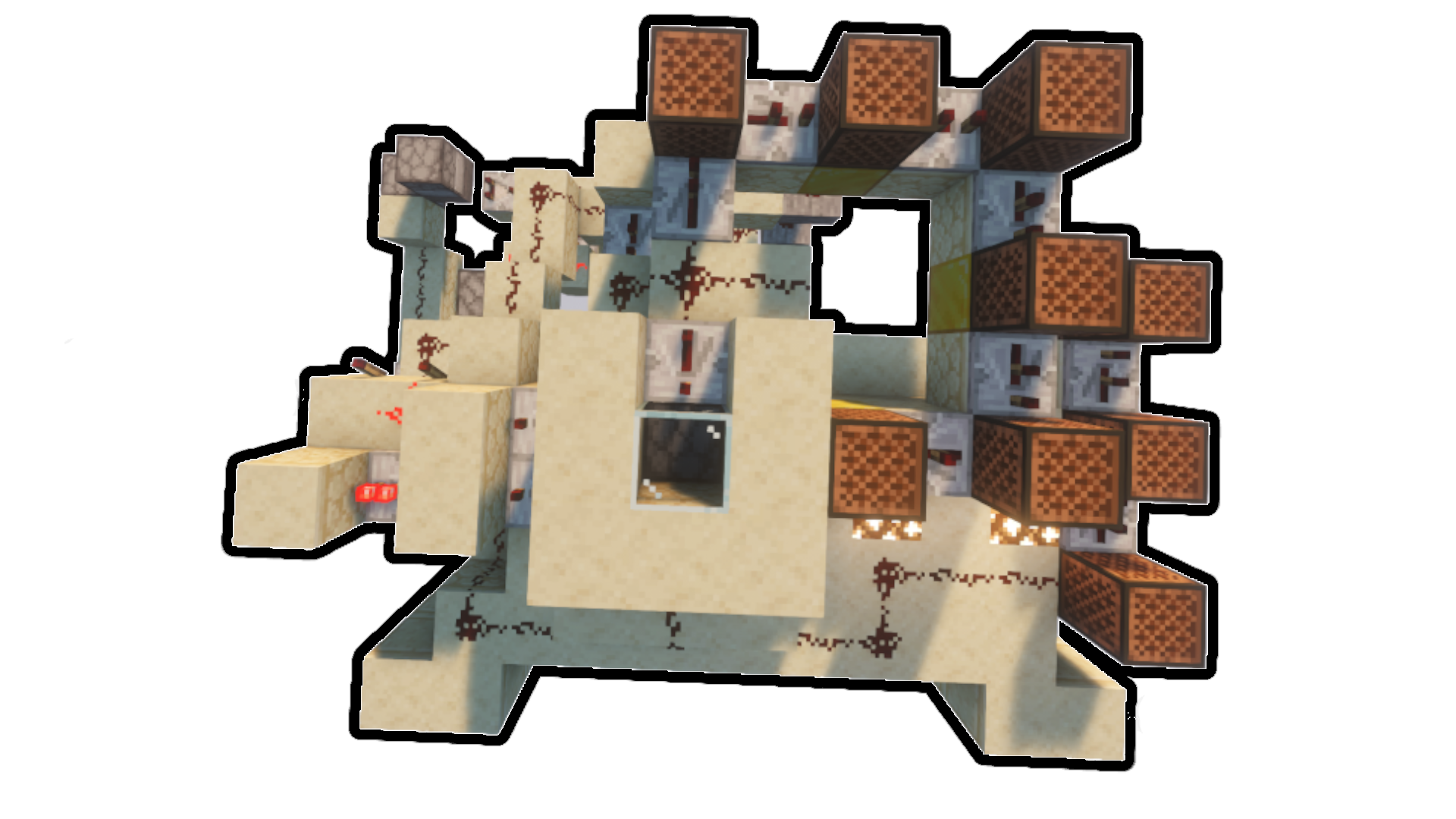
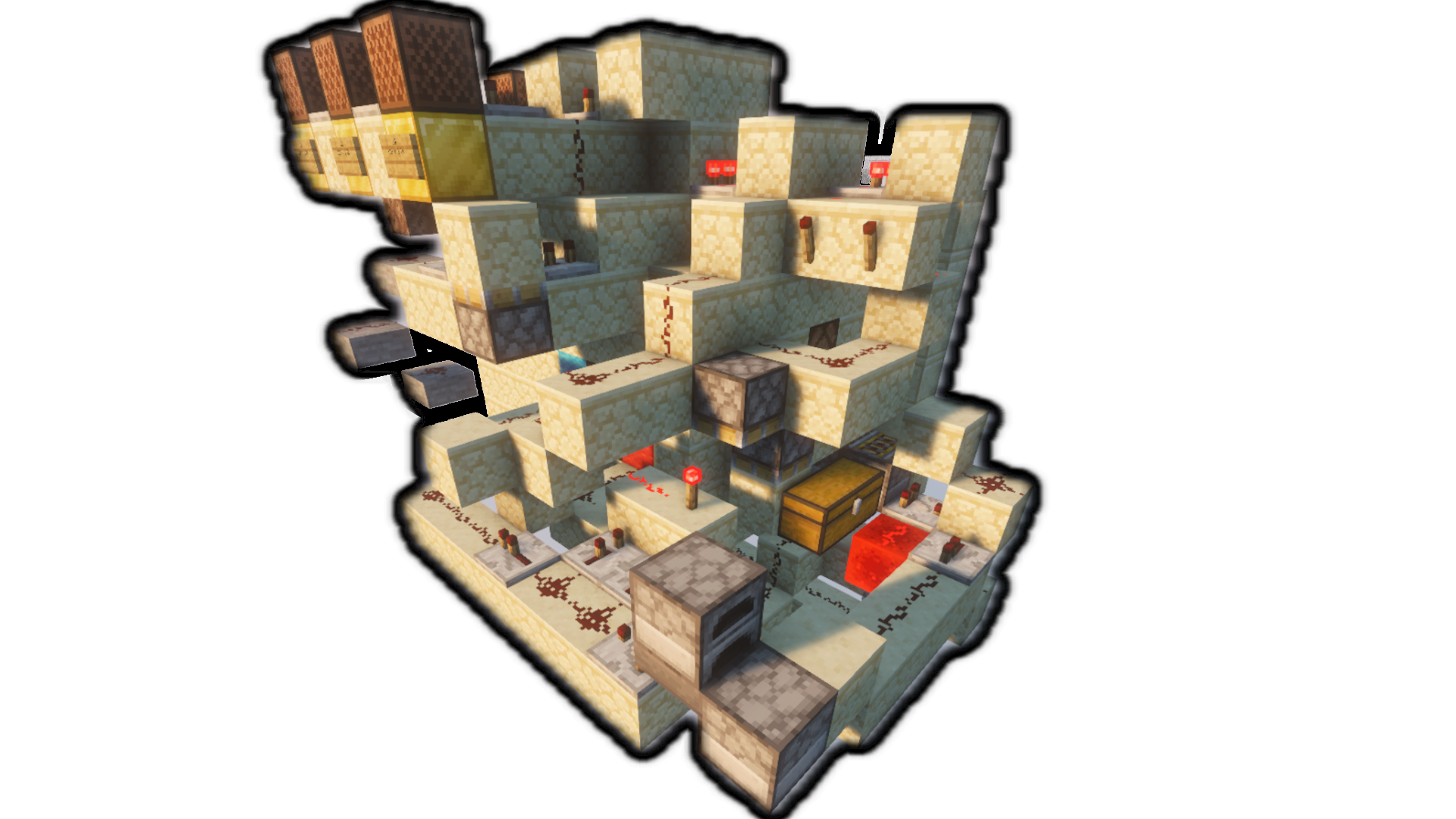
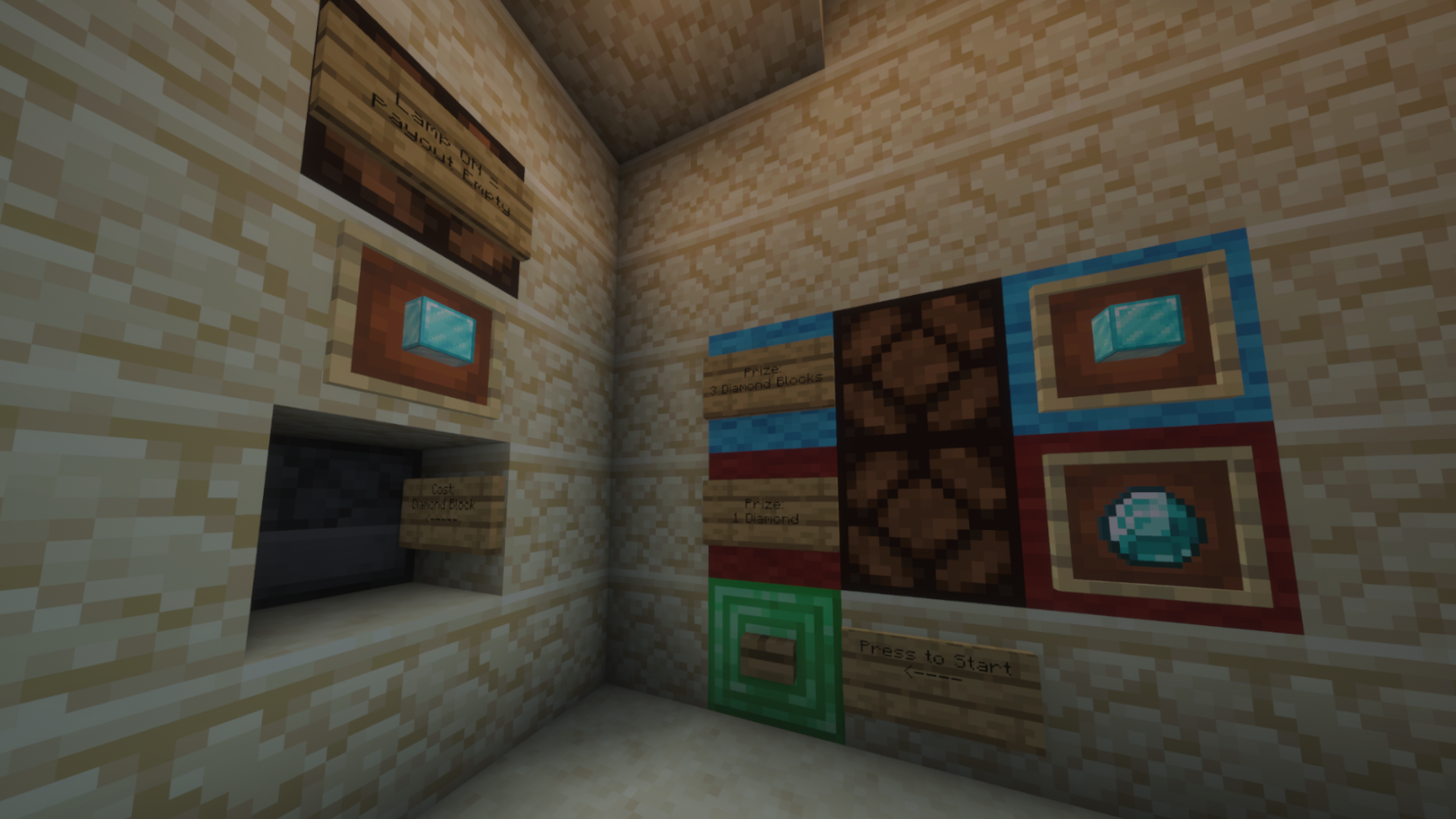
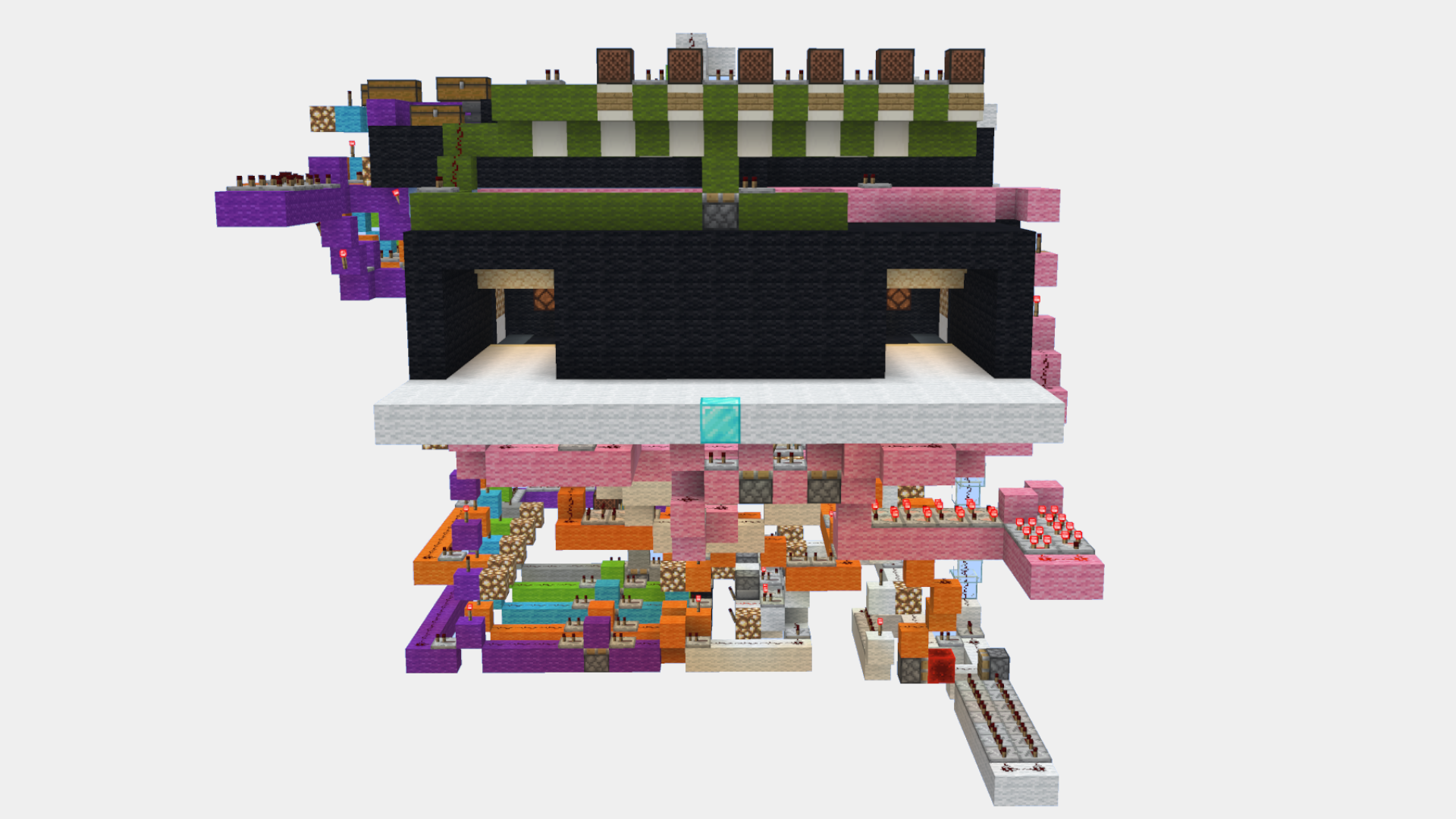
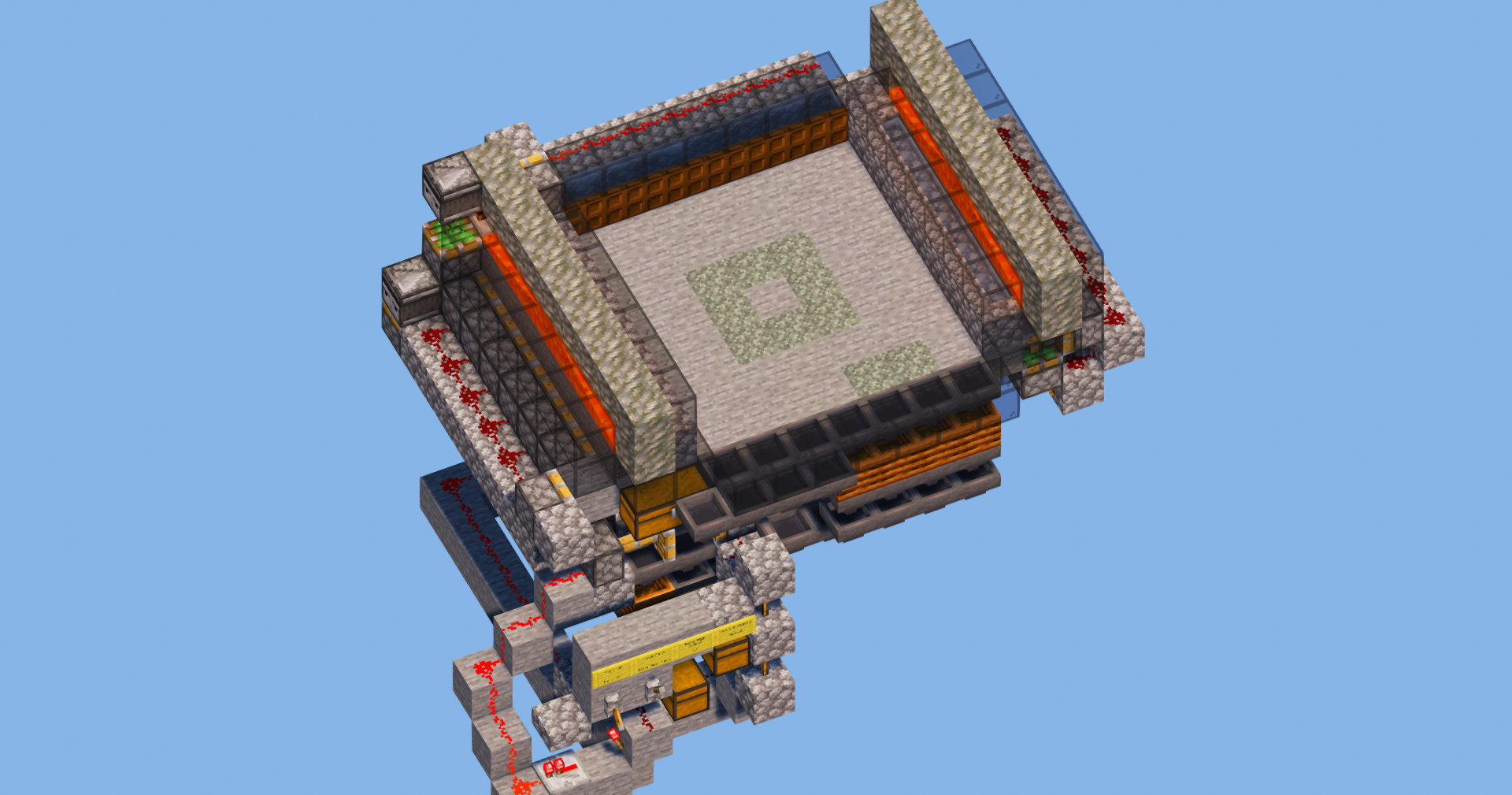
Multiplier x3 - Minecraft Redstone Tutorial (Java 1.16–26.2) Learn how to build a Diamond Block Multiplier x3 for Minecraft Java! In this Redstone tutorial, I'll show you step by step how the machine works, how to build it, and how to customize it for your own casino, minigame, or server. ### Features • 3x Diamond Block payout • Compact Redstone design • Easy to customize • Perfect for casinos and minigames • Built for Minecraft Java Edition 📦 Machine Information: • Total Items: 507 • Length: 15 Blocks • Width: 11 Blocks • Height: 11 Blocks

FREE Multiplier 3x Gambling Machine 💎 | Minecraft Java 1.16 - 26.2 Redstone Tutorial is a Minecraft build in the redstone category, created and shared by PlayFlex on MinecraftSchem in 2026. Get the schematic and paste it into your own world using WorldEdit, Litematica or the built-in 3D viewer. Related themes: build, minecraft, slot, redstone, machine, leonisteam.

Logo
PlayFlex
Profile
PlayFlexMemberLevel 12Apprentice Artist
  • 0 Wall posts
  • 5 Posts
  • 0 Lists
  • 1 Subscribers
  • 0 Subscriptions
  • 0 Likes given
  • 0 Favorites given
  • 0 Youtube videos
  • 1513 Total post views
  • 195 Total profile views
  • 3 Likes received
  • 0 Favorites received
  • 0 Comments received
  • Apr 08, 2026 Joined
  • Not set Minecraft
  • Not set Xbox
View profile

Technical Details

TypeBuild
CategoryRedstone
Minecraft version1.19+
Approx. sizeSmall
Published8 Aug 2026
Updated8 Aug 2026
Downloads0
Views10
Video:

Frequently Asked Questions

What Minecraft version is FREE Multiplier 3x Gambling Machine 💎 | Minecraft Java 1.16 - 26.2 Redstone Tutorial for?

FREE Multiplier 3x Gambling Machine 💎 | Minecraft Java 1.16 - 26.2 Redstone Tutorial works with Minecraft 1.19 and newer. Older versions may also work depending on the blocks used.

How do I download and use FREE Multiplier 3x Gambling Machine 💎 | Minecraft Java 1.16 - 26.2 Redstone Tutorial?

Click the Download button on this page, then load the file with WorldEdit or Litematica and paste it into your own world. You can also preview it with the 3D viewer here.

Who created this build?

It was created and shared by PlayFlex on MinecraftSchem.

Is this Minecraft build free?

This post links to Patreon, so the full download may be a paid release — check the download button. Browsing and previewing it here on MinecraftSchem is always free.

How to use this Minecraft build

  1. Click the Download button above to get the schematic file (or open the linked page).
  2. Place the file in your WorldEdit or Litematica folder (e.g. schematics or litematics).
  3. In-game, load it with WorldEdit or Litematica, then paste it where you want in your world.
  4. You can also preview it directly here with the built-in 3D viewer.

Comments

You must log in to comment.